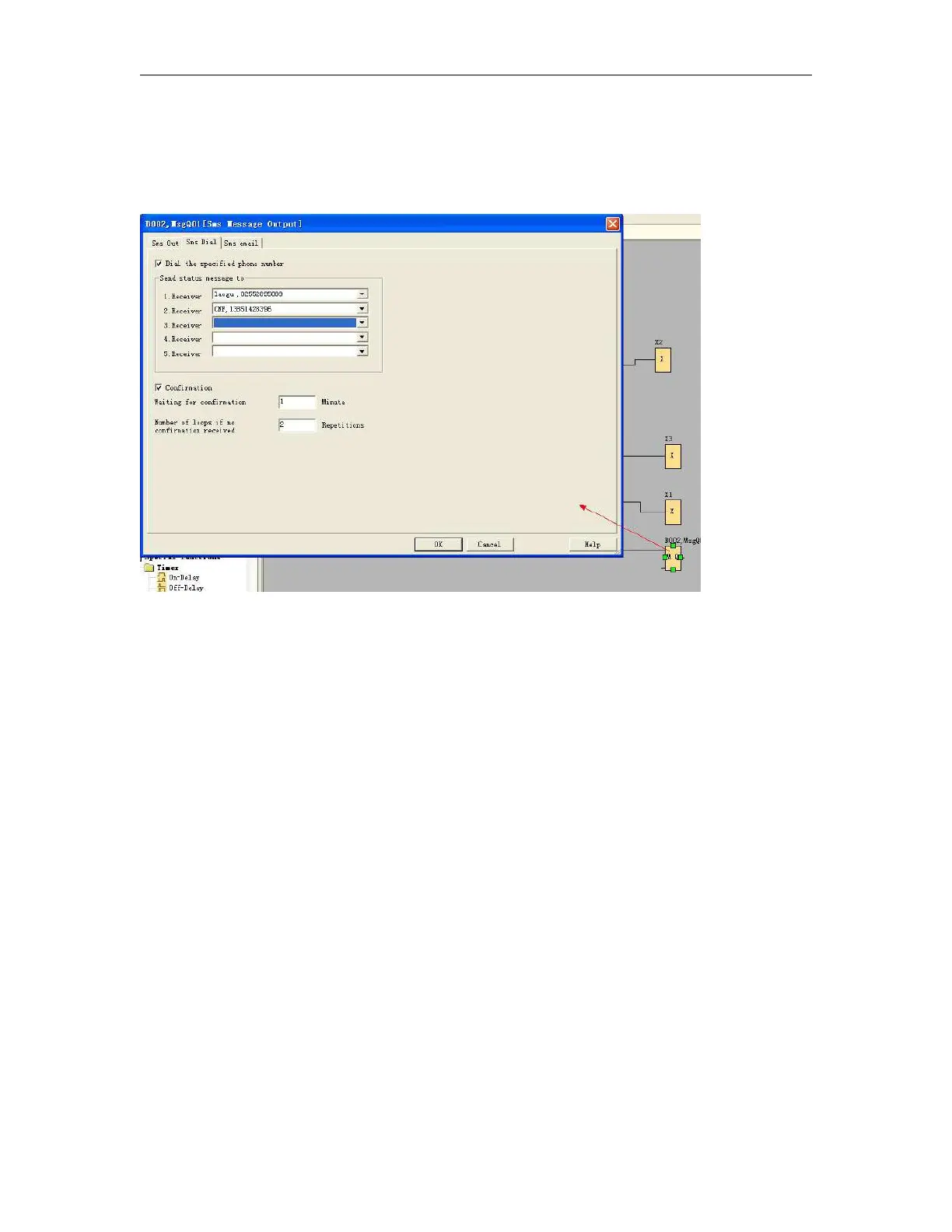
Voice alarming via phone
In your program, you must use the "sms message output'' function block(Refer to the relative chapter in the
user manual).
Select the "Sms Dial" option, you can choose the receiver phone number from the Phone book. If this block
were enabled, x-Messenger would dial to the corresponding user's cell phone. And users can check the alarm
voice according to the broadcast contents.If there is no "sound play" function block enabled, x-Messenger
would not broadcast alarm voice section.
How to realize the 'telephone control function' ?
When a user dials x-Messenger, x-Messenger will answer the telephone automatically and broadcast-Please
enter the password for confirmation, then the user enters the x-Messenger password.
A. If the entered password is correct, x-Messenger will then broadcast-Correct password. Please enter
the control code to control. Then the user can control the equipment by the use of the telephone key.
Note: This function is available only if you put the sms message input function block in your programme and
select the "Incoming Call and Answer call" box.



 To Next Page