Application Examples
R&S
®
GP-E/GP-S
182User Manual v16.2.1 ─ 01
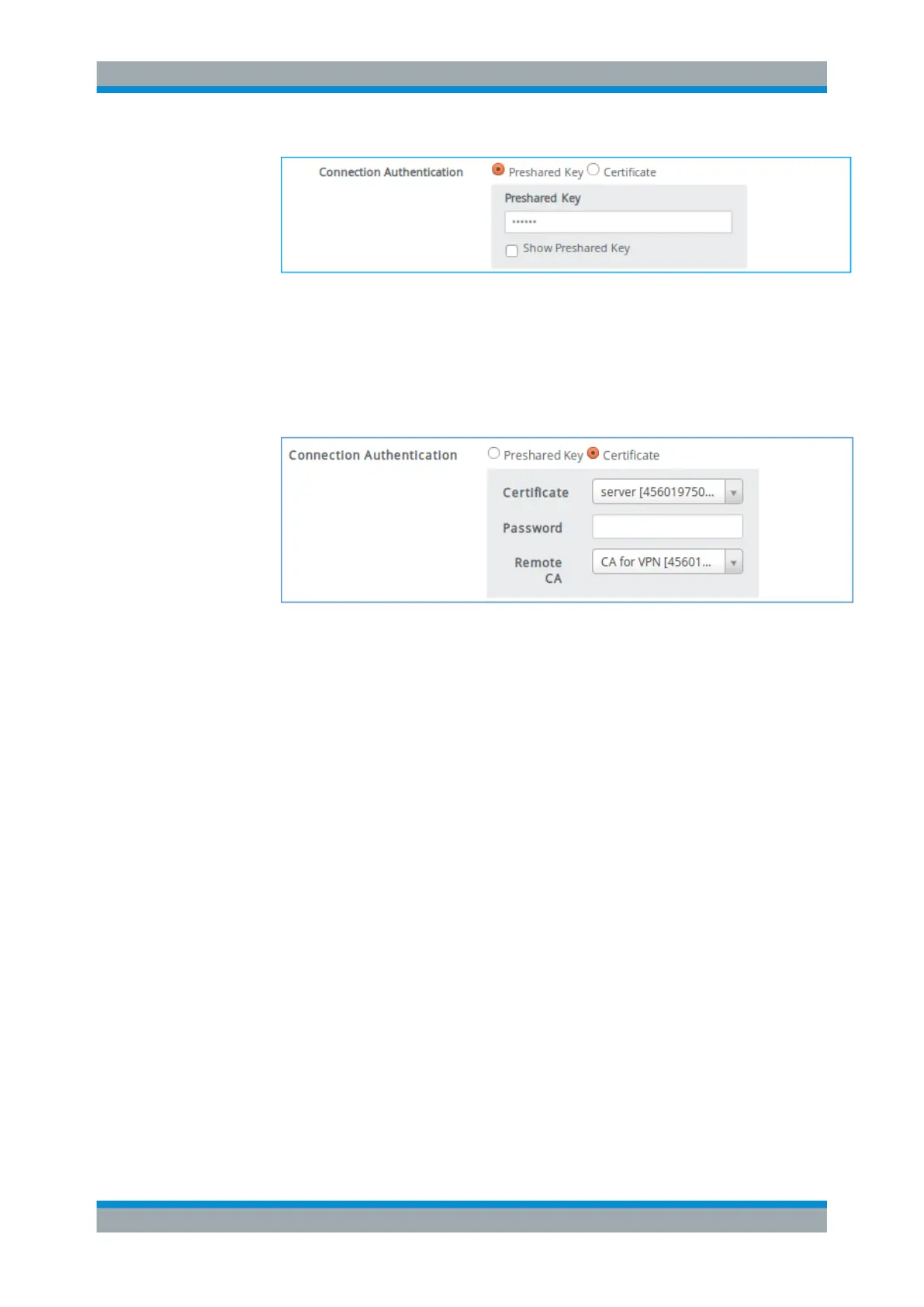
Figure 4-48: Sample connection authentication with Preshared Key .
The remote network needs to supply this password to establish a VPN connec-
tion to gateprotect Firewall.
● If you select "Certificate" , select the certificate and signing CA created earlier,
see Chapter 4.12.2.1, "Creating VPN Certificates", on page 177. Enter the
password, if necessary.
Figure 4-49: Sample connection authentication with Certificate .
8. Select an IPsec "Profile" as configured under "IPsec Profiles" on page 108.
9. Select the required "Connection Mode" ; auto start is selected by default.
"Local Configuration"
VPN Setup Examples



 To Next Page