60 / 293 - EN -
No. Display Indicator Meaning Description
100
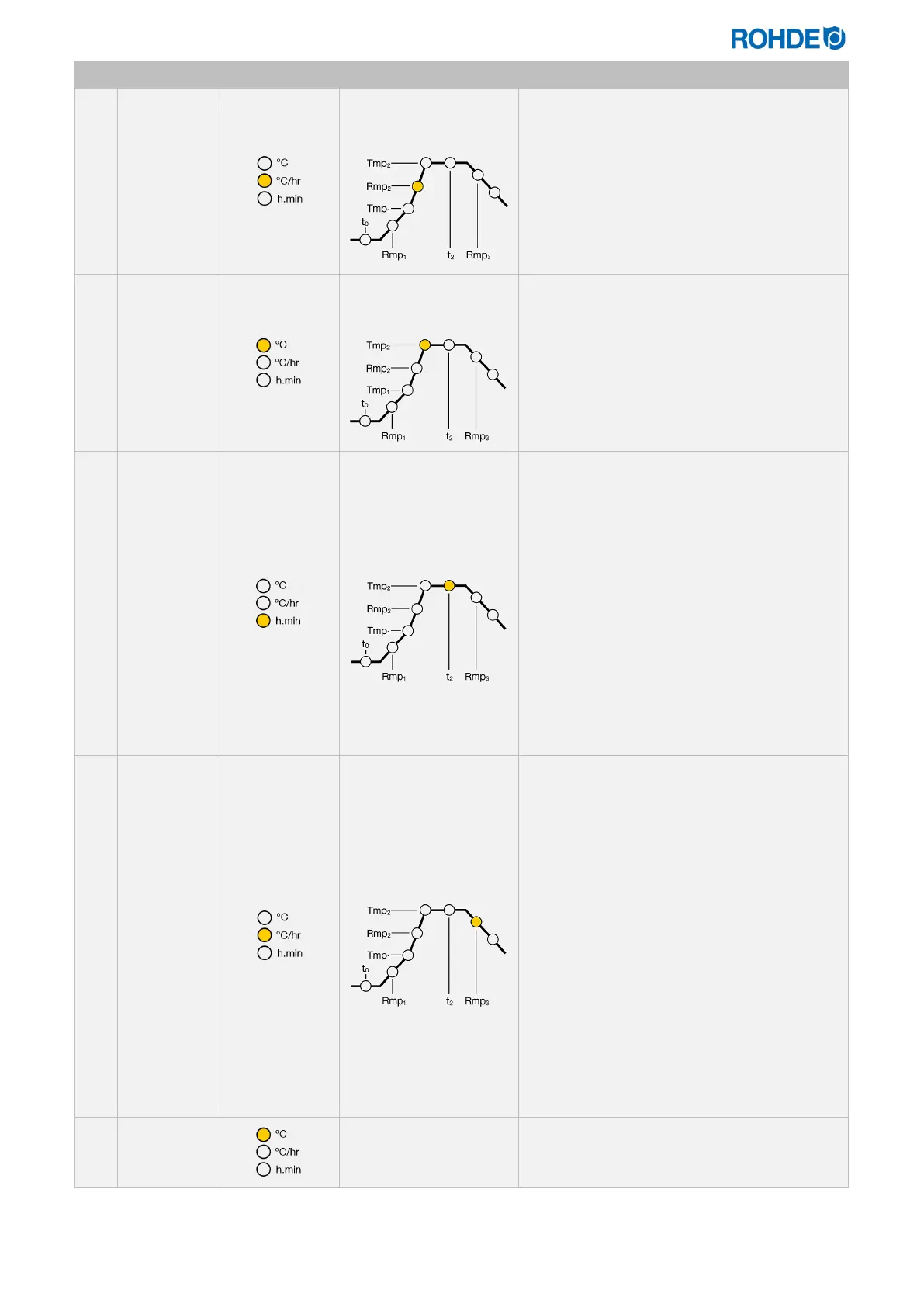
2. Enter heating rate
Rmp
2
• Press the d and f keys to select the
ramp rate.
• The ramp rate appears on the main display
as:
“1 – 999” (°C/h), FULL (maximum ramp
rate) or END (program end).
• Press the g key to select the next
program step.
1000
Enter end temperature
Tmp
2
• Press the d and f keys to select the
temperature.
• The temperature appears on the main
display as: “0 – 1400” (°C). This depends
on the kiln model and its maximum
temperature.
• Press the g key to select the next
program step.
00. 15
Enter soak time at end
temperature t
2
• Press the d and f keys to select the
soak time.
• For technical reasons, there is a point
between the hours and minutes in the
display and not a colon, as is usually the
case with times.
• The ramp rate appears on the main display
as:
“00.00 – 99.59” (h.min).
• The kiln temperature and the remaining
soak time appear alternately on the display
at intervals of 15 seconds during the soak
period.
• Press the g key to select the next
program step.
FULL
Enter cooling rate Rmp
3
• Press the d and f keys to select the
cooling rate.
• The cooling rate appears on the main
display as: “1 – 999 (°C/h), FULL
(uncontrolled cooling rate) or END
(program end).
• If you do not enter FULL in the cooling
rate, the heating elements are switched off,
and the kiln starts to cool down naturally.
• If you do not enter END (program end) in
the cooling rate, the temperature control in
the controller will be terminated at 150 °C,
and the main display will then show the
end of the firing. Alternatively, you can end
the firing by pressing the j key.
• Press the g key to complete the program
input.
20
Exit program memory
The program memory is exited, and the
controller returns to the default display on the
main display.
*Press and hold the d or f key while entering to quickly toggle between the displayed values.


 To Next Page
 Loading...

