Appendix:
II
CALCULATING STATE TAX TABLE CODES
Step
E:
'-For
thefollo~ng,please
observe
-EXAMPLE TAX
CHAAr,
Step E, (Page H-d):
In ·PRG- position, type
the
individual
breakpoints
of
the
"Irregular"
breakpoint
pattern
and
the
press (TAX SHIFT)
Key
after each
breakpoint.
Place
the
number
"10· before
the
last
breakpoint
entry
•
..
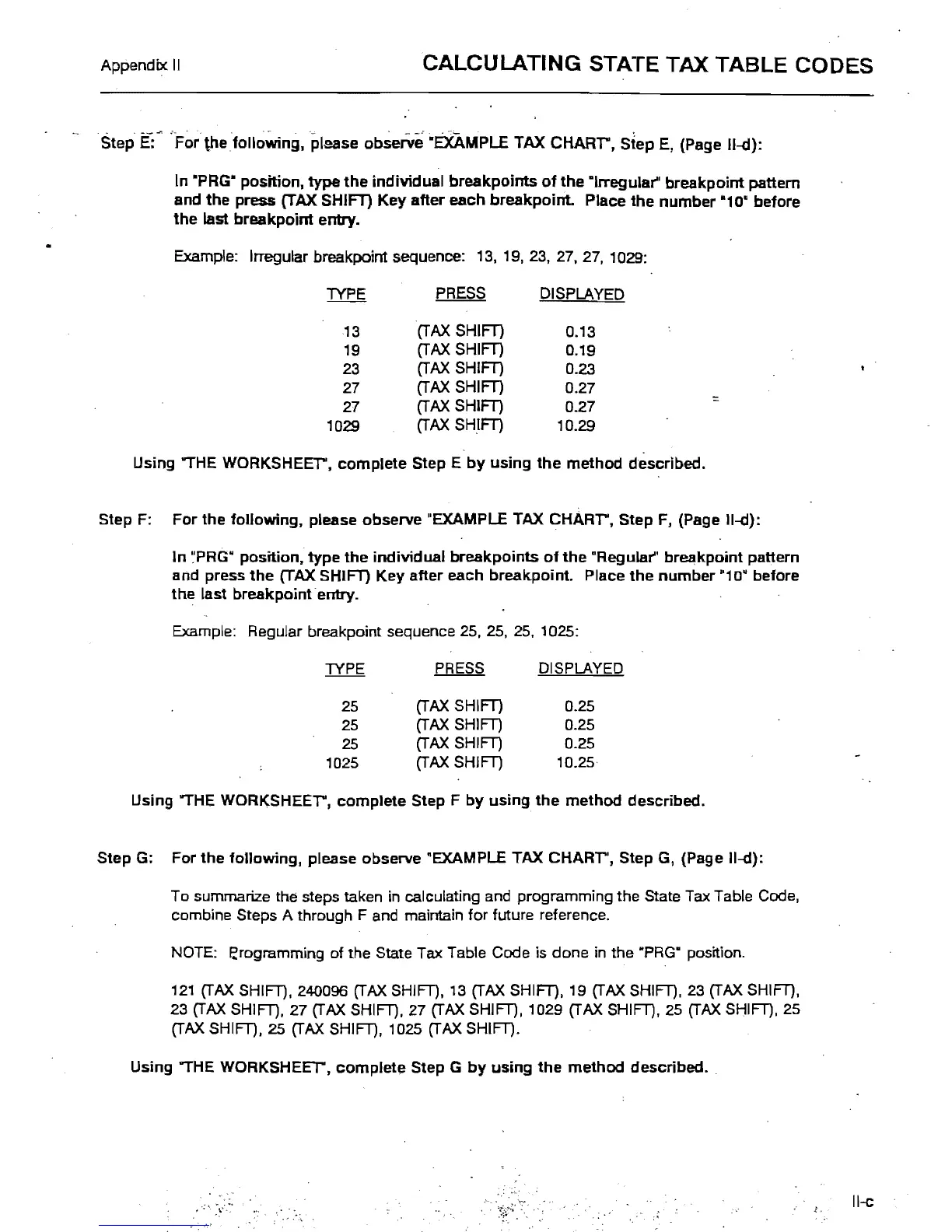
Example:
Irregular breakpoint sequence:
13,
19,23,27,27,
1029:
TYPE
PRESS
DISPLAYED
13
(TAX
SHIFT)
0.13
19
(TAX
SHIFT)
0.19
23
(TAX
SHIFT)
0.23
27
(TAX
SHIFT)
0.27
27
(TAX
SHIFT)
0.27
'"
1029
(TAX
SHIFT)
10.29
Using "THE
WORKSHEEr,
complete
Step E
by
using
the
method
described.
Step F: For the fol/owing, please observe "EXAMPLE
TAX
CHARr,
Step F, (Page 1I-d):
In
~PRG·
position,
type
the
individual
breakpoints
of
the
"Regular" breakpoint pattern
and press
the
(TAX SHIFT)
Key
after
each breakpoint. Place
the
number
"10·
before
the
last breakpoint entry.
Example: RegUlar breakpoint sequence
25,25,25,
1025:
PRESS
DISPLAYED
25
(TAX
SHIFT) 0.25
25
(TAX
SHIFT)
0.25
25
(TAX
SHIFT)
0.25
1025
(TAX
SHIFT)
10.25
Using "THE
WORKSHEEr,
complete
Step F
by
using
the
method
described.
Step G: For
the
following,
please observe "EXAMPLE TAX
CHARr',
Step G, (Page II-d):
To summarize the steps taken
in
calculating and programming the State Tax Table Code,
combine Steps A through F and maintain for future reference.
NOTE: I;rogramming of the State Tax Table Code is done
in
the ·PRG" position.
121
(TAX
SHIFT), 240096
(TAX
SHIFT),
13
(TAX
SHIFT), 19
(TAX
SHIFT),
23
(TAX
SHIFT),
23
(TAX
SHIFT), 27
(TAX
SHIFT). 27
(TAX
SHIFT), 1029
(TAX
SHIFT), 25
(TAX
SHIFT), 25
(TAX
SHIFT). 25
(TAX
SHIFT), 1025
(TAX
SHIFT).
Using "THE WORKSHEET".
complete
Step G
by
using
the
method
described.
II-c



 To Next Page