RT4401-48A Installation Manual v3.0 x
Copyright © 2019, All Rights Reserved.
Preface
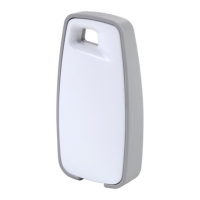
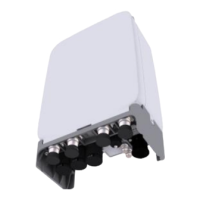
This manual describes how to install the RT4401-48A (CBRS RRH) including
how to connect cables. This manual includes the following RRH:
Conventions in this Document
Samsung Networks product documentation uses the following conventions.
Symbols
Indicates a shortcut or an alternative method.
Provides additional information.
Provides information or instructions that you should follow to avoid service
failure or damage to equipment.
Provides information or instructions that you should follow to avoid personal
injury or fatality.
Provides antistatic precautions that you should observe.
Menu Commands
menu | command
This indicates that you must select a command on a menu, where menu is the
name of the menu, and command is the name of the command on that menu.
File Names and Paths
These are indicated by a bold typeface. For example:
Copy filename.ext into the /home/folder1/folder2/bin/ folder.
User Input and Console Screen Output Text
The input and output text is presented in the Courier New font. For example,
context <designated epc-context-name>
The CLI command is presented in capital letters and Courier New, bold style.
For example, Type the RTRV-NE-STS command in the input field.
The YANG object is presented in the small letters and boldface. For example,
eutran-cell-conf-idle


 To Next Page