…you should have a 4 step playlist, like this:
Step 1 2 3 4
Pattern 1 1 1 2
Repeats 1 1 1 1
To confirm that this is what you have, go through each step in edit view and check the values.
Or you might want to switch back to chase view , so you can watch the values change as the playlist
advances.
If you haven’t already found how to do this by accident, to switch back to chase view :
• press and release the “step” soft-key, F1, by itself
If the playlist is as it should be, let’s try transposing pattern 1 on a couple of steps.
In playlist edit, the NOTE knobs above each PLAYLIST STEP are used to set the transpose values.
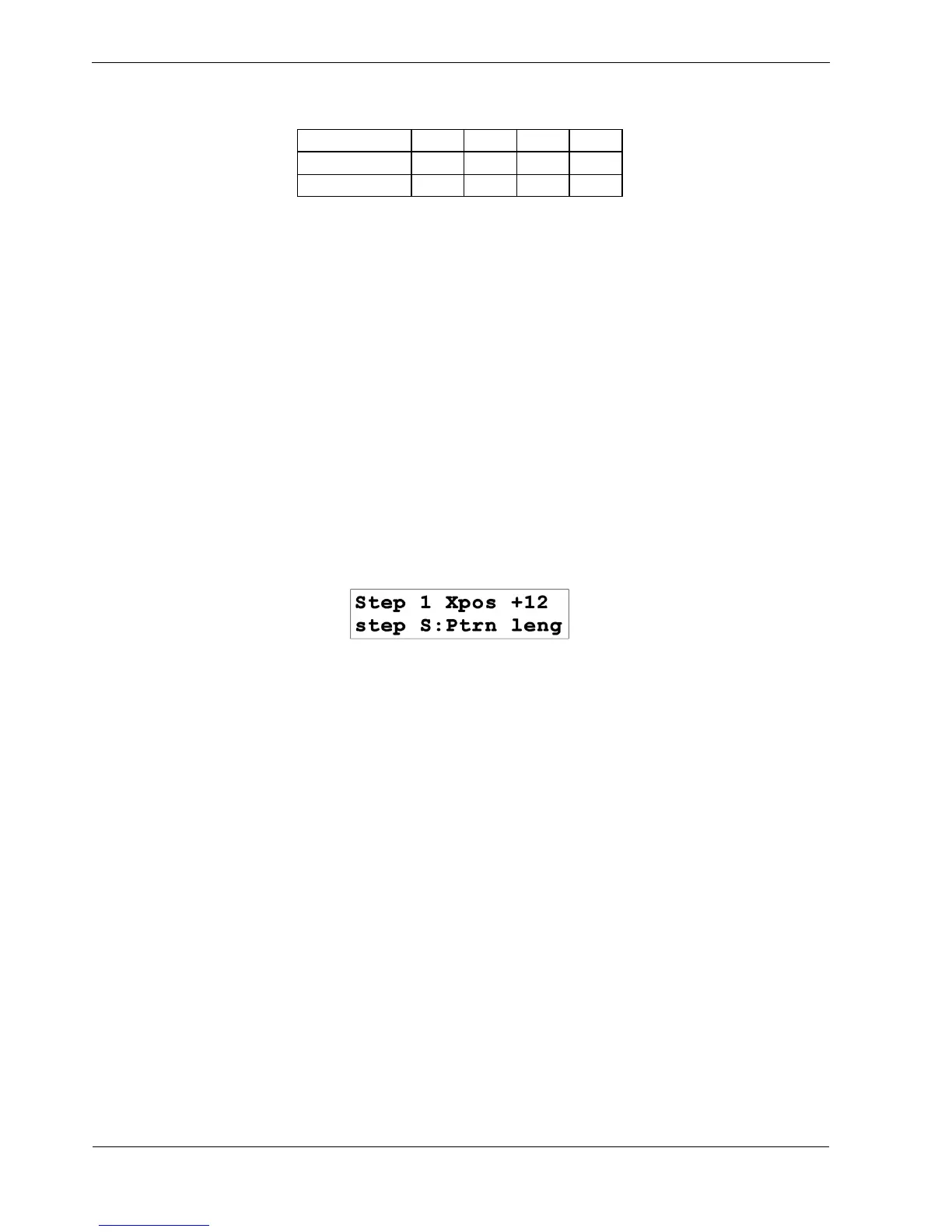
Turn the transpose knob above PLAYLIST STEP 1 now, until the top line of the display looks like this:
Note that the zero position is in the centre of the travel for the transpose knobs.
You have set the transpose value on playlist step 1 to a value of 12.
Listen to the pattern playback, and you should hear pattern 1 now plays an octave higher on playlist
step 1.
When the playlist advances to step 2, pattern 1 plays again, but this time at its normal pitch.
Now set the transpose on step 2 to a value of +7, just as before.
You should hear pattern 1 running through three different pitches before pattern 2 comes along.



 To Next Page