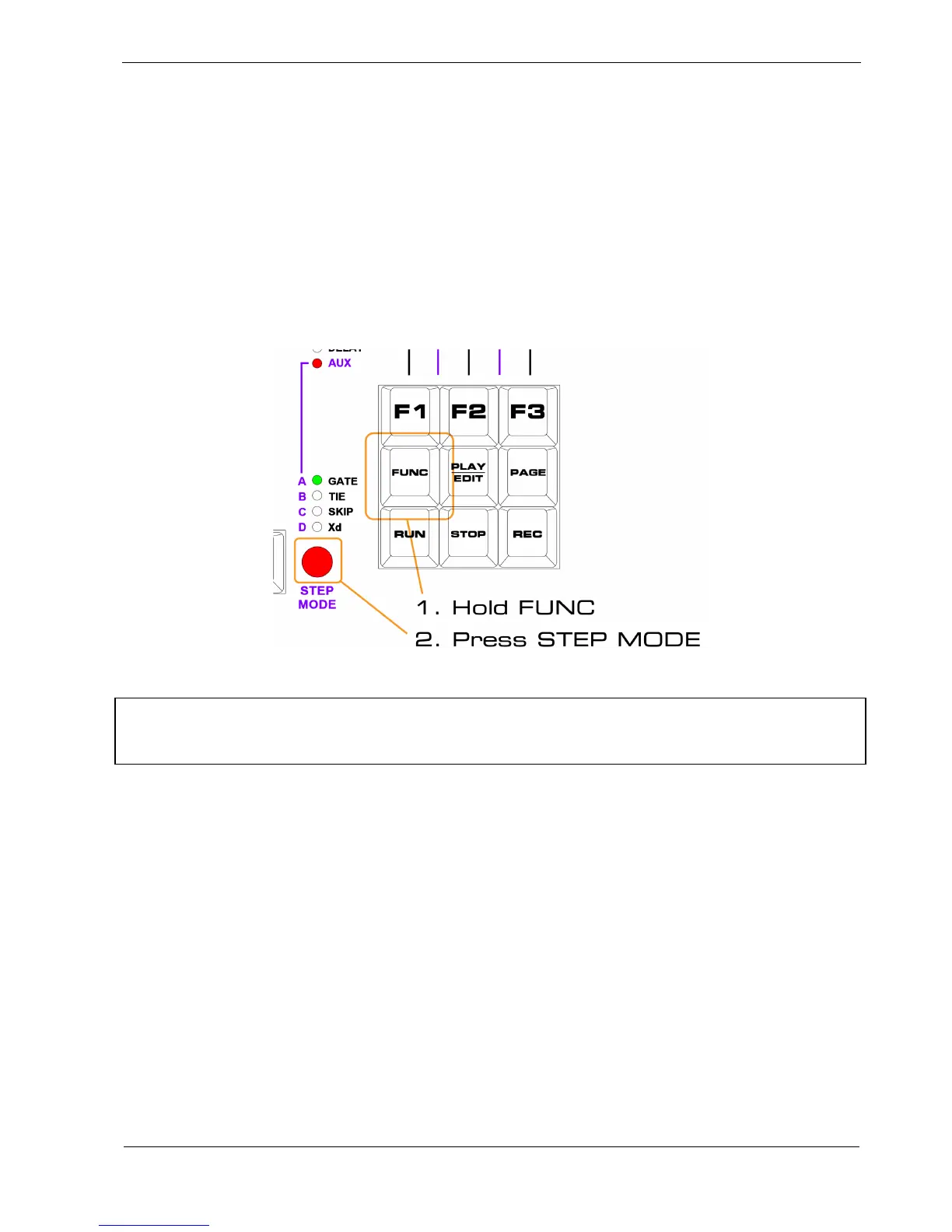
The Aux Config Page
Before using an aux, you will need to assign it to the controller or event you want to use.
To do this, you need to enter the aux config page.
With UPPER MODE set to AUX:
• hold the FUNC key
• press the STEP MODE button
*TIP As a shortcut, if you are not already in AUX upper mode pressing FUNC + STEP MODE will
take you there. You will then need to press the key combination one more time to enter the config
page.



 To Next Page