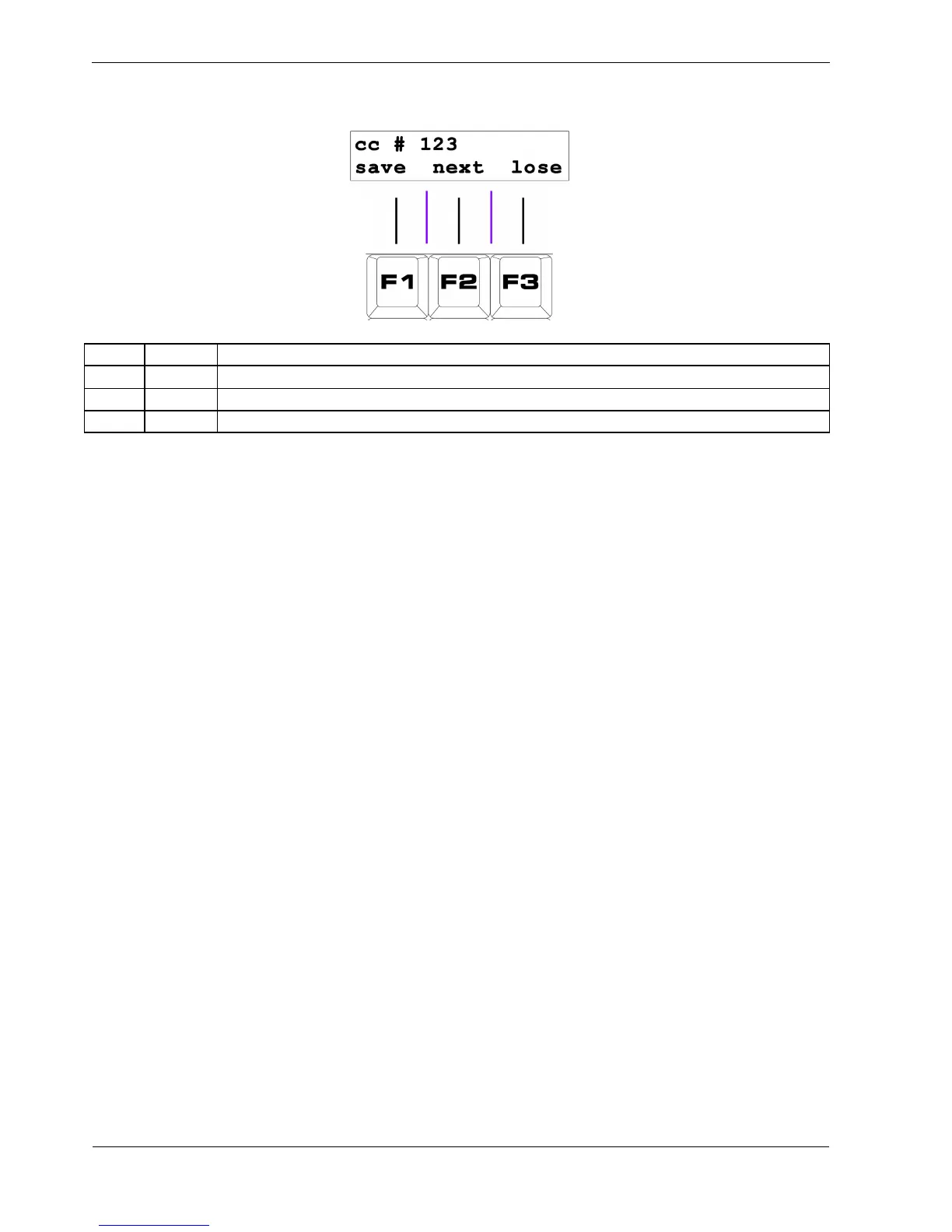
This aux config page looks something like this:
Key Label Function
F1 save Store the new assignment and return to pattern edit
F2 next Step through the list of available functions
F3 lose Restore the previous assignment and return
The top line of the aux config page shows the event name or controller number assigned to the
current aux.
Selecting Event Groups
Since there are so many different MIDI controllers and events available, they have been divided into
different groups by function.
These groups are selected using the step keys, 1 to 14.



 To Next Page