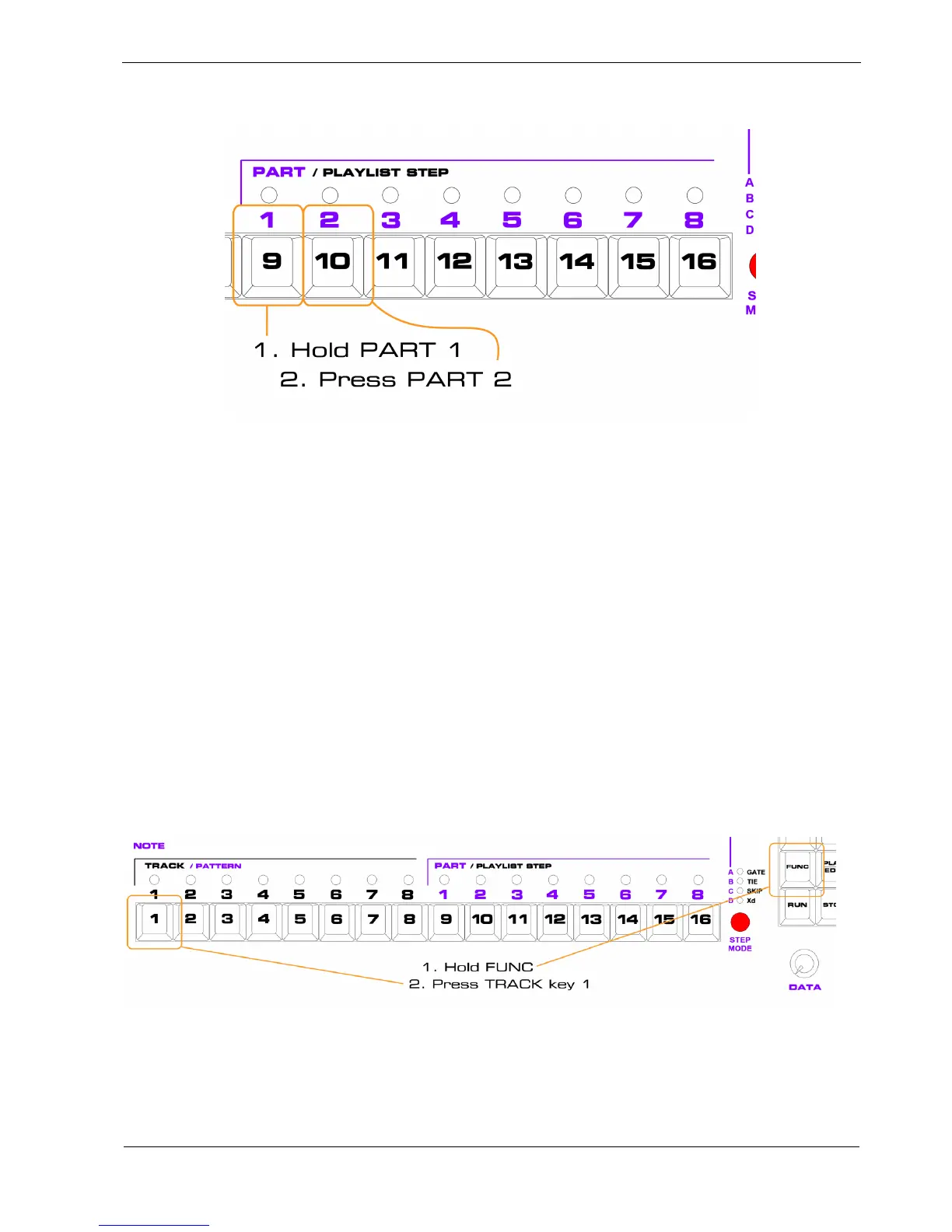
Set a part chain to play part 1 then part 2 in turn, like this:
You should hear your first pattern play through once, then your second pattern plays, and this repeats
indefinitely.
If not, start again from the top of this section.
If you’re happy that you’ve got two patterns to play with, select part 1 by itself, leave P3 running, and
let’s get on with playlist edit.
Changing To Playlist Edit
The play mode chapter already showed how to get into playlist edit, but here’s a reminder.
From play mode:
• hold the FUNC key
• press the TRACK key for the track on which you want to edit the playlist
You want to edit the playlist on track 1:



 To Next Page