Page 1: Timebase and Sync
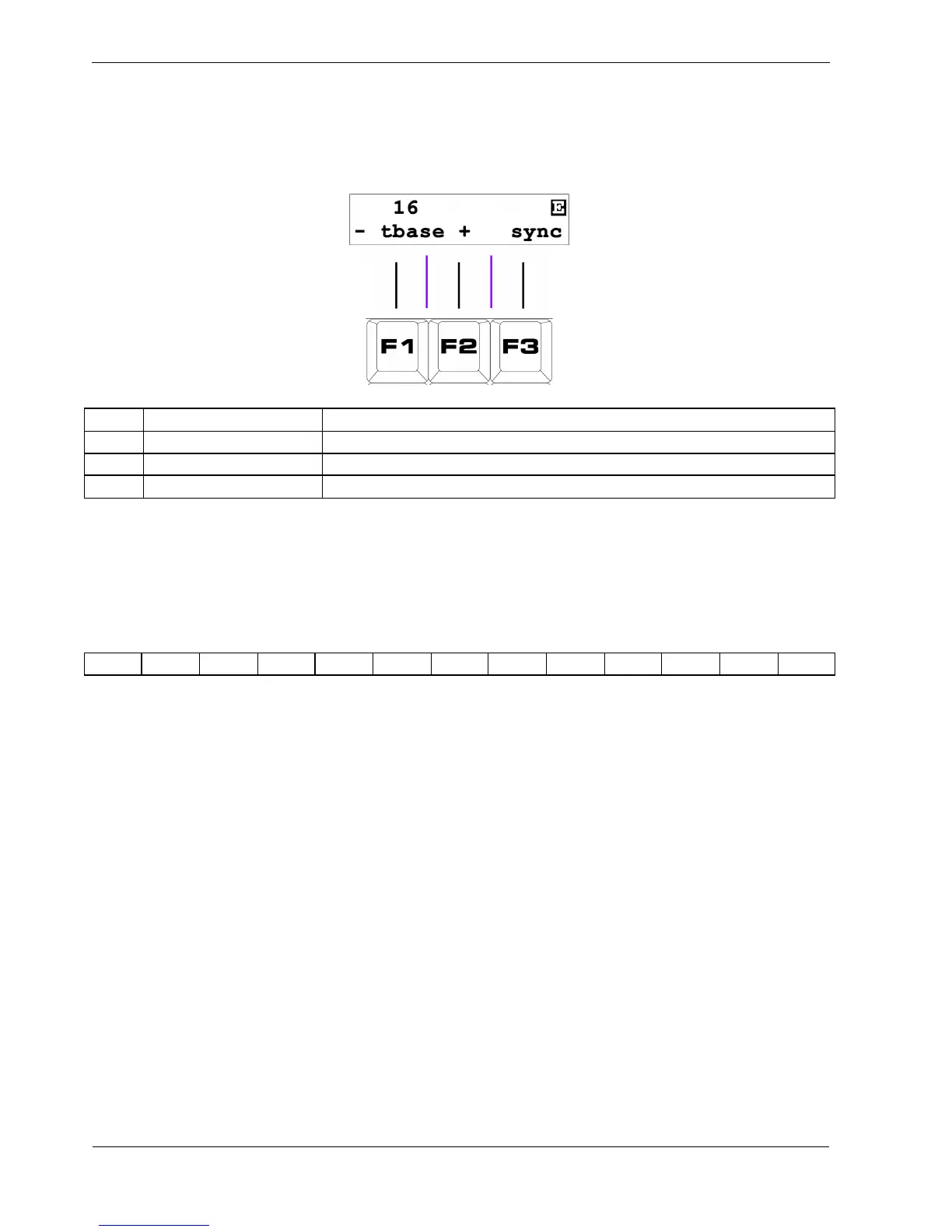
The display for page 1 looks like this:
Key Label Function
F1 - (dec timebase) Select previous timebase setting
F2 + (inc timebase) Select next timebase setting
F3 sync Reset pattern to first step immediately
F1 / F2 - Timebase
The timebase setting for each P3 pattern determines the overall length of each step as a subdivision of
the tempo. The available timebase values are shown below:
1 2 4 8
16
32 64 64T 32T 16T 8T 4T 2T
The default timebase is 16.
Each number is essentially the number of steps that will fit in the space of one 4/4 bar at the current
tempo.
For example, timebase 16 means each step lasts for one 16
th
note.
The timebase settings with a T after the number are triplet settings.
Triplets are 2/3rds the length of their non-triplet equivalents, so where a timebase of 16 will fit 16 steps
into a standard bar, 16T will fit 24 steps in the same period.
Soft-keys F1 and F2 step back and forward through the list of available timebase values.
In order to stop patterns getting wildly out of sync as you change timebase, changes are only applied
as the pattern loops from the last step back to the first.



 To Next Page