Appendix C - Memory Organisation
In order to provide flexibility in use, the allocation of P3's available pattern storage can be configured
by the user in one of three ways.
These are:
• 3 banks of 8 tracks, with 16 patterns for each track
• 6 banks of 8 tracks, with 8 patterns for each track
• 12 banks of 8 tracks, with 4 patterns for each track
These options allow you to choose the balance between the number of banks, and the number of
patterns per bank.
This choice will depend on the style of music you are making. Typically a 'bank' will be used to hold
all the parts and patterns for one piece of music. The more complex your pieces are in terms of number
of different patterns, the fewer banks will be available.
The memory organisation can be changed by holding down the PAGE key during power -on .
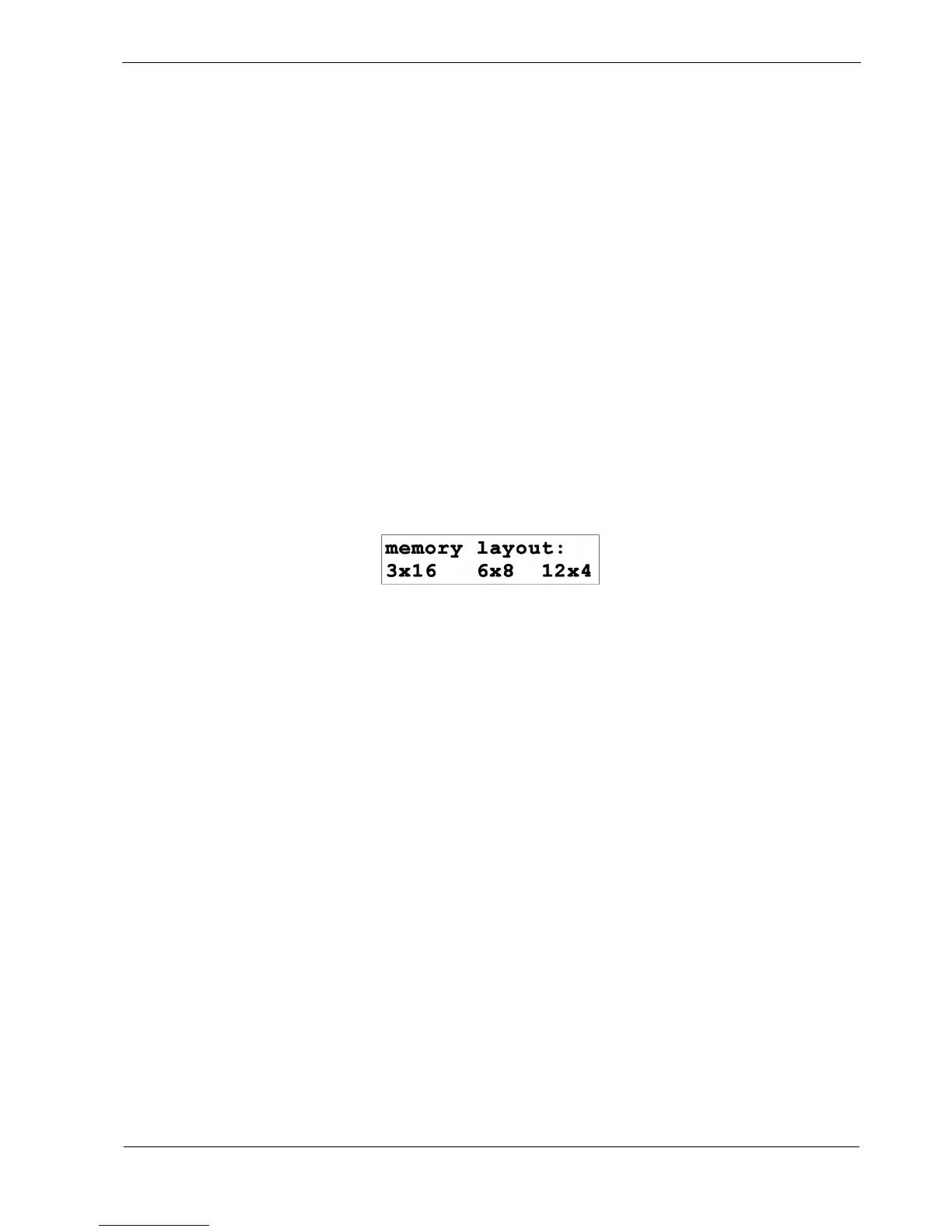
After the initial LED cycle, this will present the following menu:
The desired option is selected by pressing the soft-key - F1, F2 or F3 below it.
Changing the memory layout is non-destructive - existing patterns are re-distributed among each track
cross the banks.
For example, in 3 x 16 mode, patterns 1 to 8 on track 1, bank 1, will remain as patterns 1 to 8 on track 1,
bank 1 if you switch to 6 x 8 mode.
But patterns 9 to 16 on track 1, bank 1 from 3 x 16 mode, will become patterns 1 to 8 on track 1, bank 4
in 6 x 8 mode.
The extra parts and playlists that become available in the 6 and 12 bank modes are hidden from the
modes with lower numbers of banks, but their data is not lost if you switch.
This means you can change the memory layout at any time, without losing data - although you may
have to copy and paste some patterns around.



 To Next Page