There are two options:
• clip - the result is not allowed to exceed the maximum or minimum possible value
• wrap - the result is folded back round to the opposite end of the value range
The clip option is the default.
You need to be careful when using the wrap option, since you can end up with very high or very low
values suddenly changing to the opposite extreme.
With note or velocity values, this might give you a surprise.
The Other Two
The velocity and aux D accumulators both behave in the same way as the note accumulator.
They have their own set of the same configuration values, and these are accessed by using the PAGE
key on the Accumulator Config page.
Press PAGE once and you will see the velocity accumulator settings, once more and you will see the
aux D settings.
One further press of PAGE takes you to an extra page with the last two accumulator configuration
settings.
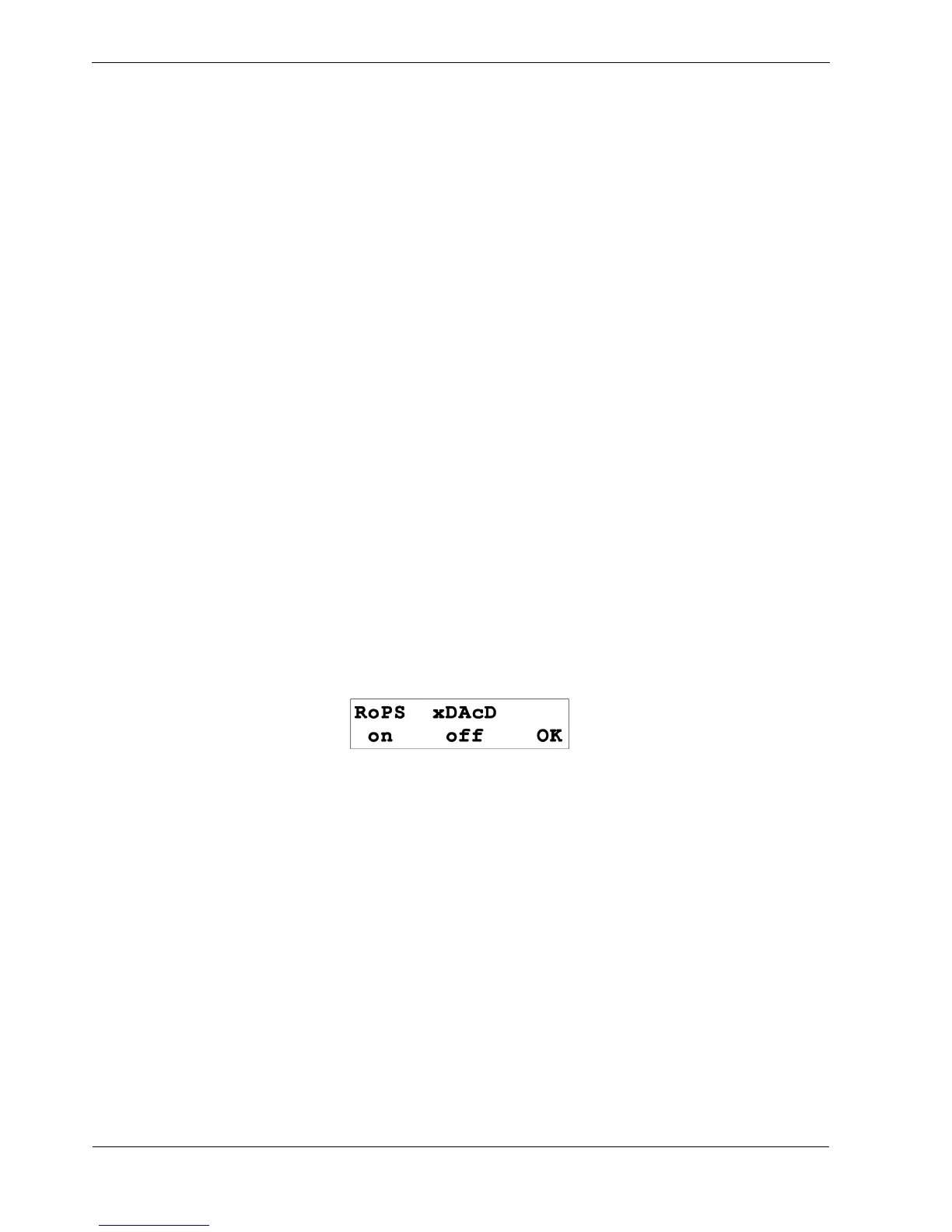
The page looks like this:
These last two settings are stored for every pattern.
The “RoPS” setting is short for “Reset on Pattern Select”, and is toggled with soft-key F1.
This setting is on by default, and means that all three accumulator values will be reset when the
pattern is selected.
If RoPS is turned off, when the pattern is selected, any accumulator values changed by the previous
pattern will be carried over.
This is useful for patterns that will be chained together in a playlist where you want accumulator
modulation to continue.
The “xDAcD” setting is short for “auX D Accumulator Disconnect”, and is toggled with soft-key F2.
This setting, off by default, allows you to break the normal link between the aux D accumulator and
the aux D value – with xDAcD set on the value of aux D is not changed regardless of the aux D
accumulator value.



 To Next Page