Page 3: Clear, Copy & Paste
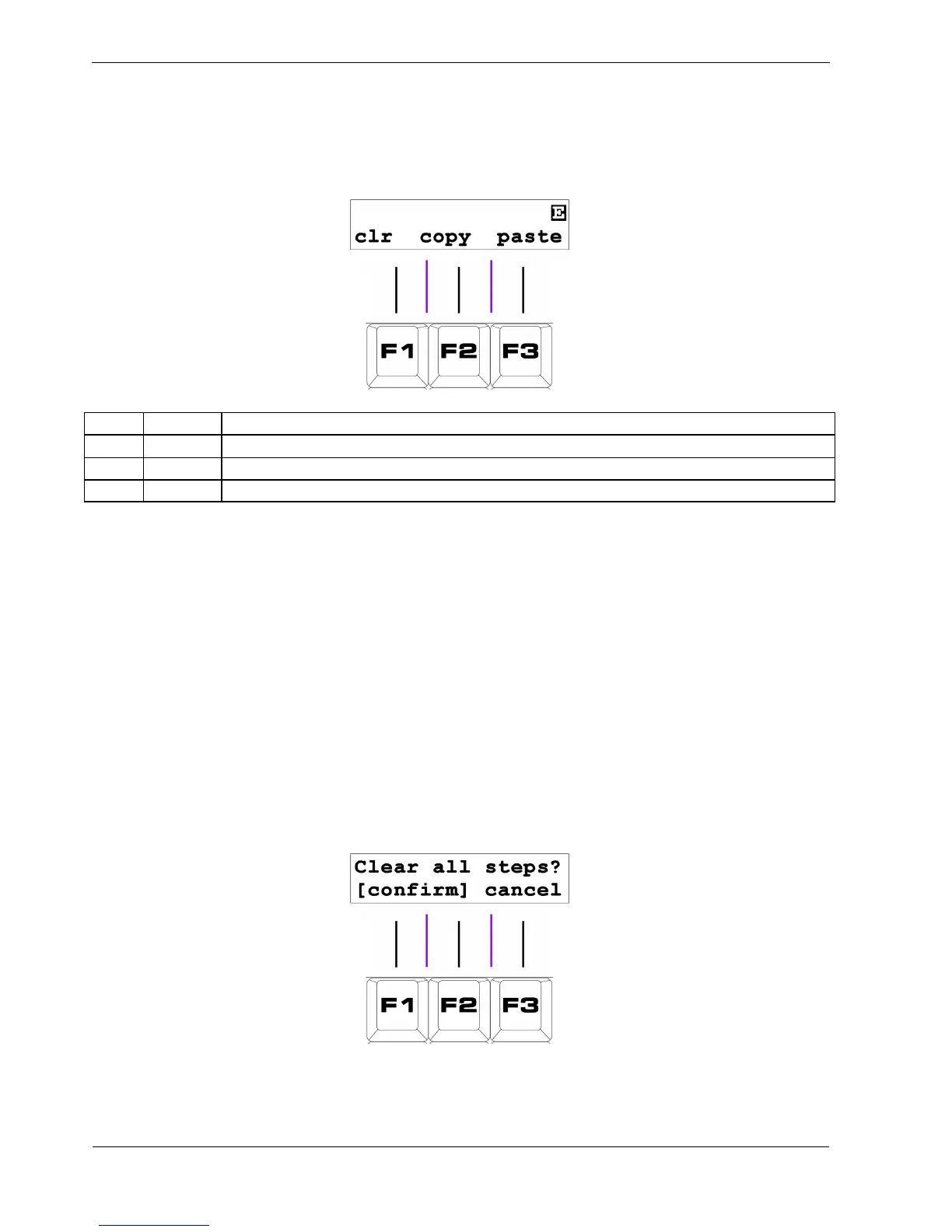
The page 3 display shows the following functions:
Key Label Function
F1 clr Initialise all pattern steps
F2 copy Copy steps from the pattern to the clipboard
F3 paste Paste steps from the clipboard to the pattern
F1 - Clear
The clear soft-key is used to initialise a pattern.
After clearing:
• all steps will have gate, tie and skip turned off
• all note values will be set according to the first NOTE knob
• all velocity values will be set according to the first UPPER knob
• all length values will be set to 5
• all delay values will be set to zero
• all aux steps will be deactivated
To use the clear function, press the “clr ” soft-key, F1. The display will show:
You must now press F1 and F2 together to confirm the operation.
Otherwise, press F3 to cancel.



 To Next Page