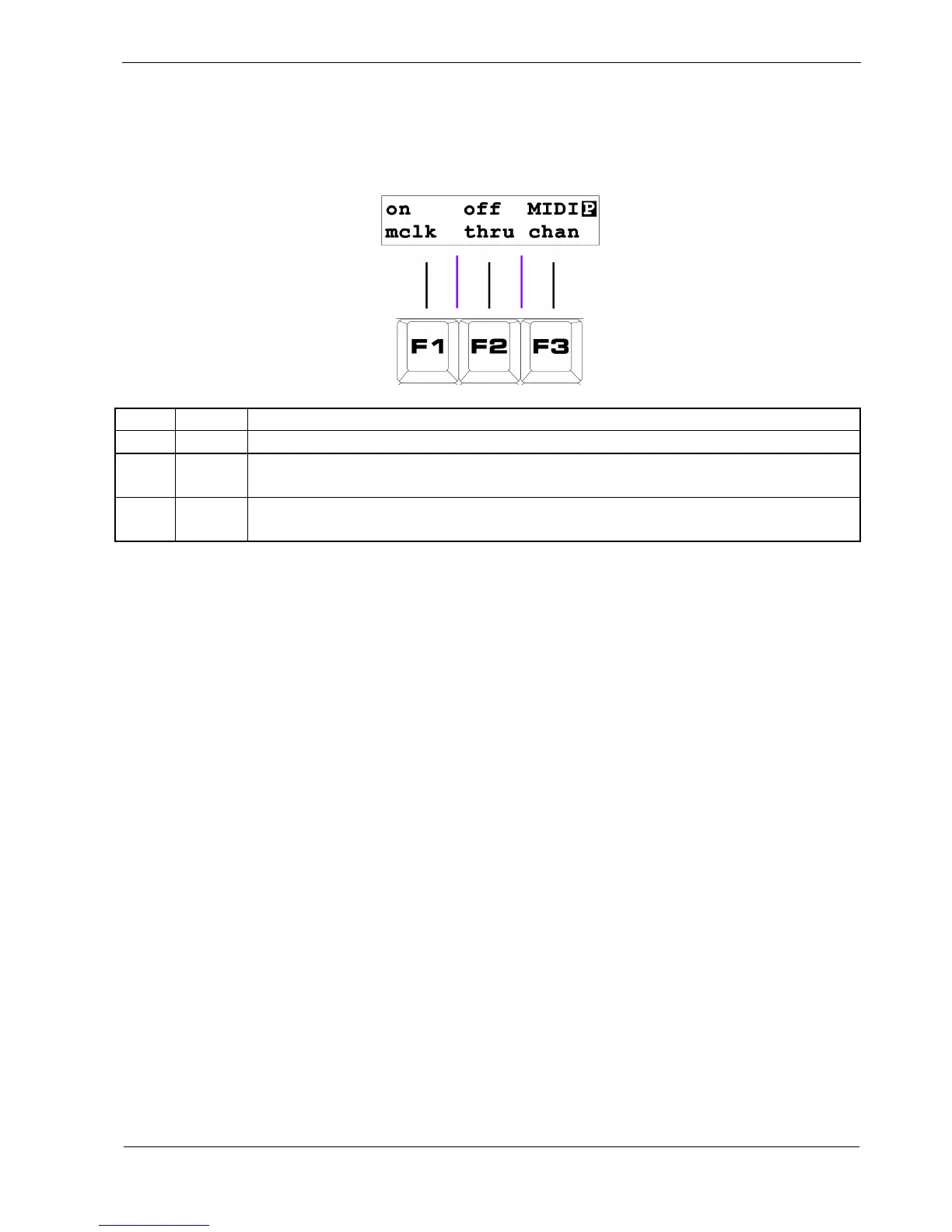
Page 5 - MIDI Config
Page 5 provides access to P3s MIDI configuration, and has the following options:
Key Label Function
F1 mclk Toggle transmission of MIDI clock on the main outputs
F2
Thru
Conf
Configure soft-thru and record channel settings
F3
MIDI
chan
Configure the MIDI channels for tracks
F1 - MIDI Clock
The first option, “mclk”, toggles the sending of MIDI clock at P3's main MIDI outputs.
If you don’t have any slaved devices attached to the main outputs, it’s better to turn it off and save
bandwidth.
Note that the SYNC output is not affected by this setting.
The third option here, “MIDI chan”, is the most important, so we’ll look at it now and come back to
“Thru Conf” later.



 To Next Page