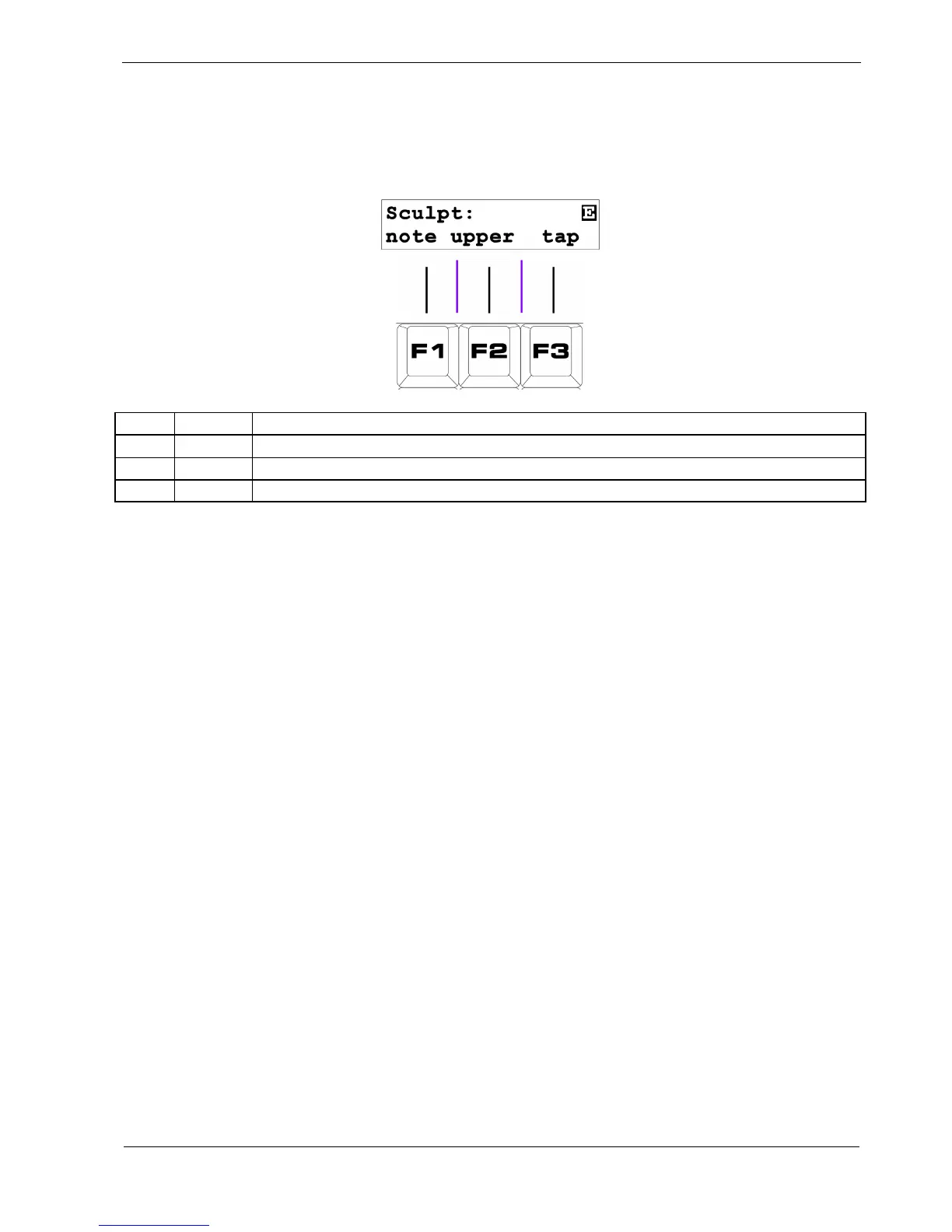
Page 7: Sculpt
This Sculpt page has three functions:
Key Label Function
F1 note
Write the current position of the DATA knob to the note value
F2 upper
Write the current position of the DATA knob to the selected UPPER MODE value
F3 tap
Turn on the gate on the current step
F1 – Sculpt Note
F2 – Sculpt Upper
The Sculpt functions allow you to record the movement of the DATA knob into any of the numeric
values in a pattern.
For example, if you want the velocity in a pattern to rise steadily over the length of the pattern, it could
be tedious to go through each step, setting it to a value just a little more than the previous step.
Instead, you can “sculpt” the values as the pattern plays.



 To Next Page