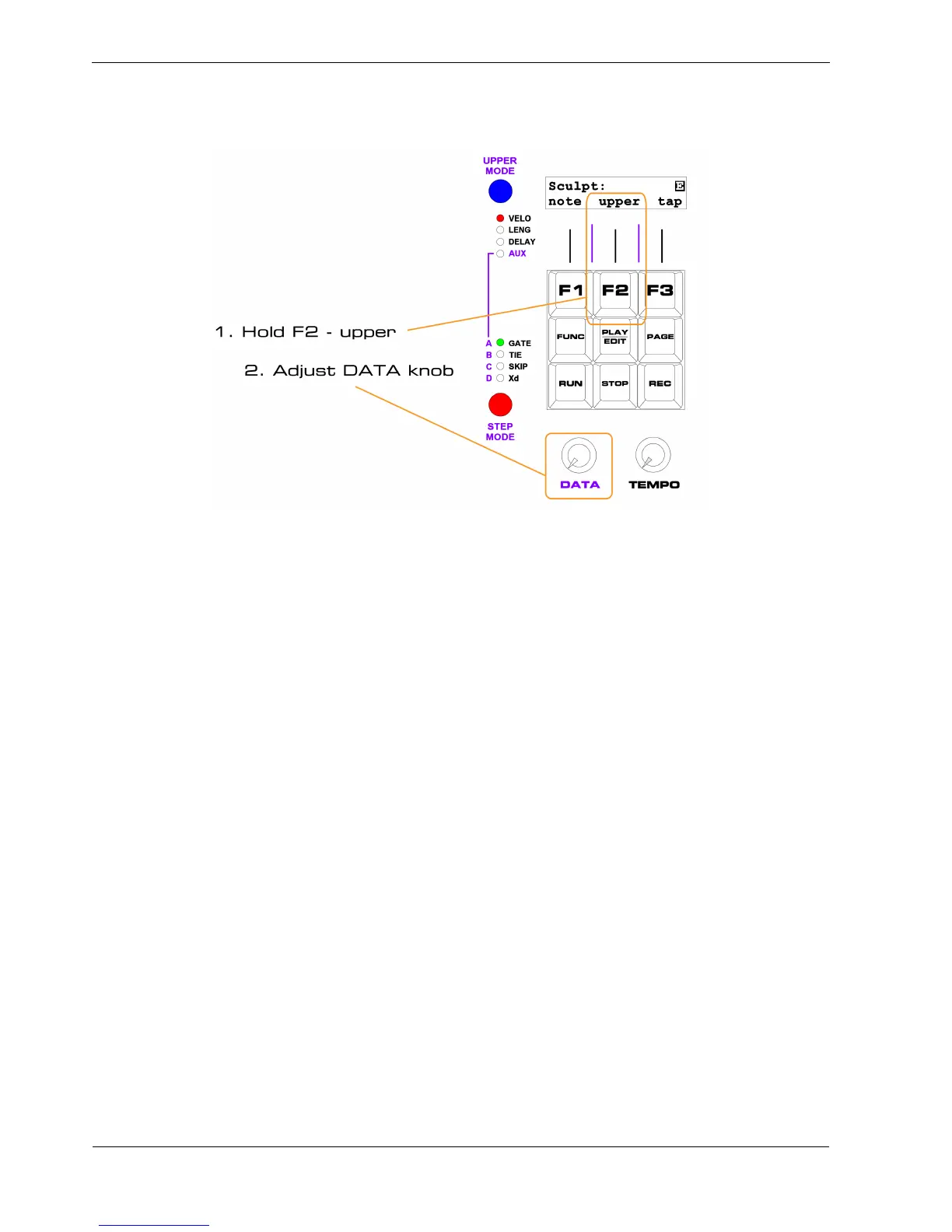
In the case of velocity , you must ensure UPPER MODE is set to VELO , then use the “upper ” soft-key,
F2, as shown:
Actually you don’t have to move the DATA knob, if it’s already in the position you want.
But whatever position the DATA knob is in while “upper” is held will be written into the step value at
the start of each step.
You can leave DATA in one place if you want to write the same value to every step.
If you want to see what value will be written before you start sculpting, just move the DATA knob
without pressing the soft-keys.
The current position will be shown on the display.
F3 – Tap
The “tap” soft-key, F3, can be used to set gate on the current step active as the pattern plays.
This lets you tap in a particular rhythm in real-time, without setting any other values.



 To Next Page