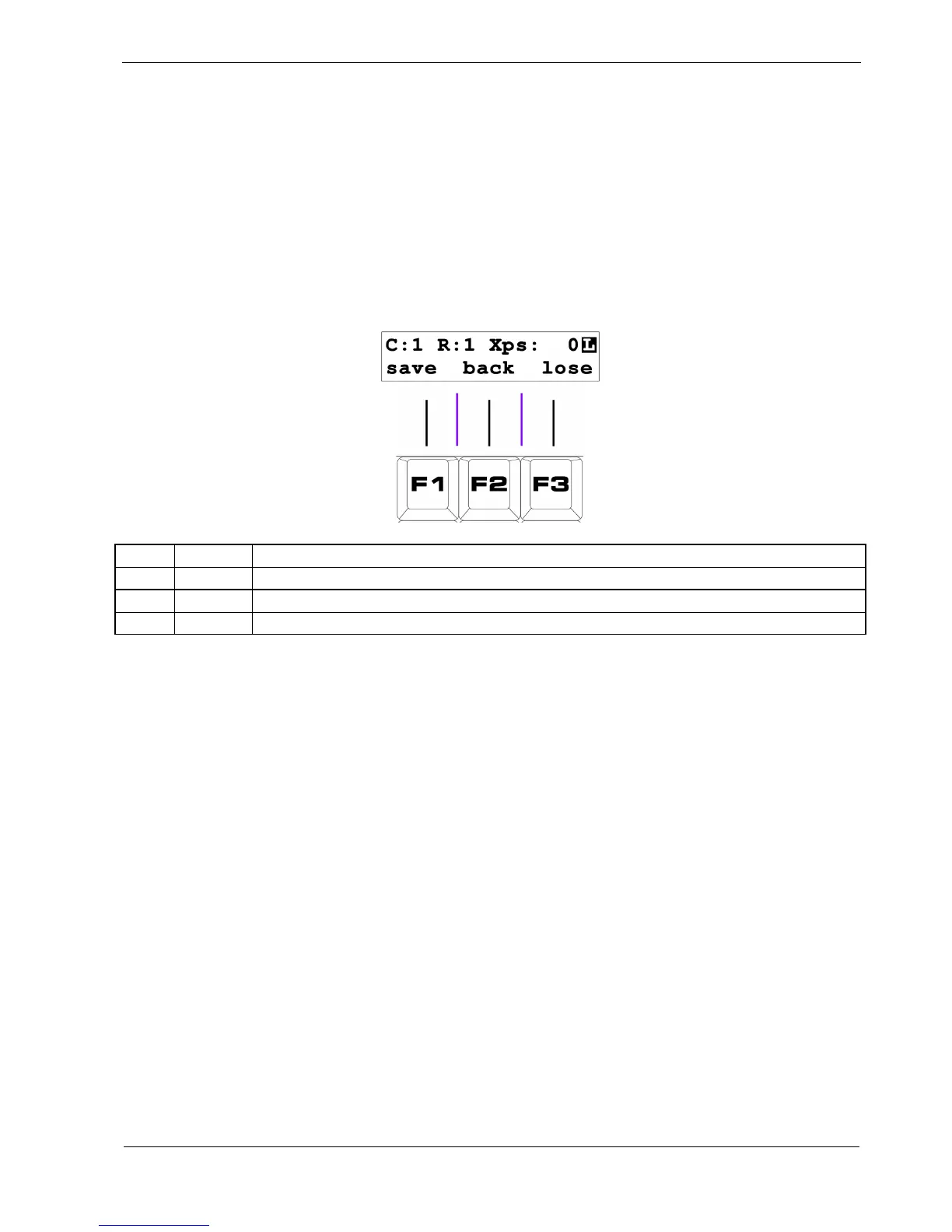
Leaving Playlist Edit
Having hopefully proved how easy it is to edit a playlist, let’s look quickly at how you save the
changes and return to play mode.
To exit playlist edit, press the FUNC key once more.
Just as with pattern edit, there is a confirmation page giving you the following options on the soft-
keys:
Key Label Function
F1 save Store the edited playlist, and return to play mode
F2 back
I didn’t mean to press FUNC, return to playlist edit
F3 lose Lose any changes to the playlist, and return to play mode
So, press “save”, F1, and your playlist edit is done.
You have edited the playlist on track 1, part 1, and set the length to 2.
Step 1 is playing pattern 1.
Step 2 is playing pattern 2.
Back in play mode, you can hear that your track is playing two patterns in a chain, without the need
for a part chain.



 To Next Page