With a length of 2, playlist steps 1 and 2 play in turn.
You should hear your two patterns play in turn, just as they did in the part chain .
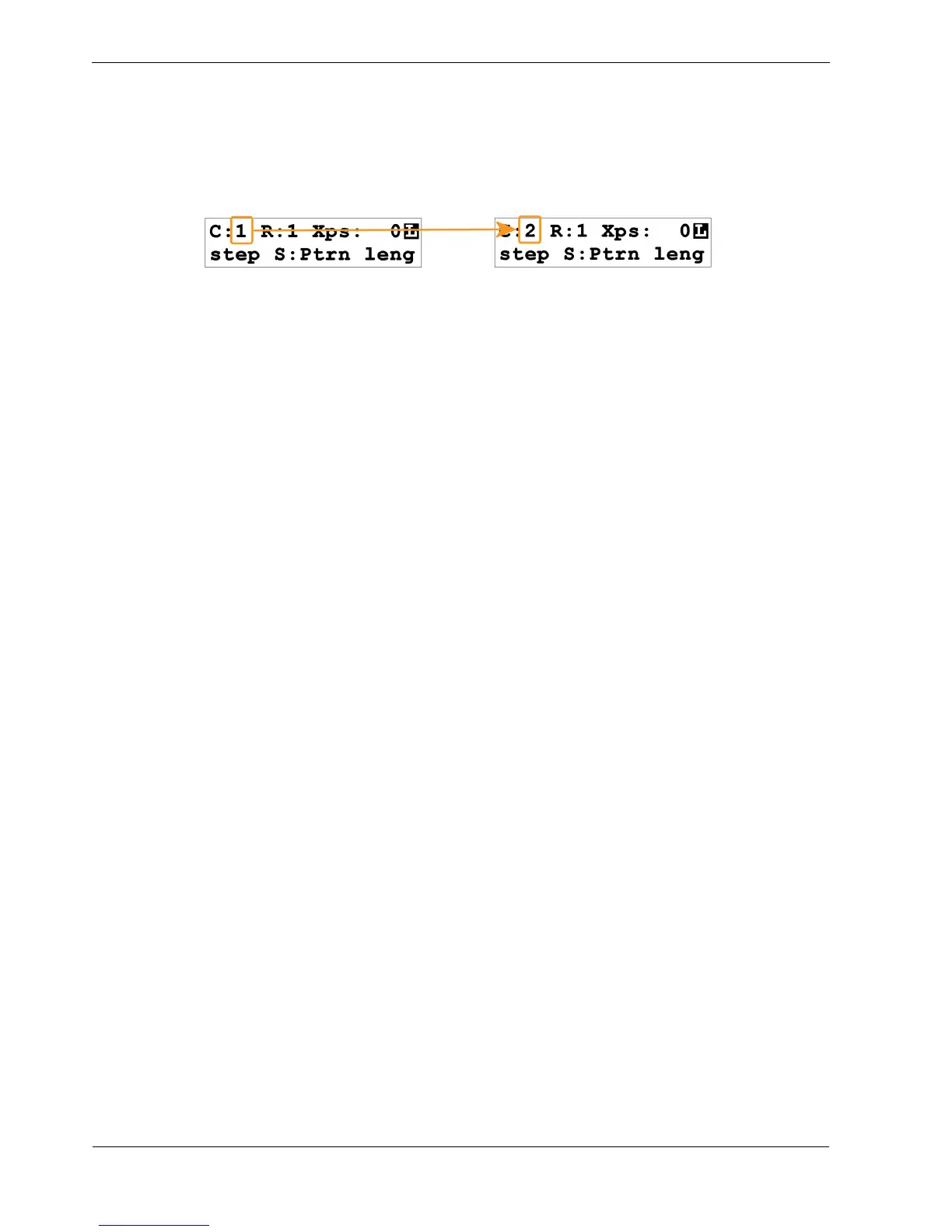
As the playlist advances, the “current step” in the display will change from 1 to 2, like this:
You will also see the red PATTERN LED switches from patter n 1 while playlist step 1 plays, to
pattern 2 while playlist step 2 plays.
How did it know to play pattern 2?
Well, remember you started out using part 1 on track 1 for the previous playlist edit example.
You edited the playlist to find pattern 1 was on playlist step 1 – the default playlist for a “blank” part
1.
The reason you have found pattern 2 on playlist step 2 is because a default playlist, even though its
length is only set to 1 step, still has a pattern number on all the unused steps.
Playlist step 1 has the same pattern number as the part number.
Each following playlist step has the next pattern number up.
So an initialised playlist in part 1 looks like this:
• Length = 1
• Playlist Step 1 = pattern 1
• Playlist Step 2 = pattern 2
• Playlist Step 3 = pattern 3
…and so on.
You have changed the playlist length to 2, and you can see your playlist is playing 2 steps, with a
different pattern on each step.



 To Next Page