A Quick Grab
To demonstrate an Inter Track event, let’s use the first event in the group – “grab”.
Having entered both of the example patterns above:
• start P3 running, if it isn’t already
• ensure track 1 is active – it will be playing pattern A
• mute track 2 – it will be playing pattern B, but no notes will be sent
The reason you have muted track 2 is that it will be easier to hear what is going to happen to pattern A
without pattern B also making a noise.
Enter pattern edit for track 1 (pattern A), and perform the following steps:
• change UPPER MODE to AUX (if it isn’t already)
• ensure aux A is selected as the current STEP MODE
• enter the Aux Config page using FUNC + STEP MODE
• press step key 2 to select the “Inter Track” event group
As with the Randomize group, the event you want to use in this example, “grab”, is the first event in
the group, so it will be selected by default.
• to confirm the assignment of the “grab” event to aux A, press the “save” soft-key, F1
Auxes With Two Values
If you now try to enter a value for your newly assigned aux using the upper knobs, you may be in for a
surprise.
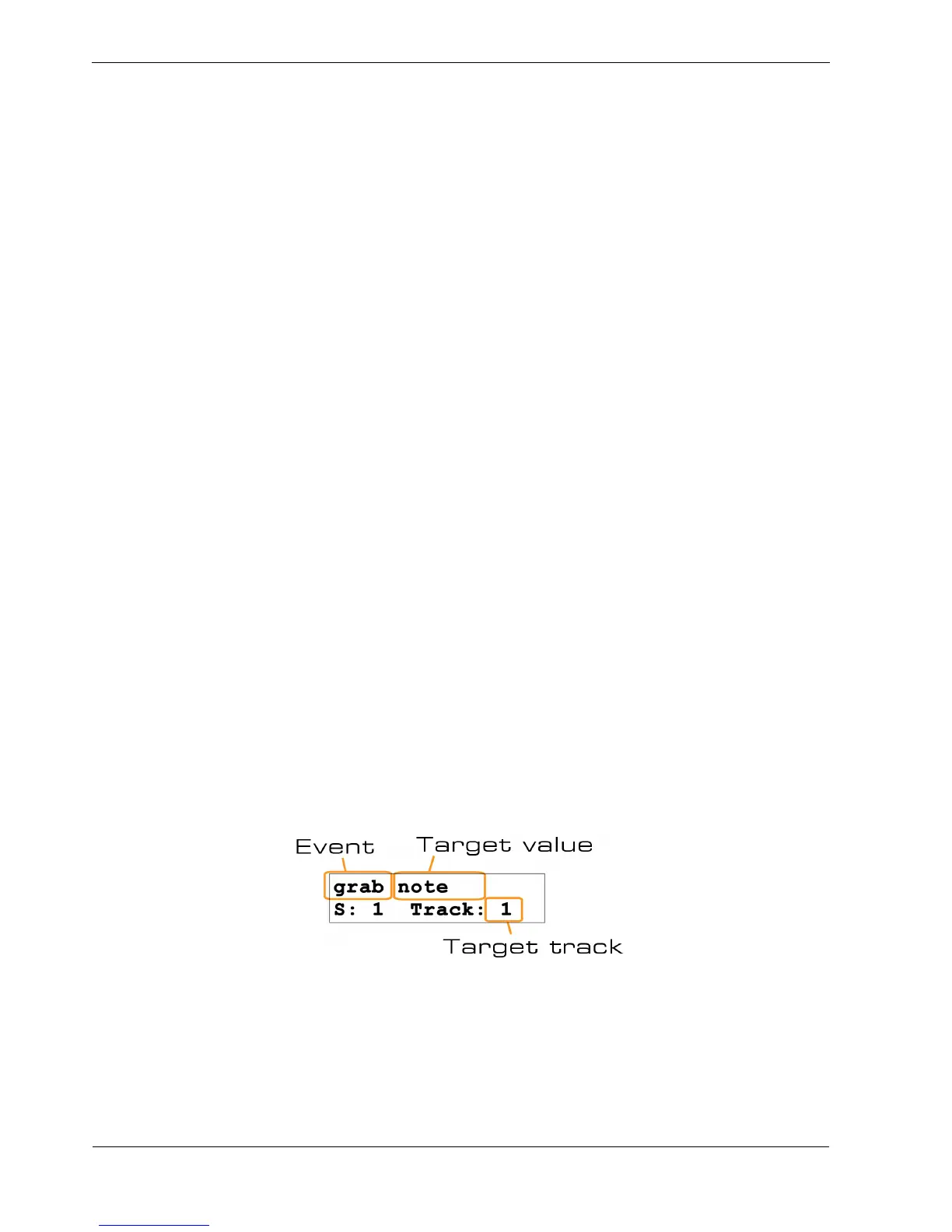
When you use the UPPER knobs to edit a value for grab, swap or push, the display will show
something like this:
This is different to the normal display when you edit an aux value.
For one thing, the event name is only “grab”, but “note” also appears on the top line.
And where you would normally expect to see “Value:” on the bottom line, it says “Track:”.
The Inter Track events have two different values for each step.



 To Next Page