Parts Are Not Patterns!
It is important to note that parts are not the same thing as patterns.
Parts hold a pattern number, or a seq uence of pattern numbers to be played on each track.
These pattern selections are called playlists.
In an initialised bank, such as bank 1 in a newly supplied P3, each part will play only a single pattern
for each track – what we would refer to as a single-step playlist.
The pattern number selected will be the same as the part number.
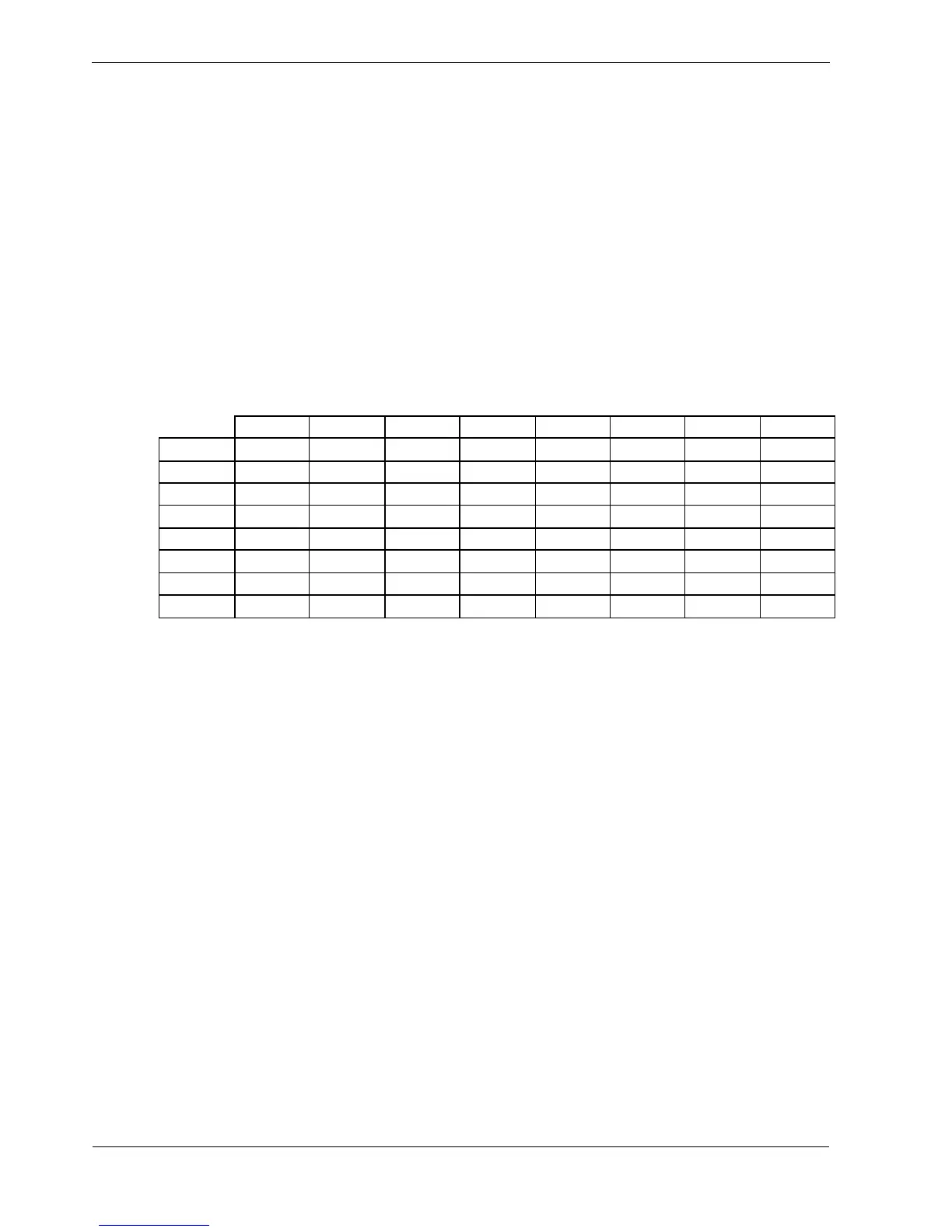
So a table of the pattern selections across the tracks for each part would look like this:
Track
1 2 3 4 5 6 7 8
Part
1
1 1 1 1 1 1 1 1
2
2 2 2 2 2 2 2 2
3
3 3 3 3 3 3 3 3
4
4 4 4 4 4 4 4 4
5
5 5 5 5 5 5 5 5
6
6 6 6 6 6 6 6 6
7
7 7 7 7 7 7 7 7
8
8 8 8 8 8 8 8 8
Pattern numbers
This makes it seem very much like parts are just patterns – each part being made up of a pattern for
each track.
While you familiarise yourself with P3, it may be helpful to use parts in this way.
In fact, it is possible to edit the playlist for each track so that any of the patterns for a track can be used
in any part.
One pattern could be re-used for the same track in all eight parts if required.
You can also make a playlist up to eight steps in length, so that a series of different patterns can play
on a track.
This allows you to create pattern chains longer than the individual pattern length, with different
lengths of chain on each track.
The patterns can be repeated for up to 8 bars in each playlist step and can be transposed up or down,
allowing a single pattern to be used for a progression of different keys or roots.
We’ll look at these advanced options in the later section on playlist edit.



 To Next Page