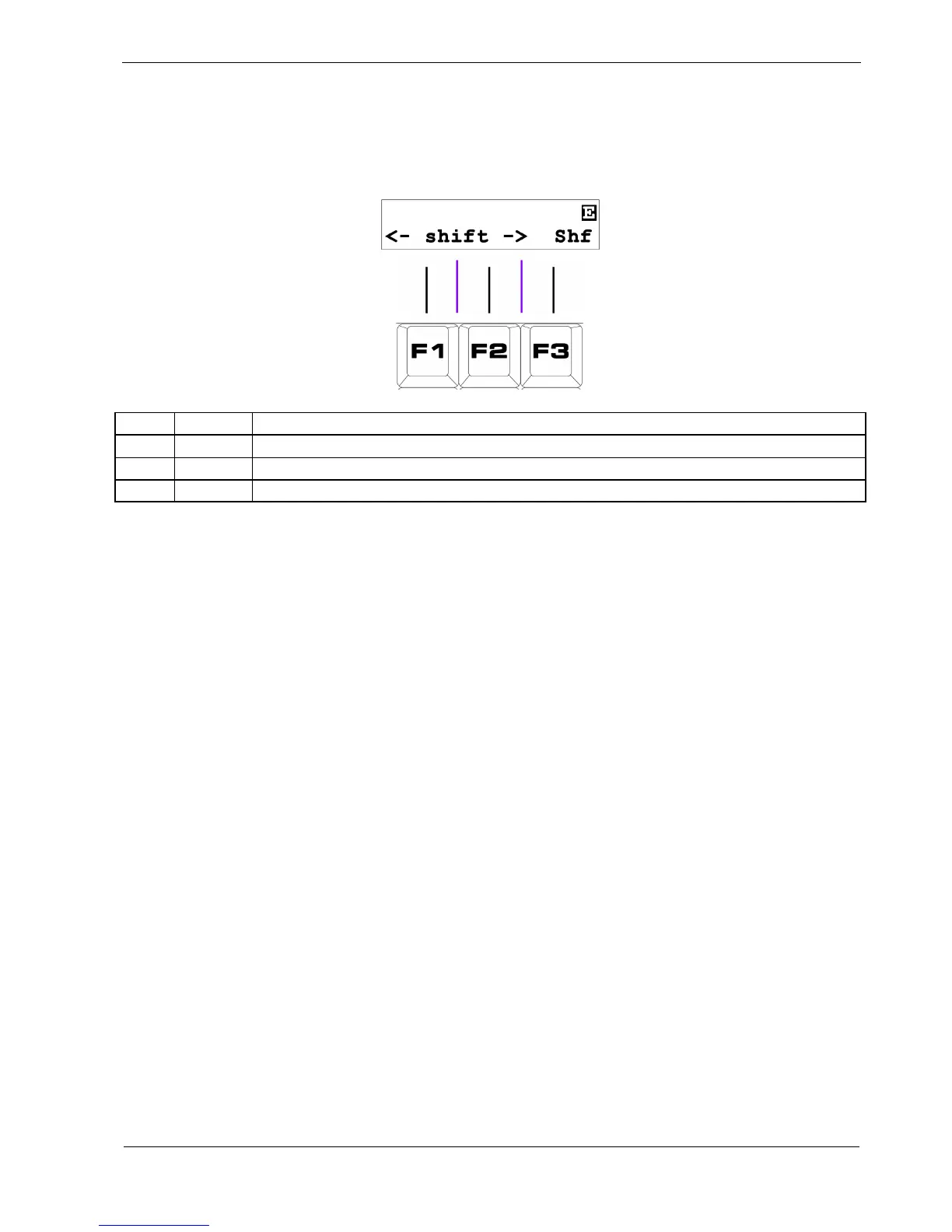
Page 4: Rotate and Shuffle
The display will show the following functions on this page:
Key Label Function
F1 <- Rotate pattern one step to the left
F2 -> Rotate pattern one step to the right
F3 Shf Apply classic drum machine “shuffle”
F1 / F2 - Rotate
The rotate functions move the values for every step in a pattern one step to the left or right.
F1 rotates to the left, F2 to the right.
If the last step in a pattern is before step 16 step, a modified function can be used – rotate to last:
• hold the FUNC key
• press either rotate left, F1, or rotate right, F2
With FUNC held, only the steps in the pattern up to and including the last step are moved – the first
step wrapping round to the last, or vice versa.
This lets you do interesting things.
For example, you might take a 16 step pattern, set the last step to 8, then use rotate to last to move the
first 8 steps by 4 steps to the left or right. Then return the last step to step 16.
This would swap steps 1 to 4 with steps 5 to 8, leaving the rest of the pattern intact.



 To Next Page