Real-time Record
P3 can record notes into any pattern from an attached MIDI keyboard or other controller.
Record is available in play mode, playlist edit and pattern edit.
Recording is restricted to one note per pattern step, so you need to ensure the timebase on the patterns
you record into will be high enough to capture what you want to play.
*TIP If you have assigned one or more of the auxes in a pattern to aux note events, record mode will
record into your pattern polyphonically , with the lowest held note being written to the main note
value in the pattern and any other notes being written into available auxes.
Differences Between Play Mode, Playlist Edit and Pattern Edit
Pattern Edit
In pattern edit, notes will be recorded only into the pattern currently being edited.
If there is a playlist on your track that is cycling through a number of patterns, input notes will record
only on the edited pattern.
They will record onto the pattern at the current step location, even if another pattern is selected.
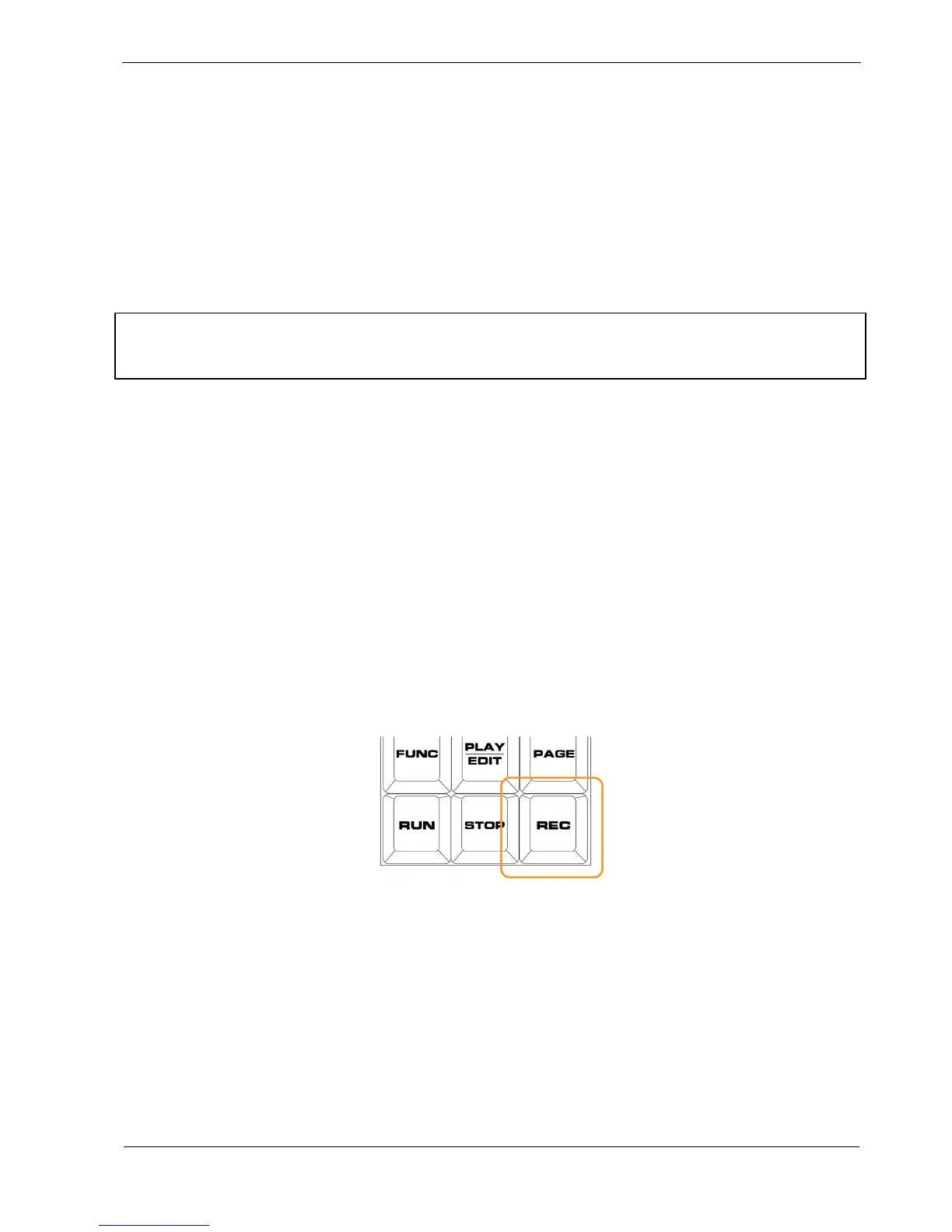
To activate record in pattern edit, simply press the REC key:
Play Mode & Playlist Edit
In play mode and playlist edit, notes will be recorded into any pattern currently playing on the track
selected.
If you have a playlist running through a number of patterns, record will enable you to write notes into
all the patterns in turn.



 To Next Page