Parts
The patterns that play on each track are controlled by parts.
Parts allow you to select different patterns simultaneously across all eight tracks.
Parts also recall the mute settings for the tracks, and some other settings such as Force-to-Scale and bar
length.
These more advanced options will be explained later, when we look at the soft-keys used to control
them .
Part Select
Parts are selected using the part keys – the rightmost eight step keys, which are labelled PART 1 to 8
on the panel.
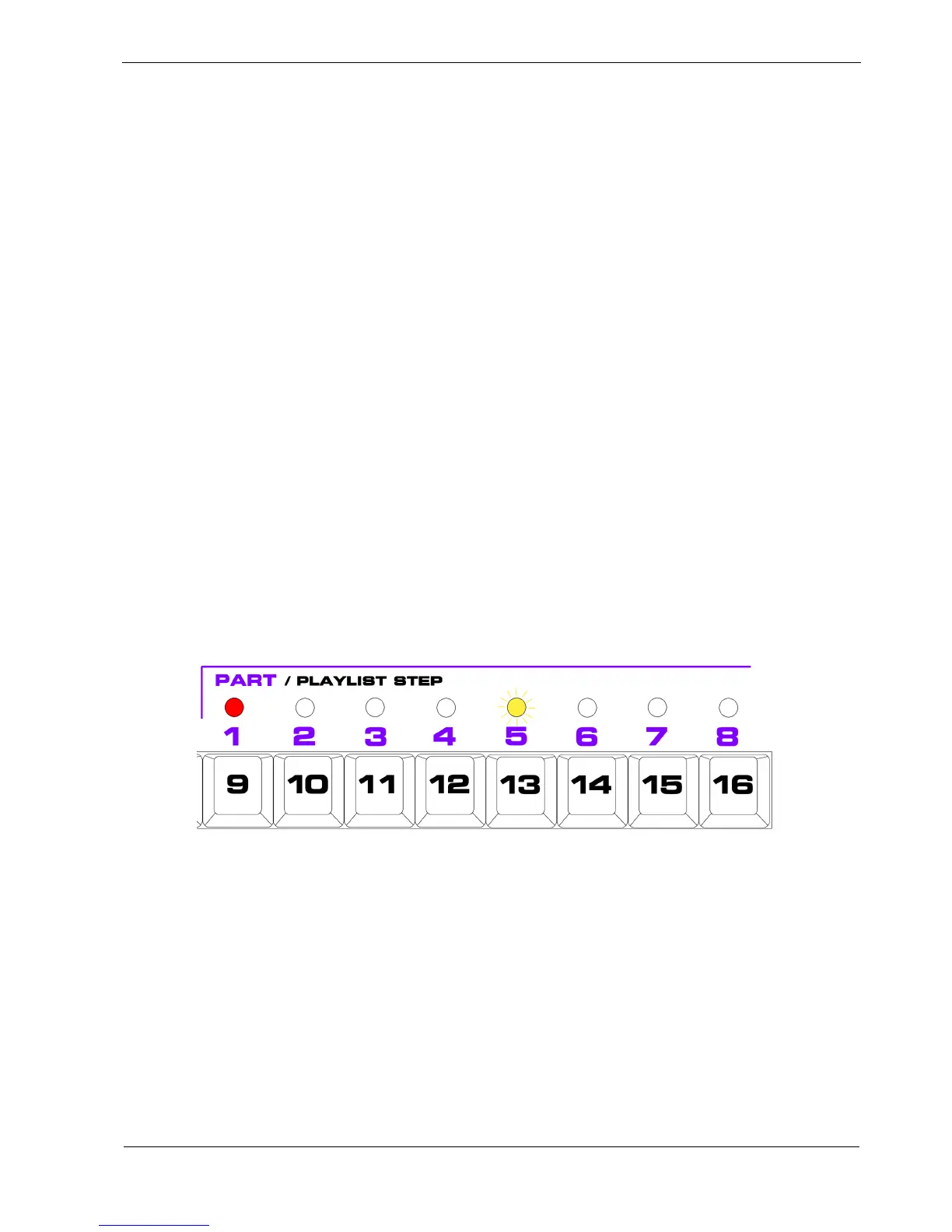
The currently selected part is indicated by a red LED above the part number.
To select a new part, press one of the other part keys.
If P3 is running when you select a part, the newly selected part LED will flash amber until the current
bar completes.
For example, if you are on part 1, and select part 5, the LEDs will look like this:
The change of part is synchronised to the end of the bar, at which time the red LED for part 1 will turn
off, and the LED for part 5 will go red.
If P3 is not running, the part change will happen immediately.



 To Next Page