F3 - Dub
The Dub option provides two special recording modes.
Pressing the “Dub” soft-key cycles through three possible options:
• note
• gaps
• off
Note Dub
With Note Dub active, the status of existing pattern steps is left unchanged, but the note and velocity
values are over-written by any new note held on the MIDI master keyboard.
Gaps Dub
Gaps Dub allows new notes to be recorded only into spaces in the existing pattern.
If there is already a note on a step, it will be left intact.
This is useful for building up patterns of increasing complexity while maintaining the notes already
present.
Record Page 3 –
The third record page, only available while recording in play mode or playlist edit, looks like this:
Key Label Function
F1 note
Write the current position of the DATA knob to the note value
F2 upper
Write the current position of the DATA knob to the selected UPPER MODE value
F3 (no function)
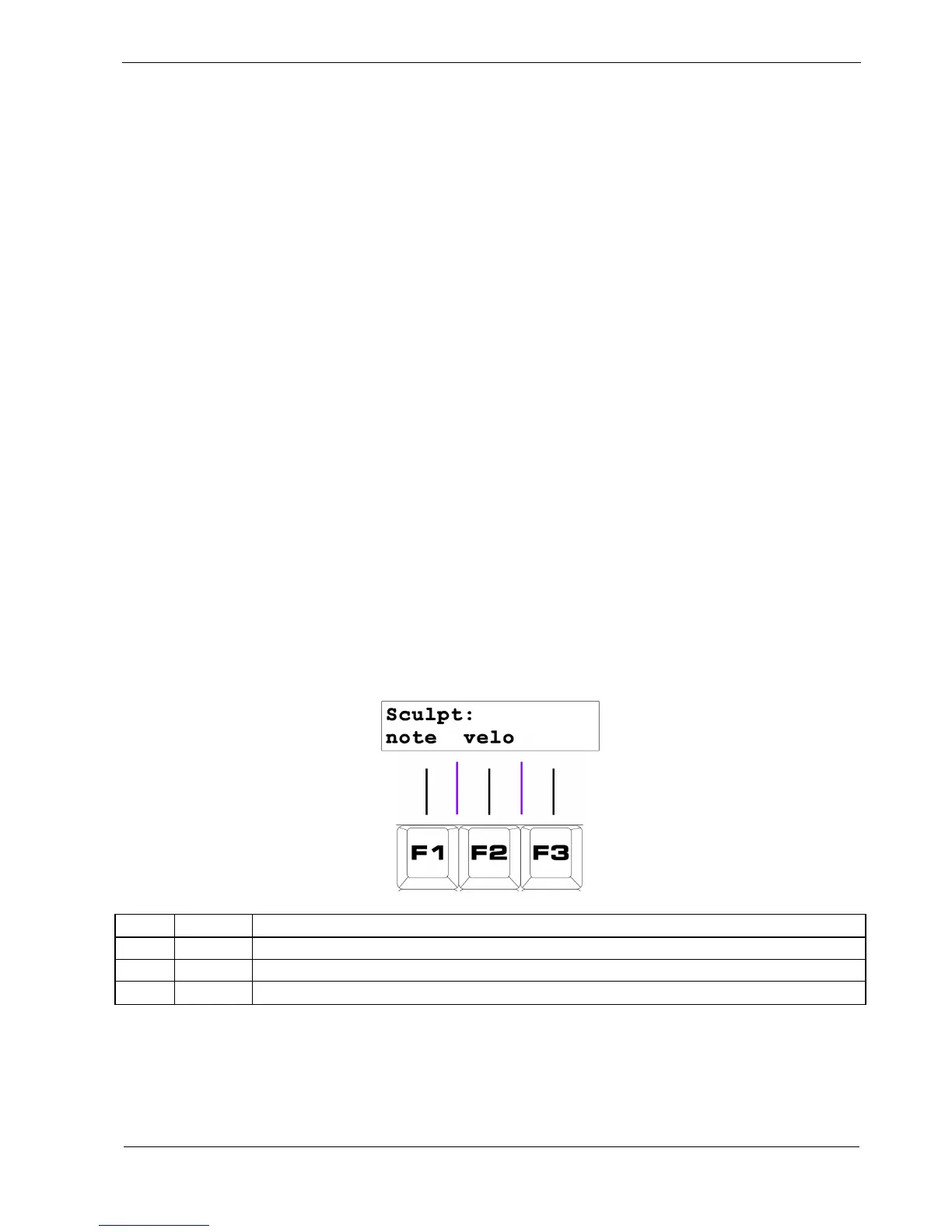
The record Sculpt page allows you to perform the same sculpting functions that are available in pattern
edit while recording in play mode.



 To Next Page