Transpose By Events
Continuing with the Inter Track event group, the remaining events in this group are:
• xpose by trk n
• xpose by trk n+p
These two events allow you to transpose the note value on the current track.
The transposition is performed relative to middle C, which means that if the note value on the target
track is middle C, the note on the current track is not transposed.
To demonstrate these events, you can use pattern A and pattern B from the grab example again.
Instead of assigning aux A to “grab”, assign it to “xpose by trk n”.
If you set aux A active on steps 1, 5, 9 and 13, with a value of 2, you will get the following result:
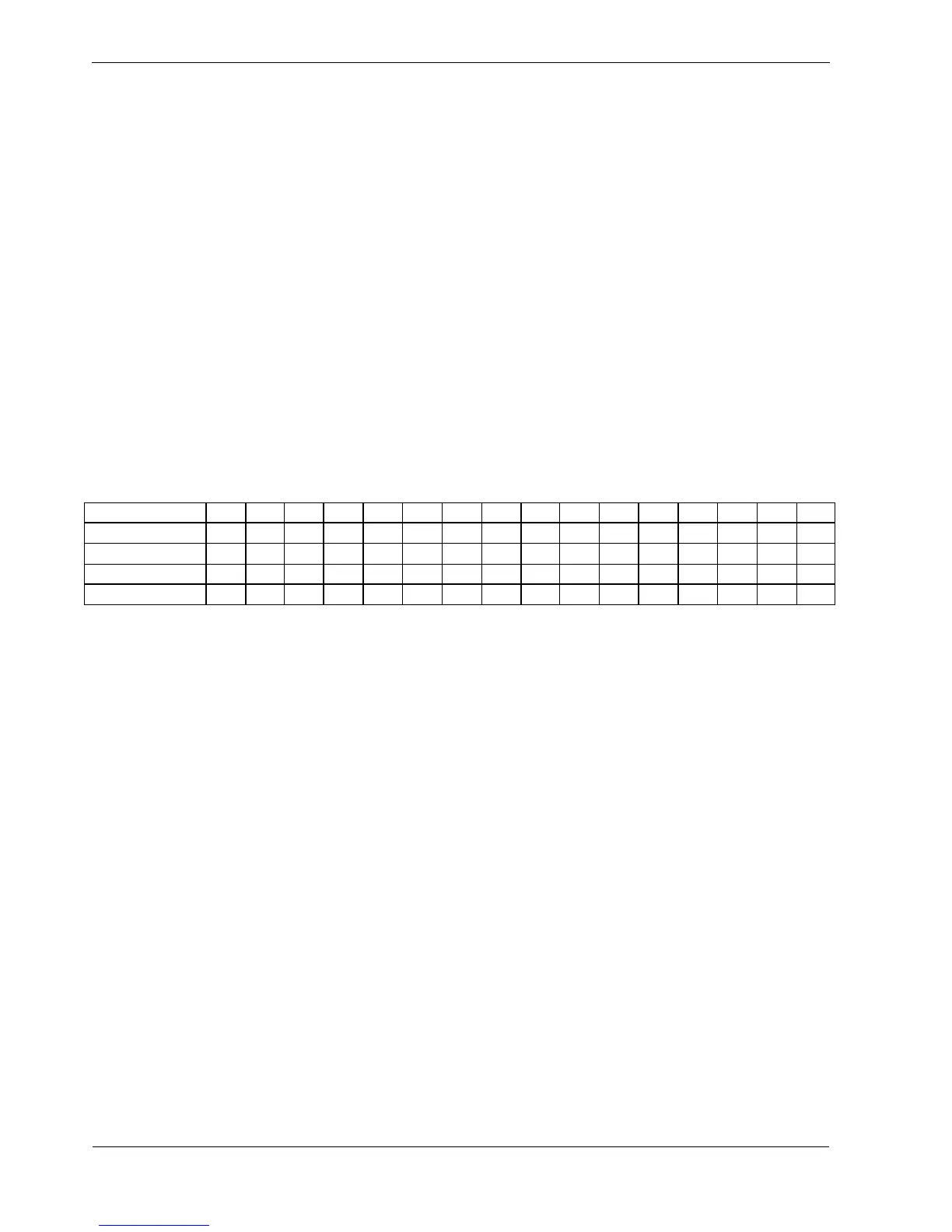
Step 1 2 3 4 5 6 7 8 9 10 11 12 13 14 15 16
Pattern A Note C4 C4 C4 C4 C4 C4 C4 C4 C4 C4 C4 C4 C4 C4 C4 C4
Aux A enabled * * * *
Pattern B Note C5 D5 E5 F5 G5 A5 B5 C6 D6 E6 F6 G6 A6 B6 C7 D7
Track 1 Plays C4 C4 C4 C4 G4 C4 C4 C4 D5 C4 C4 C4 A5 C4 C4 C4
On step 1, track 1 plays the original note from the pattern.
This is because the note value on track 2 is C5 – middle C, so there is no transpose.
On step 5, track 1 plays G4. This is the original note - C4, transposed up by 7 semitones.
The transpose is the difference between the note on track 2 – G5, and middle C – C5.
Check the results on the last two enabled steps and you’ll see the same rule applies.
To demonstrate a more practical use of the transpose event:
• enable aux A with a value of 2 on every step of pattern A
• change the timebase on pattern B to 1
This will show a useful feature of the way aux events work.
With the timebase of pattern B set to 1, pattern B will only play 1 step in the same time it takes for
pattern A to play all 16.
But the note value from pattern B that is used to transpose pattern A remains current for as long as it
takes the next step to play.



 To Next Page