Editing Step Values
Since there are only three rows of controls on P3’s front panel, clearly some of the controls have to be
shared between the pattern rows.
The note row is the most important, so it gets a dedicated set of controls. The NOTE knobs always
edit the note row in a pattern.
The other pattern rows are selected for editing using the STEP MODE and UPPER MODE buttons.
UPPER MODE
You have already used the UPPER knobs for editing velocity in the getting started section.
These knobs can also be assigned to any of the other numeric rows in a P3 pattern.
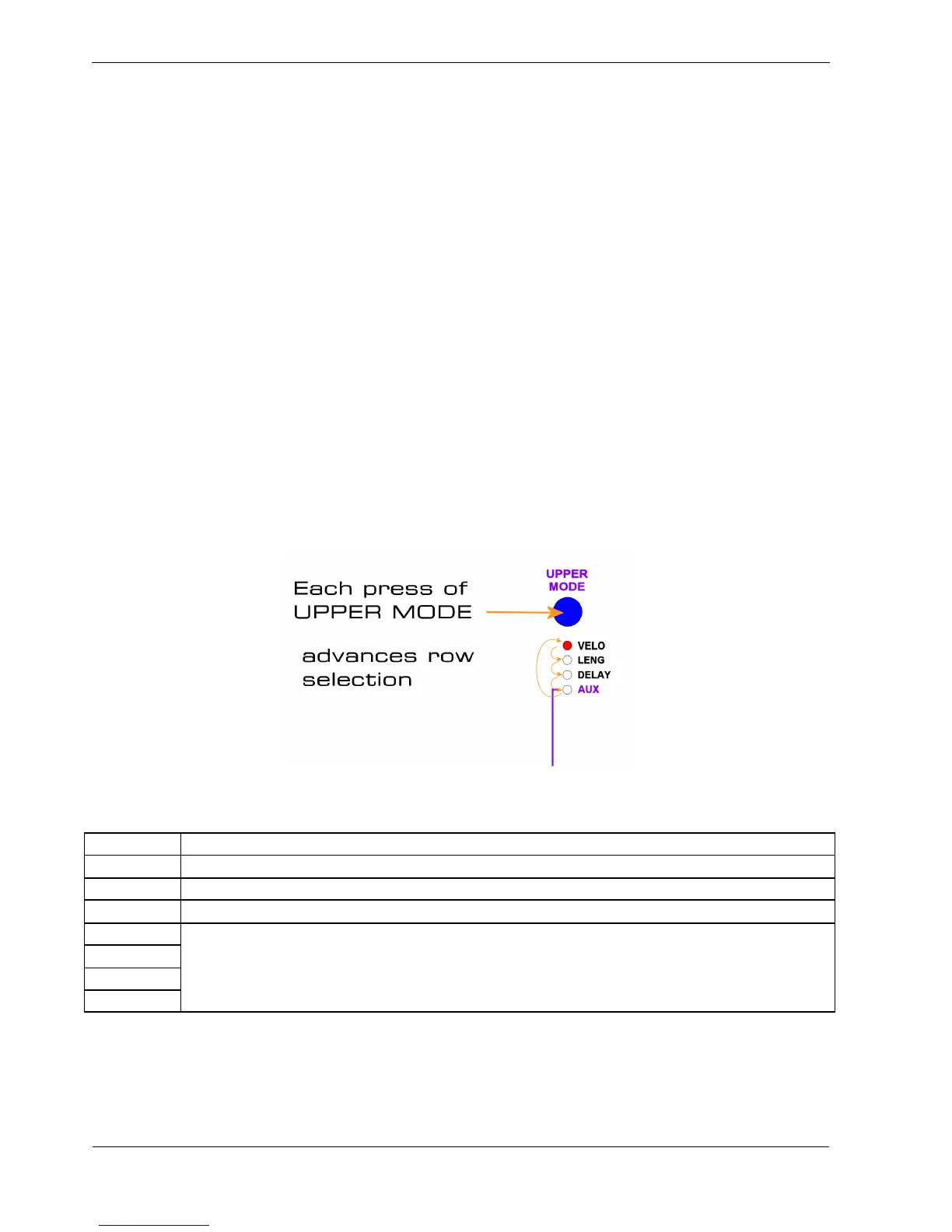
The UPPER knobs are assigned using the UPPER MODE button.
Below this button are four status LEDs, which show the current row being edited.
Each press of the UPPER MODE button advances to the next row, as shown in this diagram:
The following table shows the name and purpose of each of the rows edited using the UPPER knobs:
Row Purpose
VELO MIDI velocity value, from 1 to 127
LENG Gate length, from 1 to 12
DELAY Gate delay, from 0 to 11
AUX A
AUX B
AUX C
AUX D
The four Auxiliary rows –take numeric values for a variety of different purposes



 To Next Page