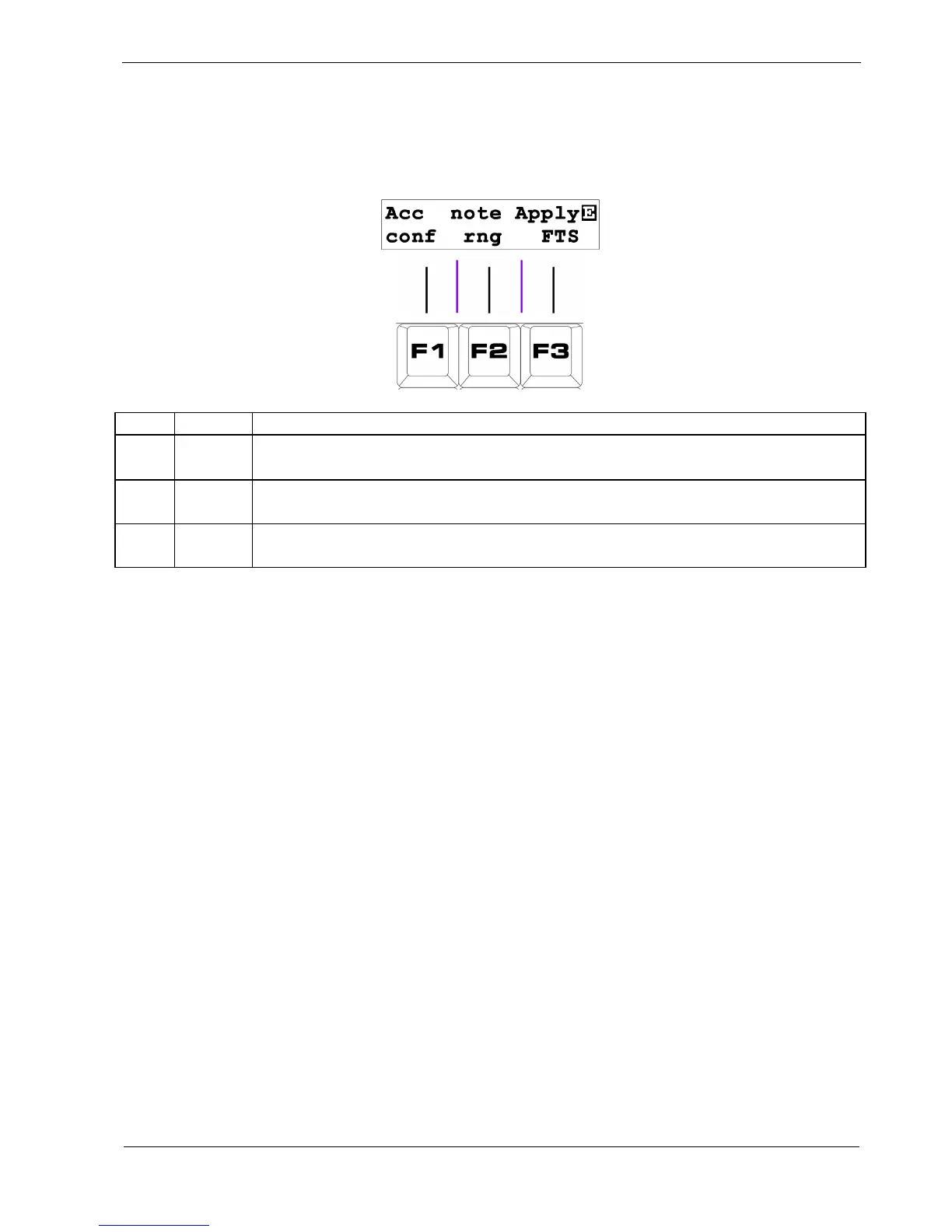
Page 8: Config
This final pattern edit page has three options:
Key Label Function
F1
Acc
Conf
Configure the Accumulator settings for this pattern
F2
note
rng
Configure the range of notes covered by the NOTE knobs
F3
Apply
FTS
Apply the current FTS settings to the pattern
F1 – Accumulator Config
This option is used to configure the accumulator settings for patterns using advanced auxiliary events.
These options are described in the later section, Using Auxiliary Events.
F2 – Note Range
This option sets the range over which the NOTE edit knobs work .
This setting is held individually for every track – so you can set it up to suit the different instruments
you have connected.
Press the F2 key to set the base note using the DATA knob - this will be the note selected when the
knobs are turned fully to the left.
Use FUNC + F2 to edit the span over which the knobs work - there are four ranges of approximately 10,
5, 2 and 1 octaves.



 To Next Page