Relative Accumulation
Let’s go back to the example pattern.
Turn off any enabled aux A steps you have set, and re-assign aux A as follows:
• enter the Aux Config page using FUNC + STEP MODE
Confirm that the top line of the display shows “offset note abs” – which should be the current
assignment for aux A.
• press the “next” soft-key, F2, to select the “offset note rel” event
• press “save”, F1, to confirm this new assignment
• use the UPPER knob on step 1 to set a value of 1 for “offset note rel”
Each time the pattern plays, the four notes will rise in pitch by 1 semitone compared to the last pass of
the pattern.
Eventually, the pitch offset will disappear and the notes will play at their stored pitches.
But on the next pass, they will start to rise again.
The reason for this behaviour is because the “offset note rel” event is relative.
The aux value is added to the current accumulator value.
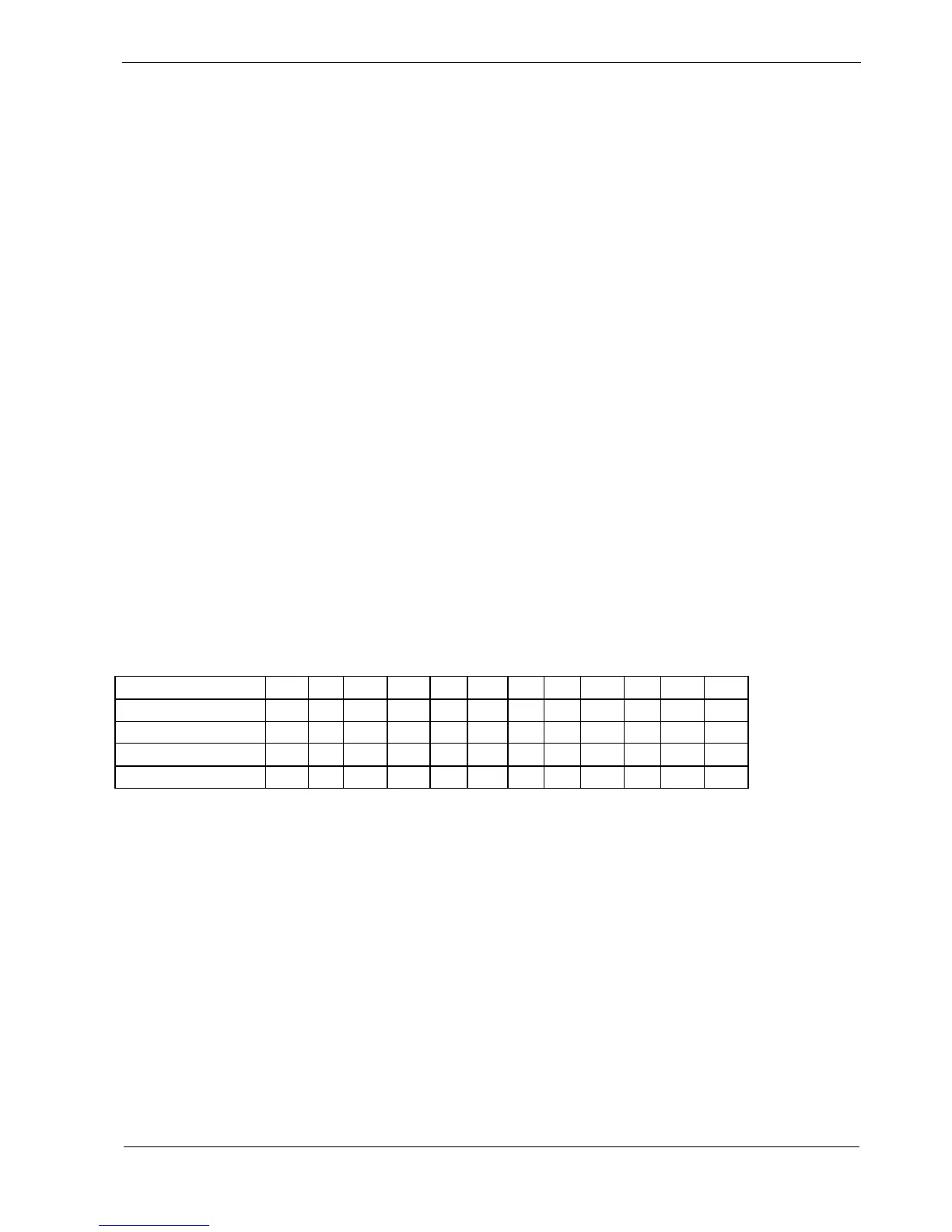
For the example pattern, this is the result:
Step
1 2 3 4 1 2 3 4 1 2 3 4
Stored Note
C5 E5 G5 C6 C5
Each time the “offset note rel” event on step 1 occurs, the note accumulator value is increased by 1.
The note accumulator value is added to the note on every step, so each pass of the four steps rises in
pitch by 1 semitone compared to the last pass.
Eventually, a limit is reached, at which point the note accumulator value is reset to zero.
But the pattern continues as before.
• change the value for aux A on step 1 to 12
Your pattern of 4 notes will now rise by an octave on each pass, and you’ll find that the accumulator is
reset when it reaches 3 octaves of transposition – but that is only a default setting.



 To Next Page