Page 5: The Note Randomizer
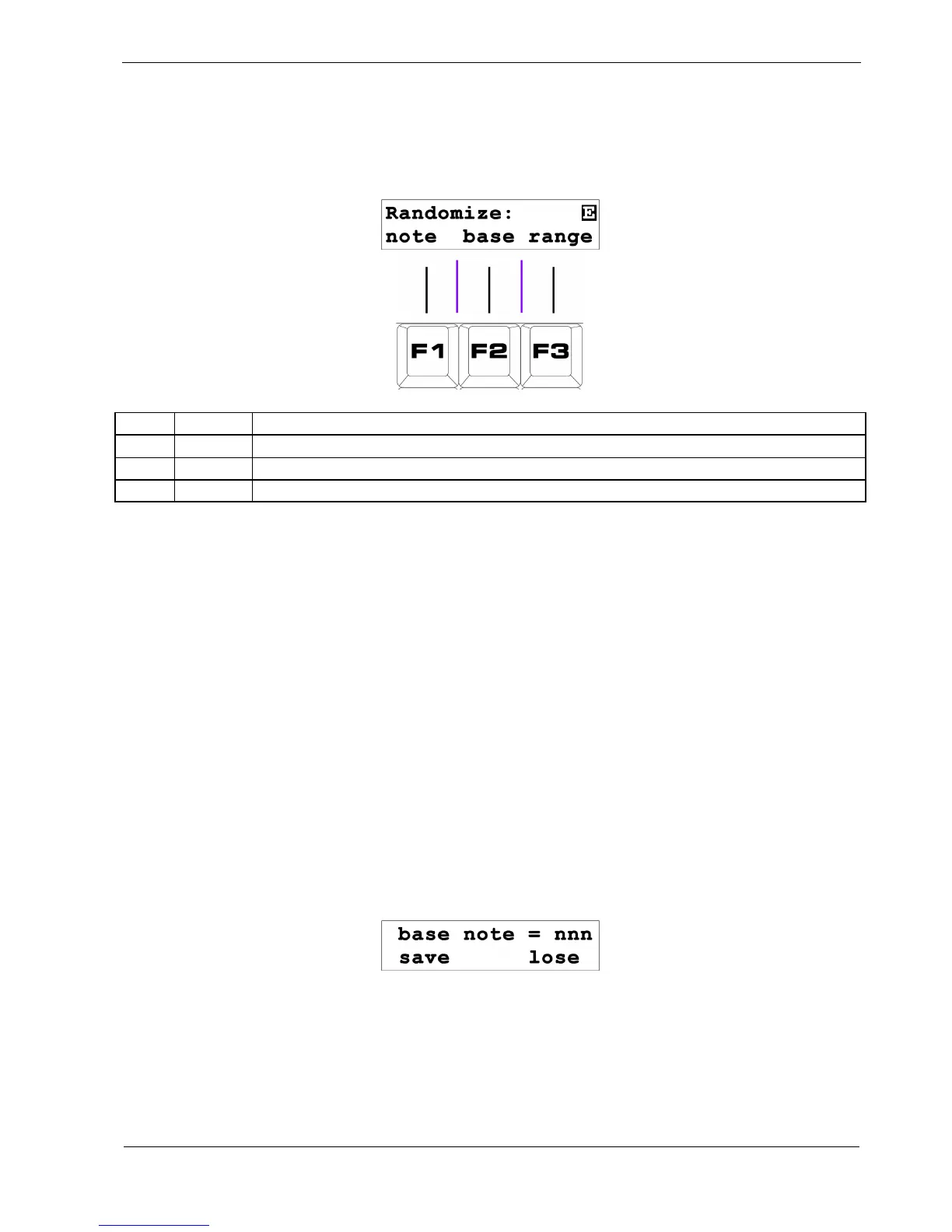
The Note Randomize display looks like this:
Key Label Function
F1 note
Randomize the current note value
F2 base Configure the lowest note that might appear at random
F3 range Configure the range random notes may cover
F1 – Note
The Note Randomize function lets you enter random note values into a pattern as it plays, useful for
adding a touch of chaos or just for finding random snippets of melody that might trigger other ideas.
To randomize the note values:
• ensure the sequencer is running
• hold the “note” soft-key, F1, as the steps you want to randomize play
F2 – Base Note
The “base” option lets you set the lowest note that can appear at random in your pattern, as follows:
• press the “base” soft-key, F2. The display will show:
• use the DATA knob to select a new lowest note
THEN
• press the “save” soft-key, F1, to store the new selection
OR
• press “lose”, F3, to restore the previous value



 To Next Page