Changing Mode
Pattern Edit
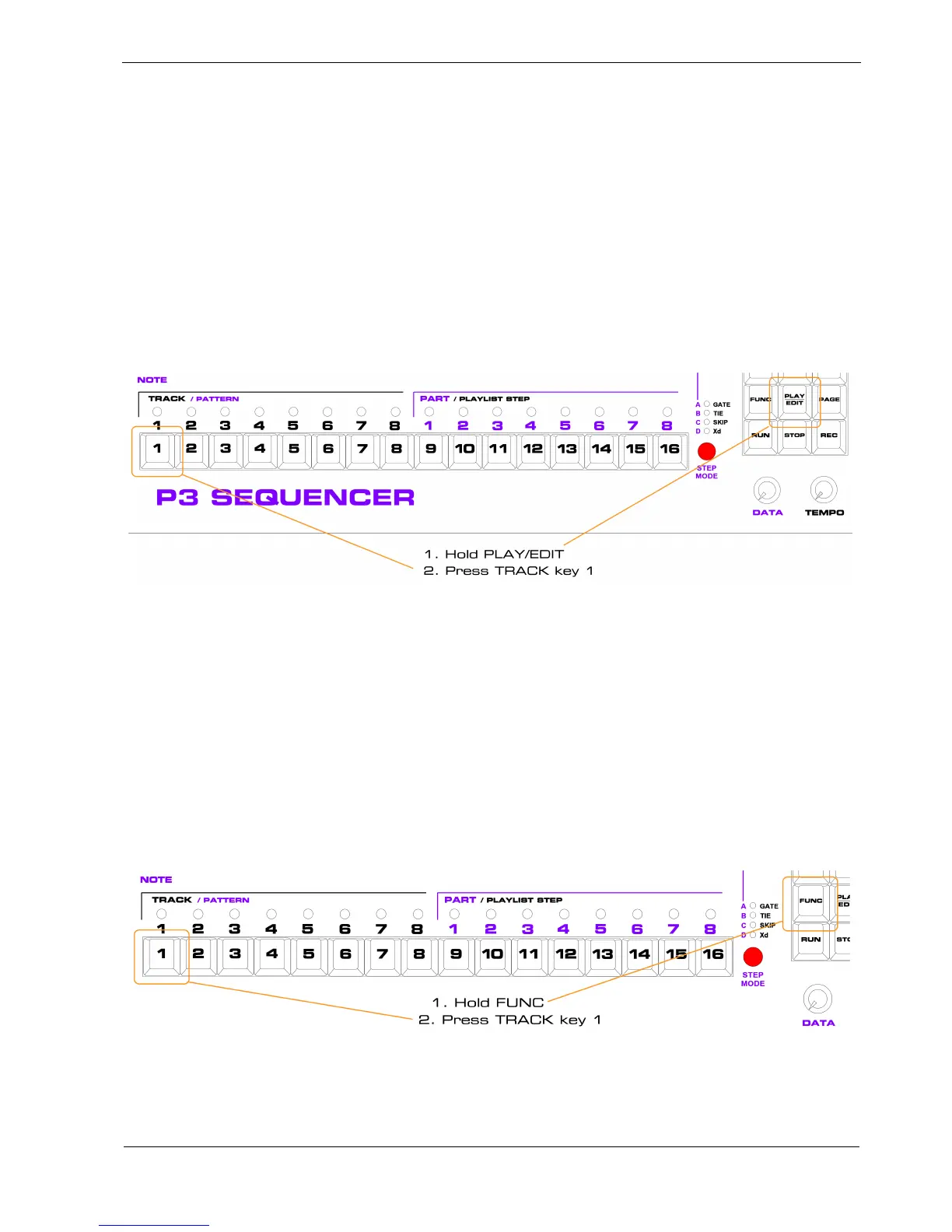
You have already seen how to access pattern edit from play mode in the getting started section, but to
re-cap:
• hold the PLAY/EDIT key in the keypad
• press the TRACK key for the track on which you want to edit the currently playing pattern
For example, to edit the current pattern on track 1:
Playlist Edit
Playlist edit is best left until you have a good understanding of play mode and pattern edit, but we’ll
need to access it sometime.
To enter playlist edit:
• hold the FUNC key
• press the TRACK key for the track on which you want to edit the playlist
For example, to edit the playlist on track 1:
The use of pattern edit and playlist edit will be described in detail in later chapters.



 To Next Page