Page 2 - Part Settings
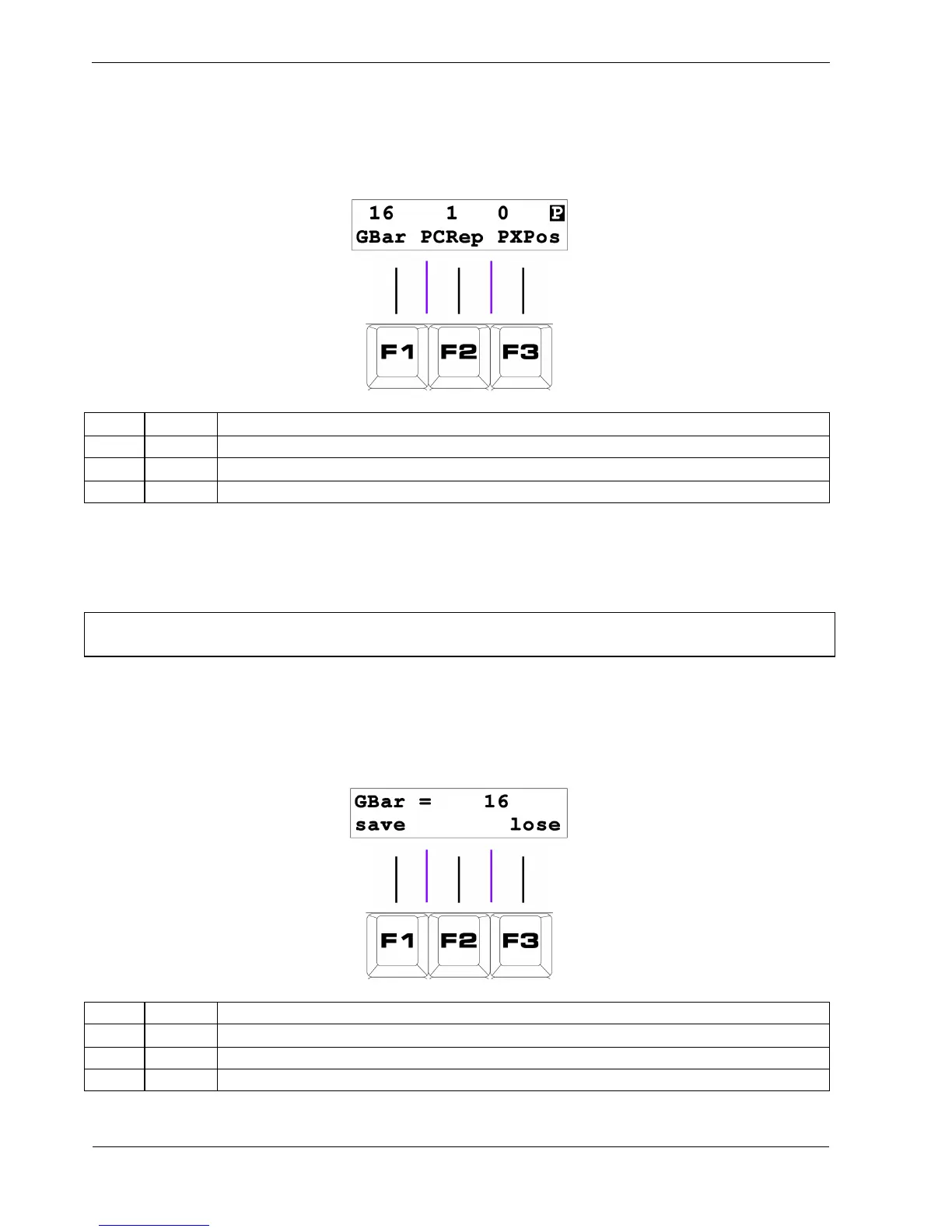
The second play mode page is the part settings page, which will look like this:
Key Label Function
F1 GBar Edit Global Bar Length
F2 PCRep Edit Part Chain Repeat count
F3 PXPos Edit Part Transpose
The settings for Global Bar Length , Part Chain Repeats, and Part Transpose are automatically stored
for each part, along with the track mutes, just before a new part is selected.
*TIP Holding FUNC while selecting a new part will switch to the new part without saving recently
changed settings in the current part.
To edit each of the part values, press the soft-key below it.
This will enter a data entry page, where a new value can be selected using the DATA knob.
The value edit page for all three values is similar, and will look something like this:
Key Label Function
F1 save Store the new value and return to play mode
F2 (no function)
F3 lose Restore the previous value and return to play mode



 To Next Page