Page 3 - Part Functions
This page has three functions for use with parts.
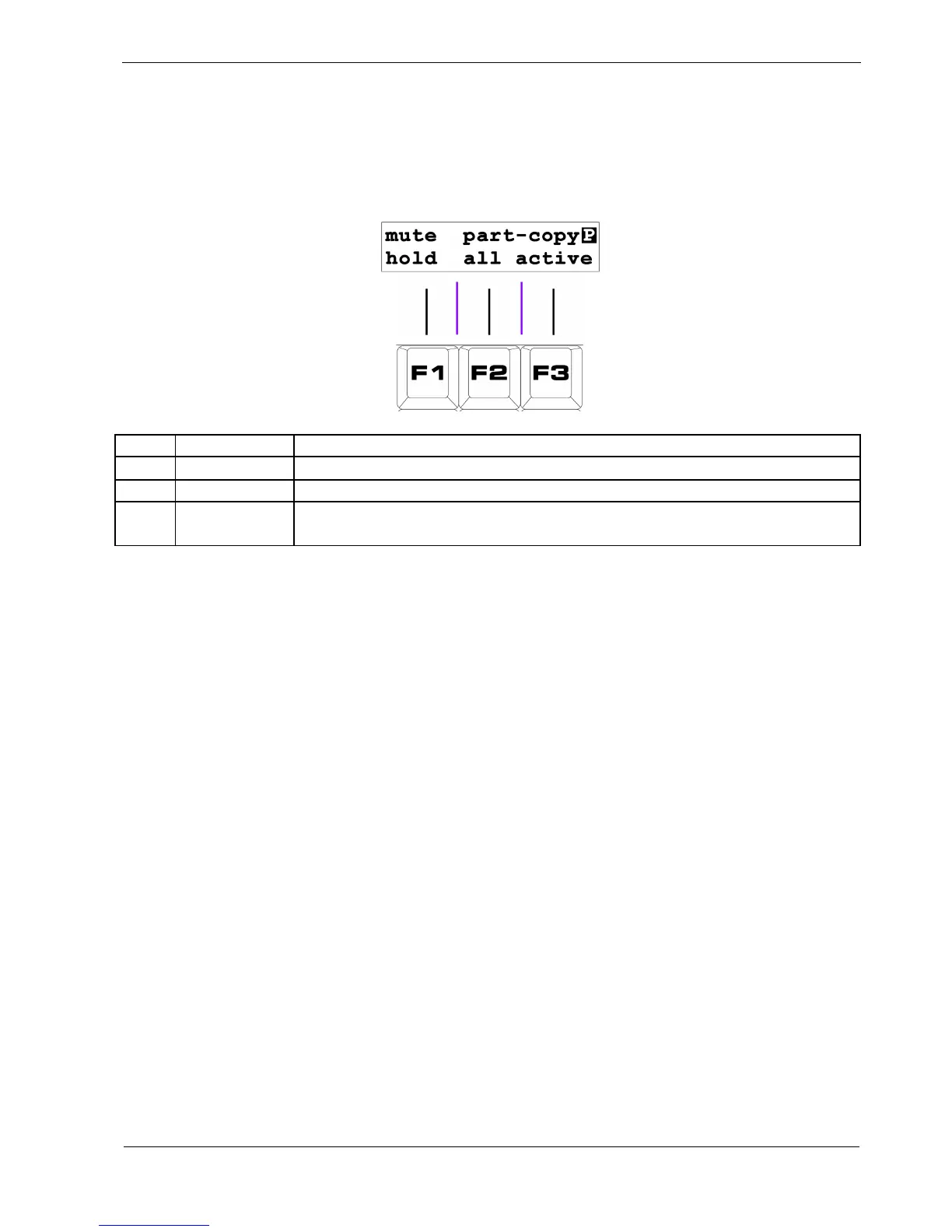
The display looks like this:
Key Label Function
F1 mute hold Copy the current track mutes to a new part
F2 part-copy all Copy all part data to a new part
F3
part-copy
active
Copy common part settings, and active track playlists to a new part
F1 - Mute Hold
As mentioned previously, each part stores the mute settings for each of P3’s eight tracks.
When a new part is selected, the mute status at the time that part was last active is recalled.
The “mute hold” function allows you to over-ride this behaviour.
If you select a new part while holding this key, the current track mute status will be carried over to the
newly selected part.
F2 – Part-Copy All
F3 – Part-Copy Active
The part-copy functions allow you to copy all settings from the current part to another part.
This includes the FTS settings, the values of GBar , PCRep, PXPos and the playlists,
There is an important difference between the two options:
• “all” copies the playlists for all eight tracks
• “active” only copies the playlists for active tracks



 To Next Page