Selecting A Different Pattern
If you followed everything correctly so far, you are in playlist edit, looking at the playlist for track 1,
in part 1.
This playlist has a length of 1 step, and plays only pattern 1.
Let’s change the pattern on this step to pattern 2:
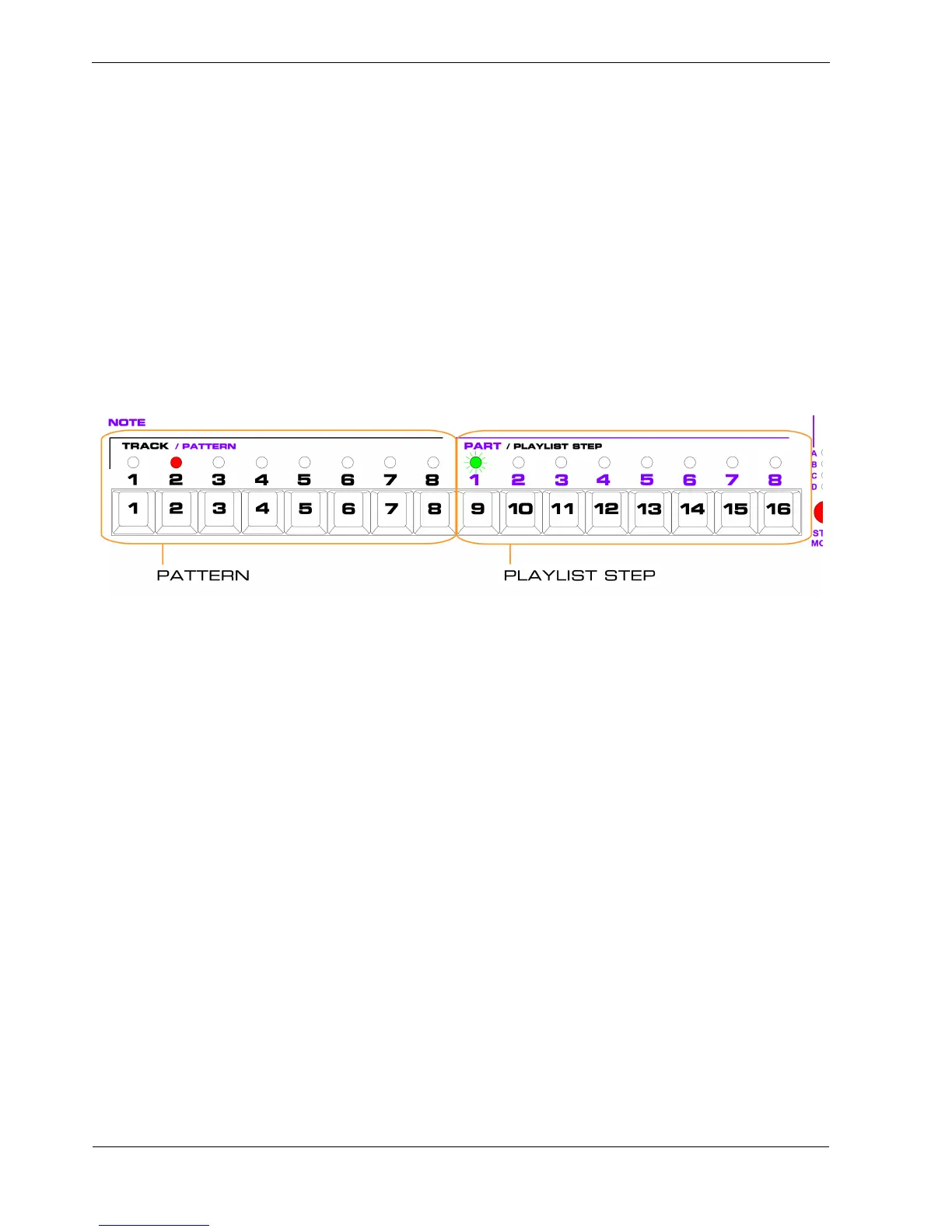
• press PATTERN key 2
The LEDs should now look like this:
The red LED above PATTERN key 2 shows that pattern 2 is now selected for this step.
Note that P3 won’t switch to the pattern 2 until pattern 1 has finished its current pass.
Then you will hear pattern 2 start playing.
You have edited your first playlist.
To change playlist step 1 back to play pattern 1:
• press PATTERN key 1
The red LED will move from PATTERN key 2 to PATTERN key 1.
As before, pattern 2 will continue playing until its last step, at which point the track will switch back to
pattern 1.



 To Next Page