In this page, use the DATA knob to select the required program number, or press the “off” soft-key,
F2, to de-activate the setting for the current bank.
The “save” and “lose” options store the new value, or recall the original value as usual, and return to
the Bank function page.
F3 - Bank Initial Tempo
The “BTempo” option allows you to set a value for tempo that will be recalled when a bank is selected,
or the sequencer re-started.
Changing the BTempo value is a similar process as for initial program change number.
*TIP Bank tempo will normally be over-ridden if the TEMPO knob is adjusted. There is a user config
option, “Lock BTempo”, which disables the TEMPO knob when a BTempo value is set.
Page 7 : Sysex & User Config
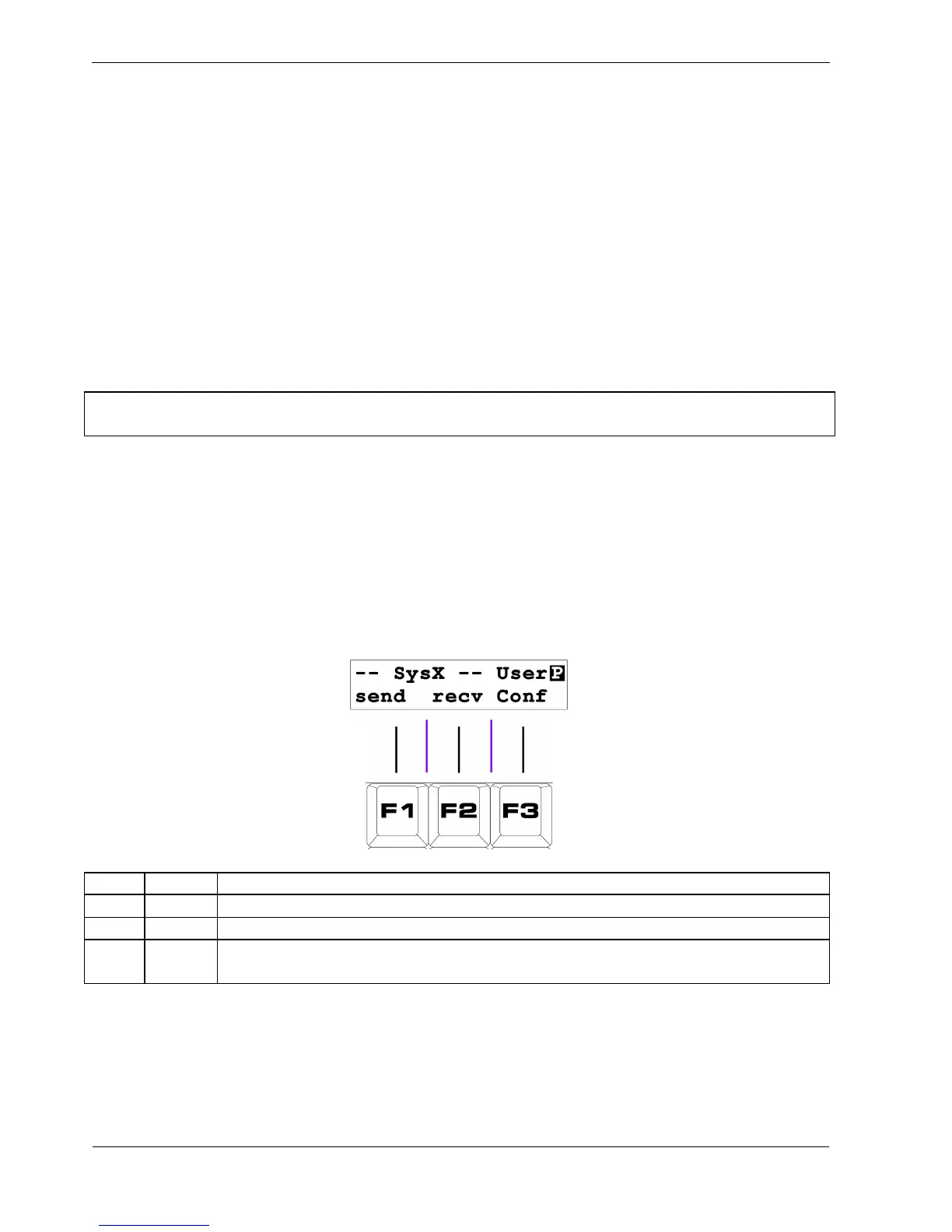
The final play mode page provides System Exclusive dumping and uploading of P3's memory, as well
as access to configuration options that customise P3's behaviour to the user’s preference.
The page display looks like this:
Key Label Function
F1 send Dump all data via System Exclusive
F2 recv Enter System Exclusive receive mode
F3
User
Conf
Enter User Configuration option menu



 To Next Page