Leaving Pattern Edit
You already saw how to leave pattern edit in the getting started section, but there were a few details
missed out there, so let’s revisit it and fill in the blanks.
To exit pattern edit, press the PLAY/EDIT key once more.
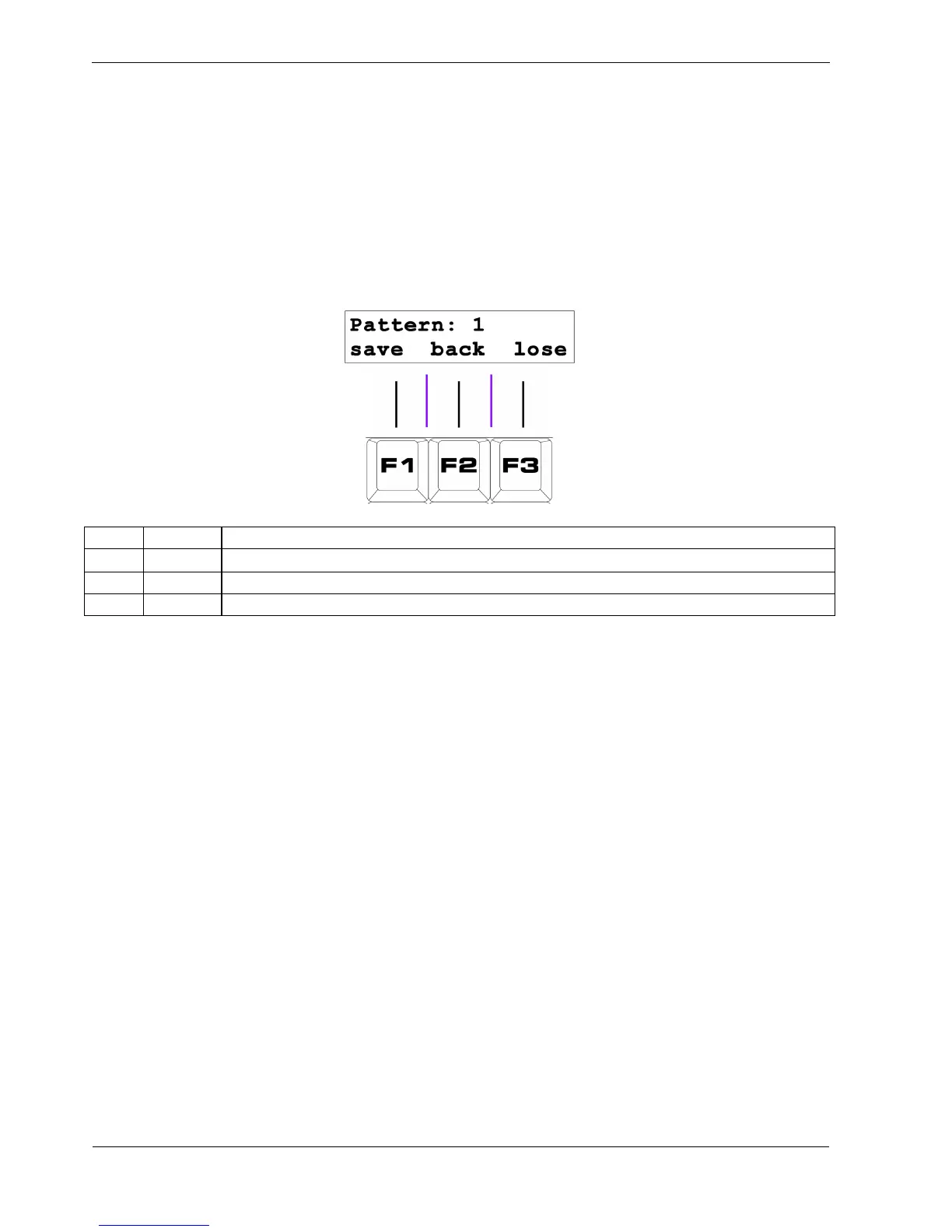
Three soft-key options appear on the bottom line of the display, like this:
Key Label Function
F1 save Store the edited pattern, and return to play mode
F2 back I didn’t mean to press PLAY/EDIT, return to pattern edit
F3 lose Lose any changes to the edited pattern, and return to play mode
F1 – Save
If you want to save changes to the pattern you’ve been editing, press “save”, F1.
Save To
If you want to save your modified pattern to a different pattern location, press one of the step keys for
the pattern number you want to save it in.
The upper line of the display will show “Save To:”' and the alternative pattern number selected.
Saving to an alternate location will restore the unedited version of the pattern you were editing to its
original location.



 To Next Page