F3 – Range
The “range” option lets you set the range of values above the lowest value that can appear randomly
in your pattern, as follows:
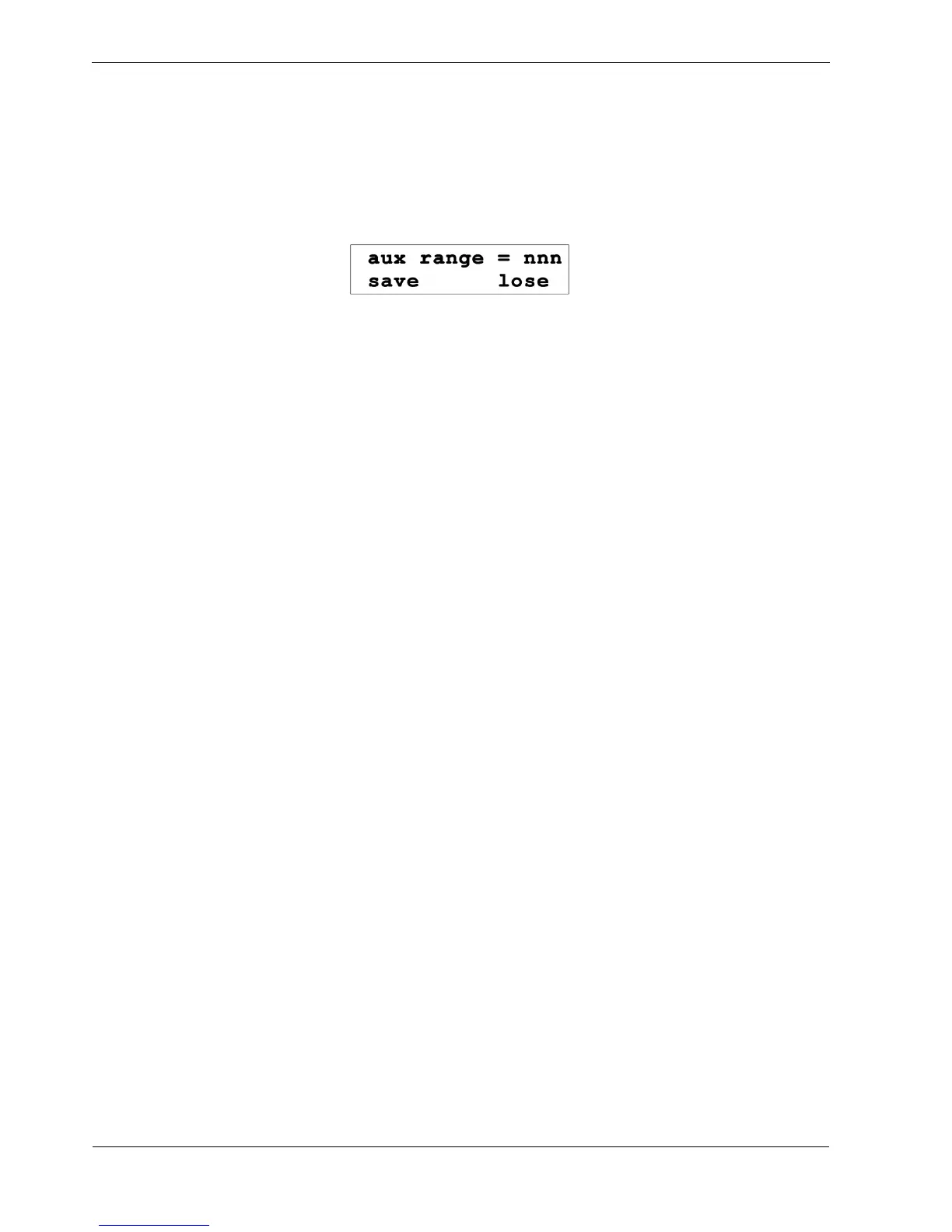
• press the “range” soft-key, F3. The display will show:
• use the DATA knob to select a new value from 0 to 127
THEN
• press the “save” soft-key, F1, to store the new selection
OR
• press “lose”, F3, to restore the previous value.
A range of 0 does not impose any limit - the random values may be anything from the configured
lowest value, to the maximum value of 127.
Any other value will give that number of possible different random values, from the lowest value
upward.
Note that, as with note, range of 1 means only the lowest value will be used.
If the range is set to be larger than the difference between the lowest value and 127, the effective range
will be restricted.



 To Next Page