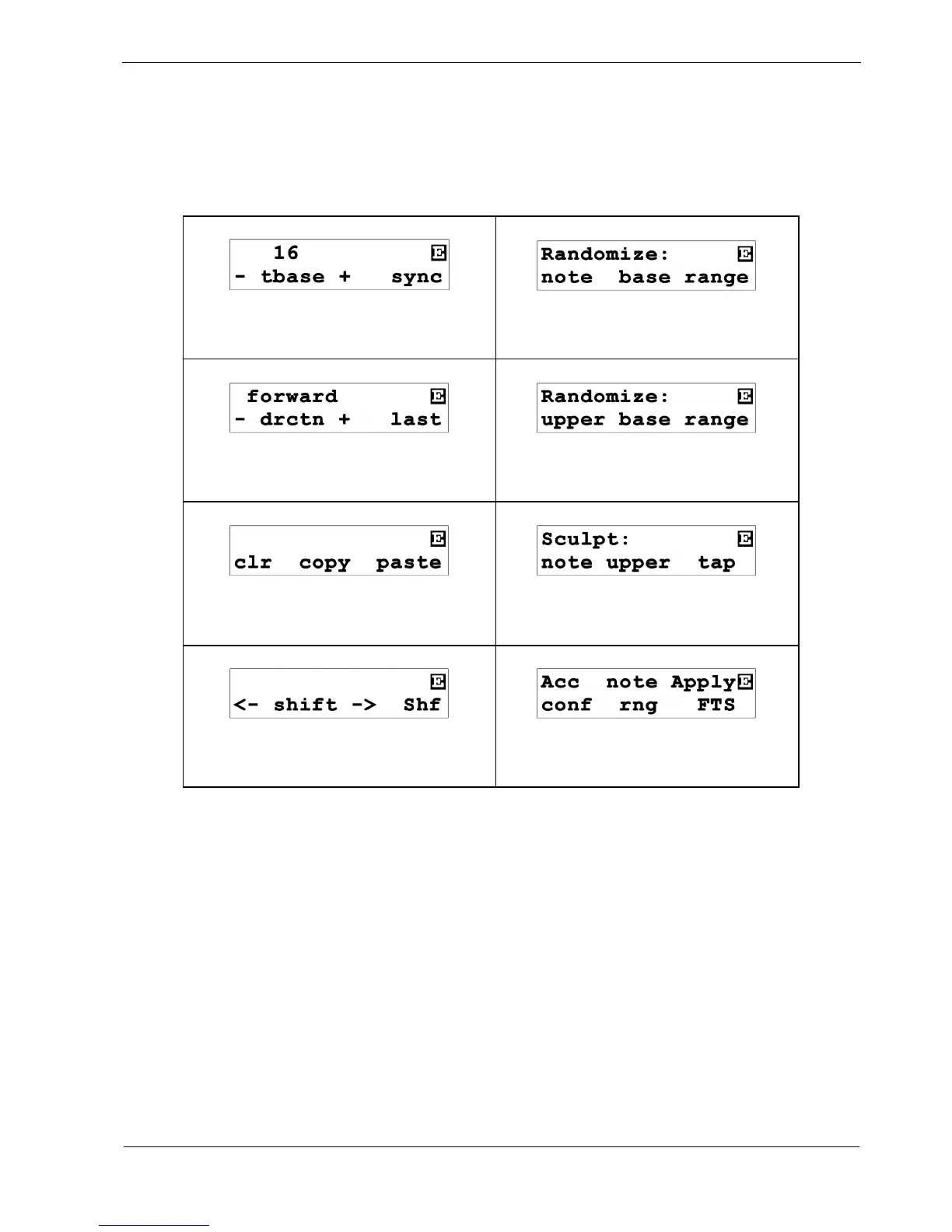
Let’s look at each pattern edit page, and see what they all do.
The following table summarises all eight pages.
Note the inverse-video “E” in the top right of the display, showing you are in pattern edit.
page 1 – Timebase / Sync
page 5 – Note Randomize
page 2 – Direction / Last
page 6 – Upper Randomize
page 3 – Copy & Paste
page 7 - Sculpt
Page 4 – Rotate / Shuffle
page 8 - Config



 To Next Page