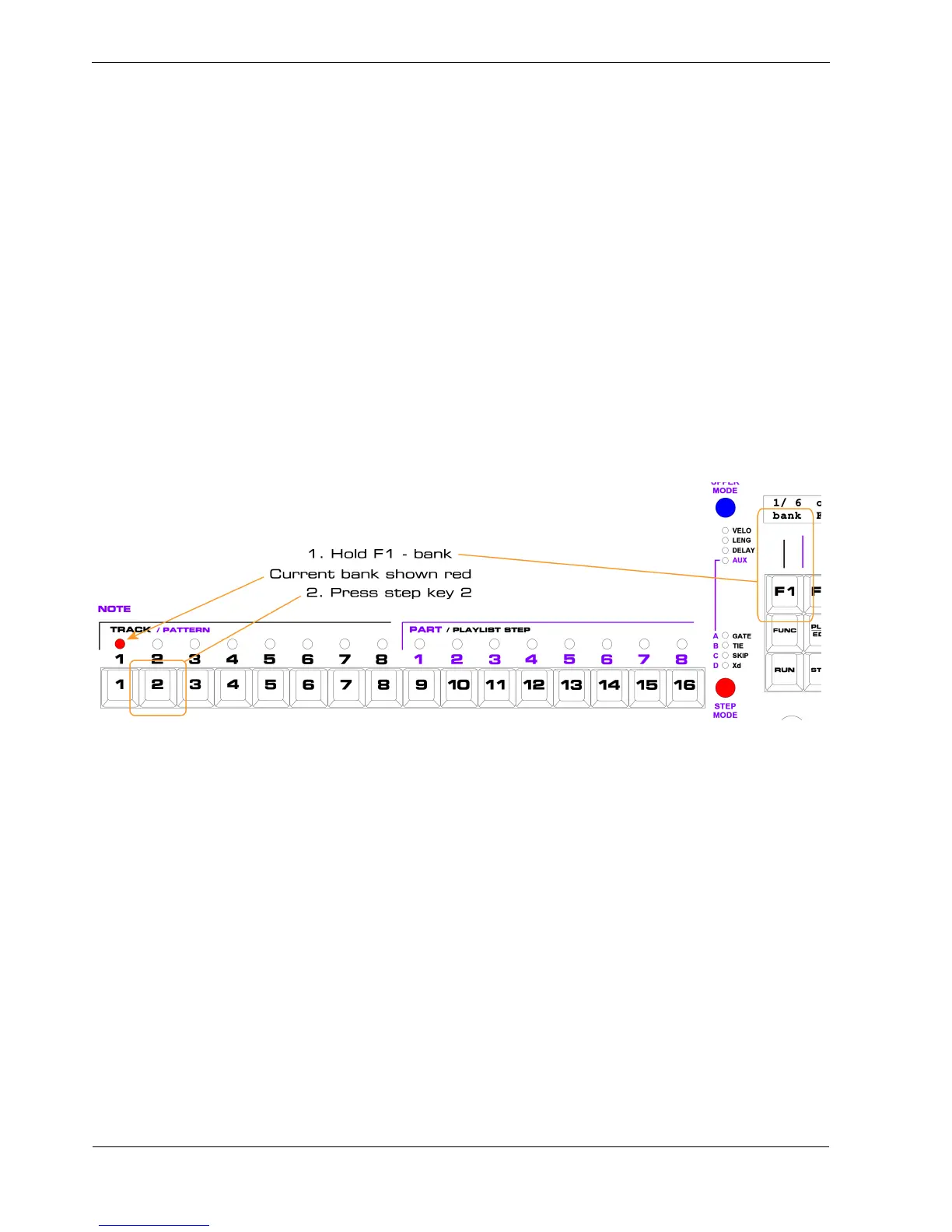
F1 - Bank Select
On page 1 the F1 soft-key is labelled “bank”.
The numbers on the top line above “bank”, in the example above “1/ 6”, show the currently selected
bank, and the total number of banks available.
Each bank holds a separate set of patterns and parts, as well as some configuration settings.
To select another bank:
• hold the “bank” soft-key, F1.
All of the step LEDs will go out, except the one above the current bank number, which will be red
• press the step key for the new bank number you want to select
For example, if we want to switch from bank 1 to bank 2:
P3 will switch to the new bank immediately if stopped, or at the end of the next bar while running.



 To Next Page