F3 - User Config Options
The “User Conf” soft-key, F3, enters the User Configuration Options menu.
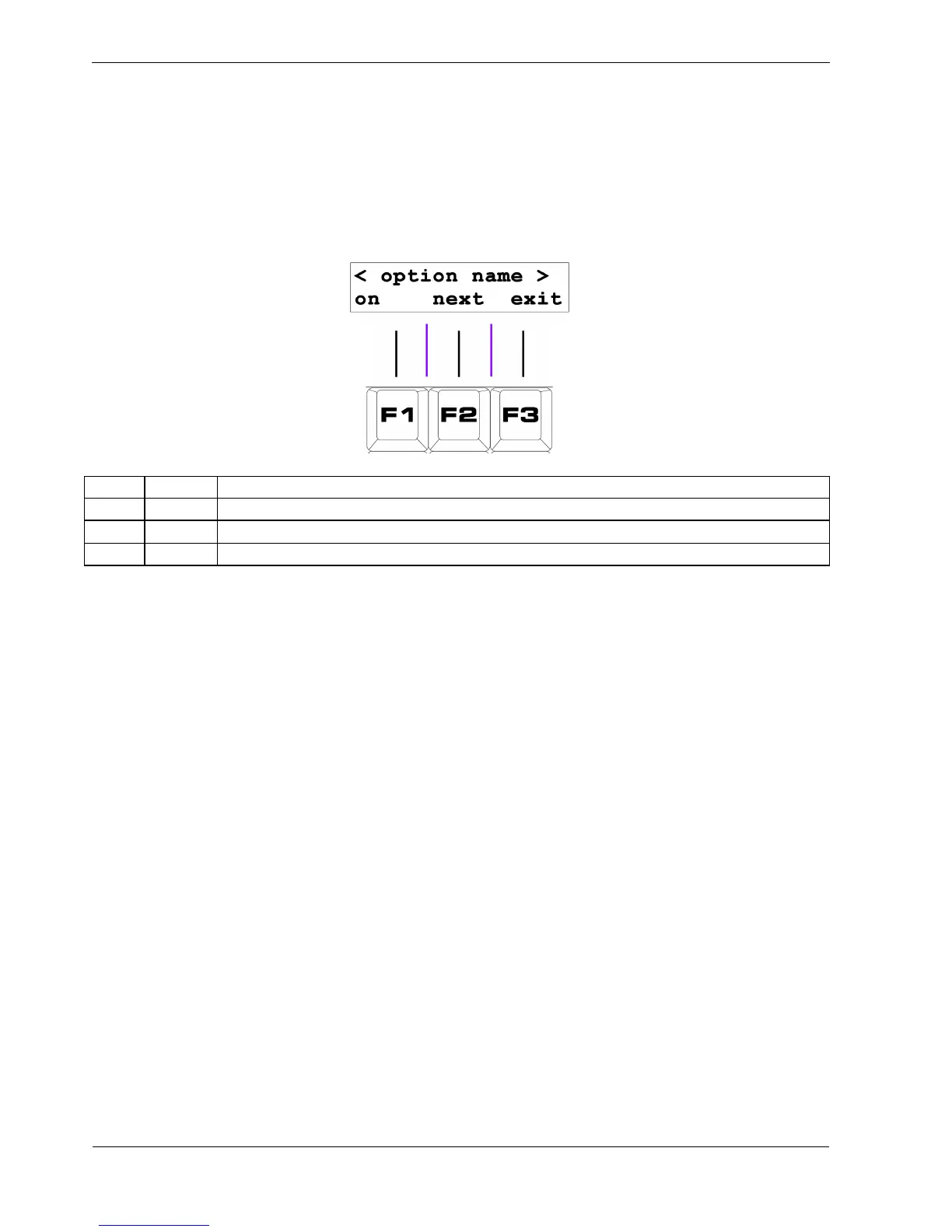
These settings are on/off options that alter the normal behaviour of P3 . The options menu looks like
this:
Key Label Function
F1 on/off Toggles the current setting on or off
F2 next Step through the config option list
F3 exit Return to play mode
You can step though a number of options, with the option description shown on the top line of the
display.
The soft-keys in this menu have the following functions:
• F1 toggles the status of the current config option
• “next”, F2, advances to the next option in the list
• “exit”, F3, will exit and return to play mode
Note that changing an option setting takes effect immediately.
See Appendix B for a list and description of the User Conf options.



 To Next Page