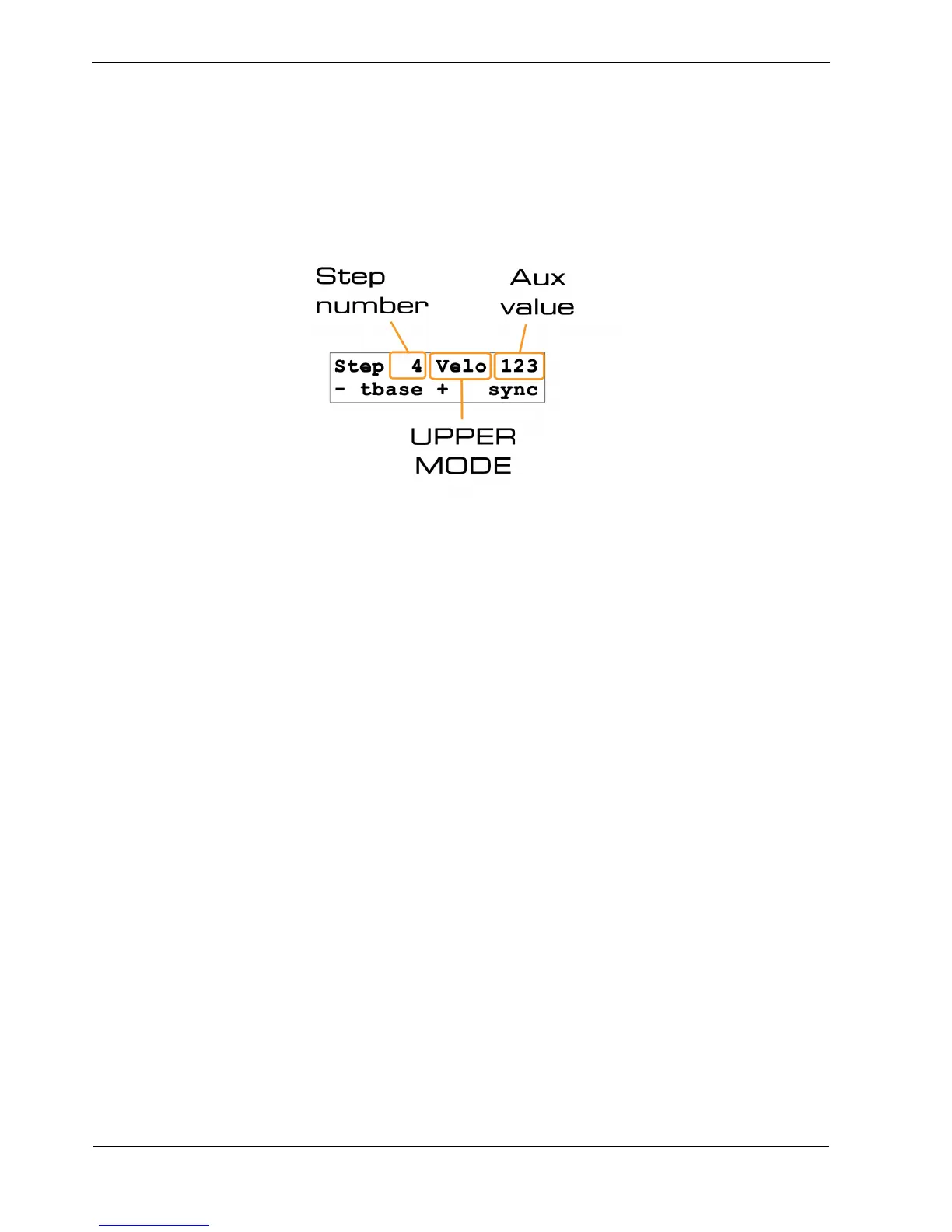
Display of Changed Values
As you edit each of the velocity , length or delay values, you may want to know exactly what value
you are entering.
New values are always shown in the display, along with the step number being edited, like this:
Auxiliary Rows
You will have seen from the earlier table that each P3 pattern has four auxiliary rows.
However, there is only one UPPER MODE status LED labelled AUX.
The explanation for this is that each of the four numeric auxiliary rows has a matching status row .
Selection of the auxiliary row to edit is made by setting UPPER MODE to AUX, then using the STEP
MODE button to select from the four available auxes, A, B, C or D.
So we’ll come back to the auxiliary rows once we’ve had a look at the status rows, and STEP MODE
selection.
Before that, let’s see how you can review the values you have entered for your numeric rows…



 To Next Page