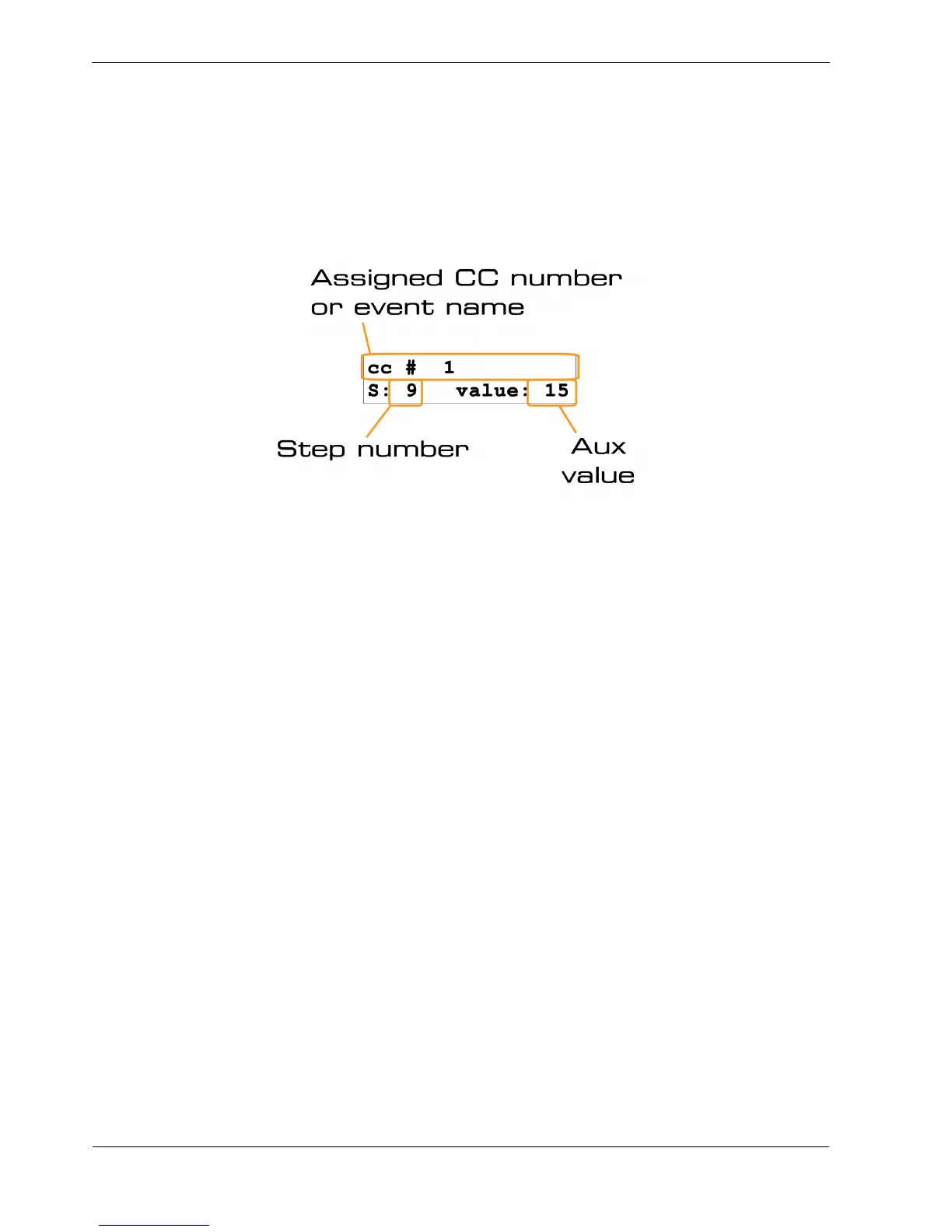
Display of Changed Aux Values
When you edit an aux value using the UPPER knobs, the assigned controller number or event name,
step number and new value will all be shown briefly in the display.
For a MIDI controller, this display will look something like this:
The display of aux values may vary when an auxiliary event has been assigned.
This will be explained in the later section, Using Auxiliary Events.
Viewing Aux Values
You can inspect the stored aux values on each step, just as for the note, velocity, gate length and delay
display:
• hold the FUNC key
• press the step key for the step you want to inspect
The display format is the same as for the aux edit confirmation above.



 To Next Page