GB SGM Technology for lighting
User’s Manual 1.00 Pi
lot 3000
- 110 -
SELECTOR’S USE
The “SELECTOR” window is used in phase of Effects Creation and Editing.
It is represented by a panel giving access to the selection of the Fixtures and/or the Groups involved in
phase of effects creation. Further more, it is functional in the editing phases following the creation of one or
more effects which can be applied also to the same Attributes of a single fixtures selection.
By means of the SELECTOR panel you avoid going into the Editor to select the various effects applied to the
fixtures during the creation of the different effects applied to as many different fixtures.
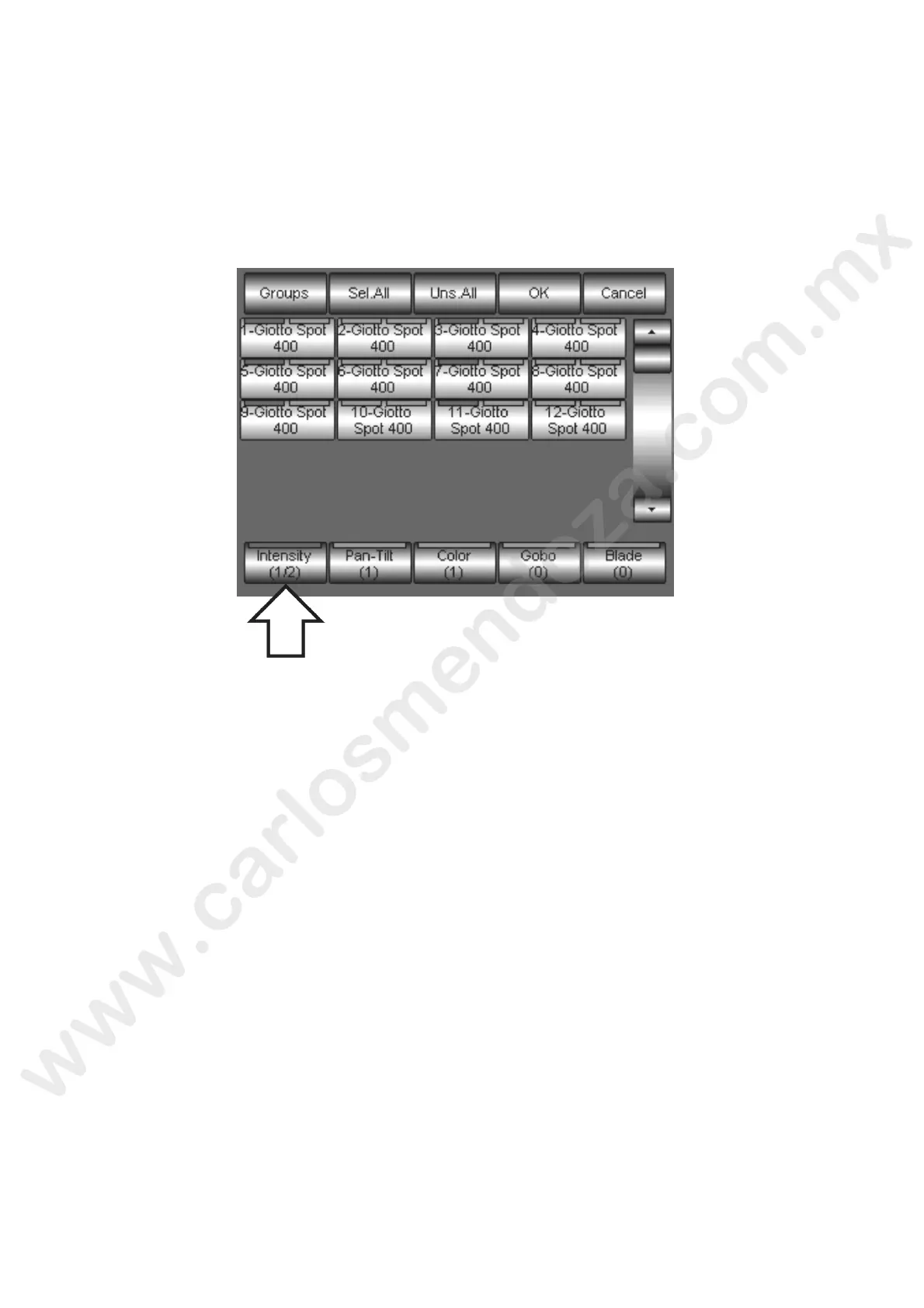
The above figure shows the active SELECTOR window and the relevant fixtures involved (red led ON on the
Fixture keys) in one of the two effects applied to one of the Intensity Attribute. The key indicated by the
arrow shows that the active selection is th one involved by the first of the two effects applied to the
Intensity Attributes (1/2).
By pressing the Intensity key, you will act vate the fixtures involved in the second of the Intensity effects.
As you can note, the same projectors roup (or part of it) is also involved in Pan Tilt and Color effects.
By pressing the relevant keys (Pan-Tilt e Color), you will activate the fixtures involved by the relevant
effects.
Once activated the fixtu s to which you desire applying or modifying the effect, you simply have to press
the OK key to go back to th Shape Engine panel and proceeding with the editing.
CANCELLING AN EFFECT
A
n effect’ cancelling has to be carried out into the “Shape Engine” window by means of the “FREE” key.
To can el an effect:
Se ect the Family and the Attribute to which is applied the effect you desire to remove
Press the FREE key.
he cancelling of an effect removes all the parameters of the effect itself into the Shape Engine and it
doesn’t affect the Editor Attributes directly. If, when creating an effect, values A and B of an Attribute have
been used, the subsequent effect’s removal doesn’t restore in the Editor the values initially set.



 To Next Page