GB SGM Technology for lighting
User’s Manual 1.00 Pi
lot 3000
- 56 -
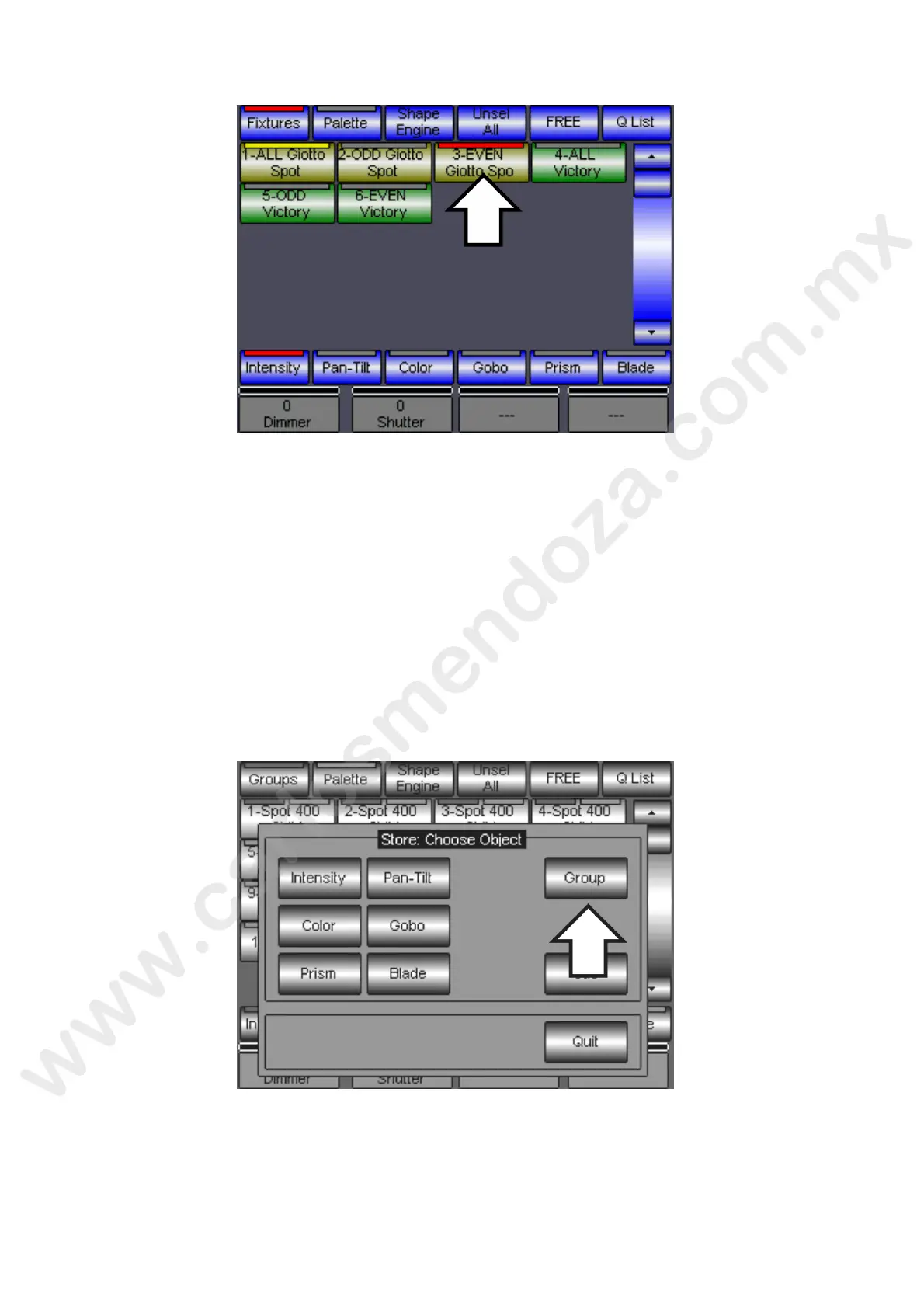
In case a group, involving part of the fixtures managed by other groups, is a ivated, these groups will be
automatically signaled by a yellow led. In the case shown by the above figu e t activation of the “EVEN”
group has caused the yellow switching on of the ALL group.
CREATION OF NEW GROUPS
The creation of customized groups is very fast and simple.
Proceed as follows:
on the fixture panel select the projectors belong ng to the new group
press the STORE key
now press the Group key on the “Store: Choose Object” window
assign the name of the group to be created through the virtual keyboard appearing on the display
press the Enter to confirm the creation of the group
a new key with the name of the group will be then created into the Group selection panel



 To Next Page