GB SGM Technology for lighting
User’s Manual 1.00 Pi
lot 3000
- 88 -
6.3 The Playback Registers Pages
As already mentioned, the operator can choose his own way to play back Cues by creating several different
Cue-Lists assigned to the Playback Register for each page. The available Register pages are 20.
This chapter will now explain how the running Playback Registers will behave when changing a Page.
TO CHANGE A PAGE WHILE PLAYING BACK THE REGISTERS
Pilot 3000 is capable of running 20 Cue-lists, having maximum 999 Cues each, simultaneously.
Therefore, that doesn’t mean a Page should be filled up of Cues for the 20 Cue Lists available, whilst could
result much more convenient to organize the Cue-List on different Pages according to a preferred ord r
That kind of organization requires a change Page action while the Show is running.
As fundamental rule, Pilot 3000 doesn’t make any change to the active state of Playbacks and their
relevant Cue-Lists, after having changed a Page.
That means the active Registers of the previous Page will keep on running even after a new Page has been
selected. Thus all the running Cue-lists of the previous Page will also be available in the new Page just
enabled.
So, a Register of the current Page cannot be used if the same Register is still activated by the previous
Page. To take control of the Register into the new current page, is very import nt to release the register
itself prior to activate it again into the new Page.
The Release command (RELEASE) is acting on the Register as d scr ed into the chapter “Releasing
Registers”
To change Page:
Push the PAGE key.
Push the PLAYBACK key of the Register related to th Page number required (1-20).
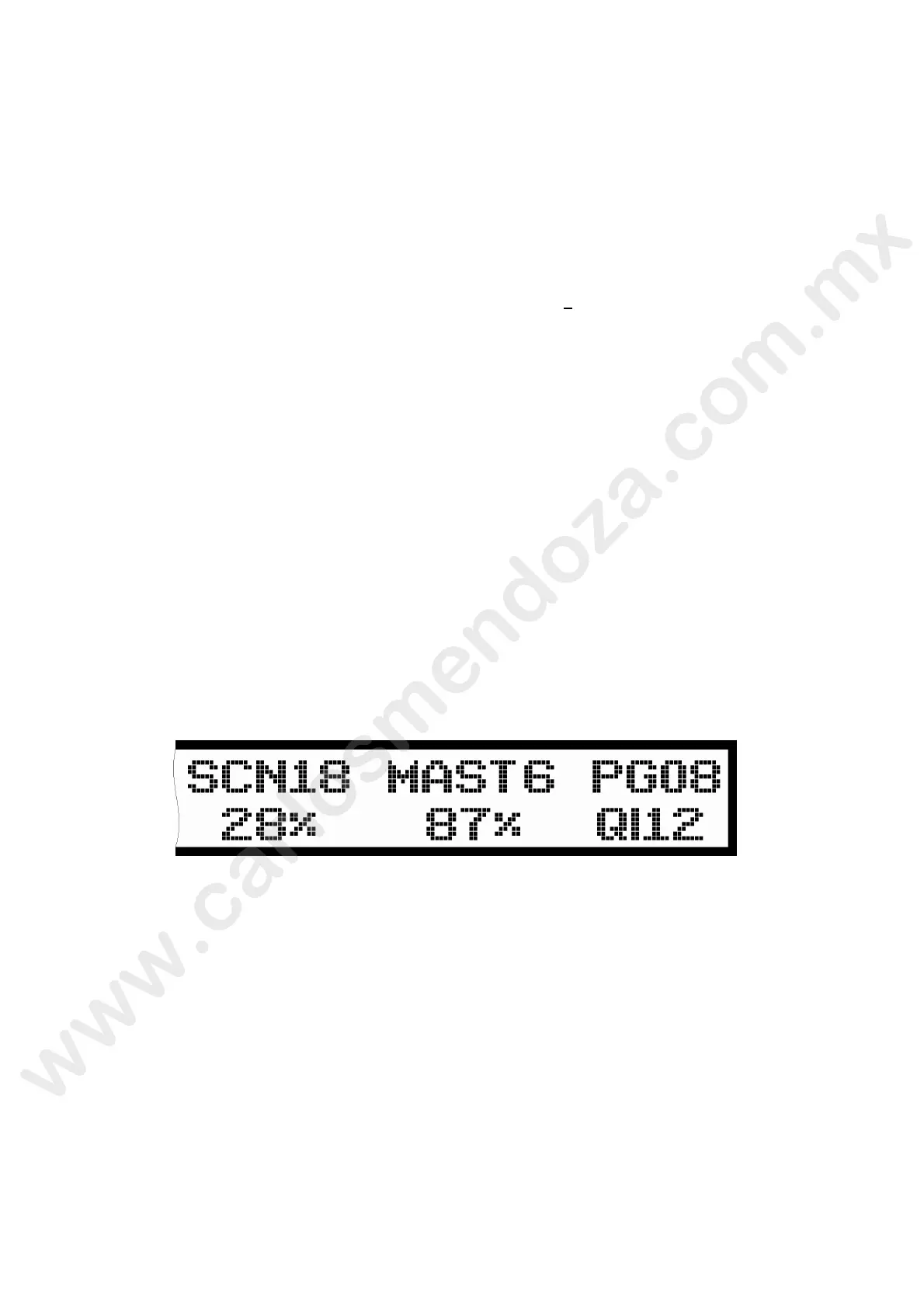
As already described into the chapter “The LCD Dis lay”, the right hand side of the Display will show the
number of the current Page.



 To Next Page