GB SGM Technology for lighting
User’s Manual 1.00 Pi
lot 3000
- 70 -
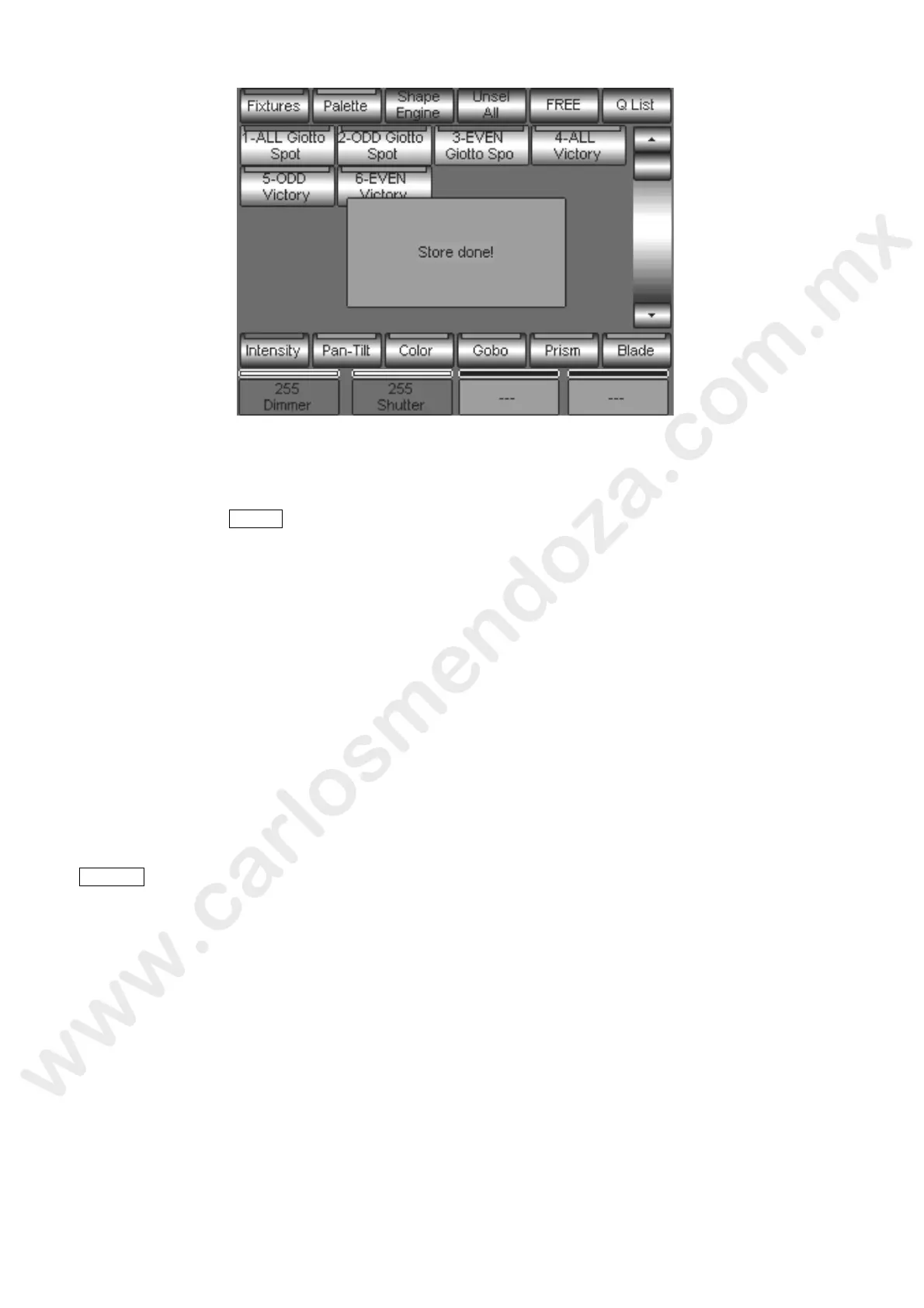
The following “Store done!” message confirms that the Cue saving has been performed.
There is a rapid method to select a Register and save a Cue inside of it by a sing e action (short-cut):
Keep pressed the STORE key.
Press the Playback Register key where you want to store the Cue.
By this procedure, the Register selection can be done contempor eously to the Cue store.
The creation of a Cue-List on each Register is done by means of the Store operations in the same Register.
It is very important to remember that each Store oper tion will stack the new Cue at the end of the Cue-
List you are creating.
CLOSING THE PROGRAMMING
On
ce completed the programming pha e , is necessary to end the section by “closing” the editor.
All the Attributes involved by the edi r, have to be released in order to verify the correct playback of the
Cues just stored.
As already said, the editor stat s ha always priority on the eventual and contemporaneous action of one
or more Playbacks.
Therefore it is necessary to make sure that the editor is “turned off” before doing the Playback verification
of any Cue. The editor tur ing off is done by pressing two times the key
CRL ALL located in the Keypad editor.
The “Clear All” LED is normally on every time an Attribute is handled and therefore still under the editor
control.
The “Clear All” LED off identifies the editor OFF status (Playback enabled!).



 To Next Page