SGM Technology for lighting GB
Pilot 3000 Us
er’s Manual 1.00
- 105 -
8.3 Creating effects with the Shape Engine
In the next paragraphs we will see some examples on how creating effects on different Attributes types and
the relevant specific techniques.
The operations sequence which is normally adopted in the application of a new effect is:
Selection of the fixtures involved by the effect
Definition of their Attributes
Choice of the Attribute/s to which applying the effect
Application of the oscillator type (linear or square)
Definition of the effect margins (A-B)
Definition of the effect parameters (Speed- Phase displacement- Spread)
Cue saving.
CREATING A COLOR EFFECT
We
will now define the steps for the creation of an effect applied to a fixture’s color wh el.
We will now try to Select the group of the fixtures involved
Press LOCATE
Define the Attributes involved (Pan, Tilt, Gobo, Focus etc.)
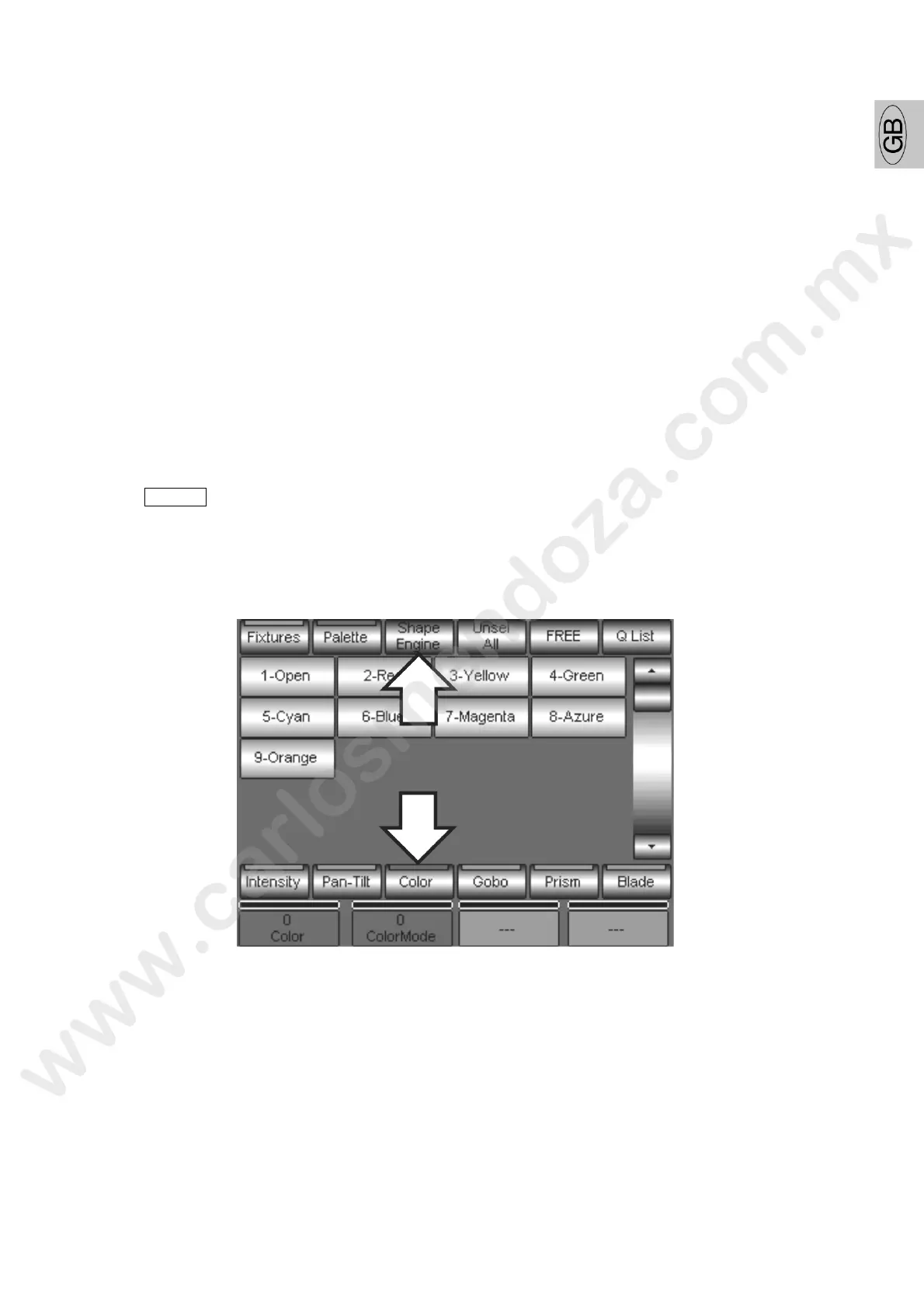
Press the Color Palette and then the Shape Engine key which will activate the effects editor
To the Color Attributes section (Color and Color Mode in the bel w e ample)
Choos now the oscillator type to apply to the Color Attribute selected (Red Led ON) using the
SQUARE or LINEAR keys
The choice of the oscillator type is very important: it depends on the effect you want to obtain and, above
ll, on the Attribute selected. For the Color wheel it is important to choose an oscillator appropriate to its
mechanical movement.



 To Next Page