SGM Technology for lighting GB
Pilot 3000 Us
er’s Manual 1.00
- 25 -
4 CONFIGURATION OF PILOT 3000
A well organized configuration of Pilot 3000 is very important in order to speed up the programming
and playback procedure.
This chapter will explain how to configure the Pilot 3000 in such a way as to obtain the best control
of the fixtures connected and how to preserve complete shows already programmed.
The MENU key will open the pop-up window which brings to that area of Pilot 3000 whether is
possible to configure the Fixtures’ attributes, assign the DMX addresses and access the utility
features essential for a correct setup of Pilot 3000 before starting any Show programming.
Understanding the necessary settings available is fundamental before to begin any programming or
playback action.
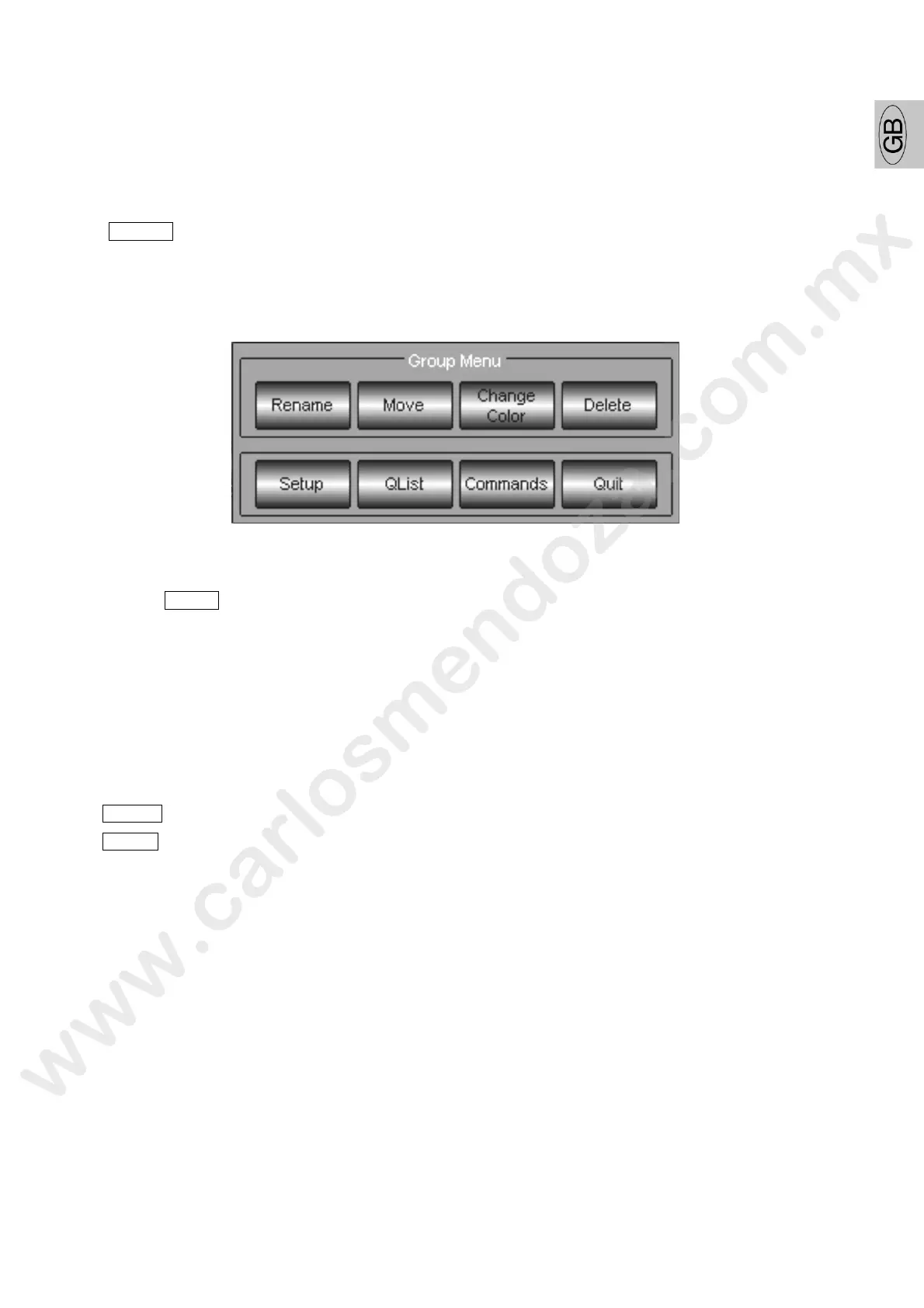
The “pop-up” window opened by the menu key, is normally div ded nto two horizontal sections.
The top section give the access to functions related to the s ftware feature in use at the moment of
the push of MENU key (figure above is related to Group f fixtures).
The bottom section is that part of the “pop-up” wind ws which remain the same at every Menu key
selection and give the access to:
- Setup menu
- QList menu
- Commands for remote control of lamp s rikes and fixture reset
Pushing the Setup key will access to th menu which allows the configure the console.
The new “pop-up” window is spl t in o two main areas:
Setup allows to enter al those menu used for the fixtures and the Pilot 3000 configuration.
Tools allow entering hose entire utility menu for storing/clearing shows and hardware setup.



 To Next Page