GB SGM Technology for lighting
User’s Manual 1.00 Pi
lot 3000
- 22 -
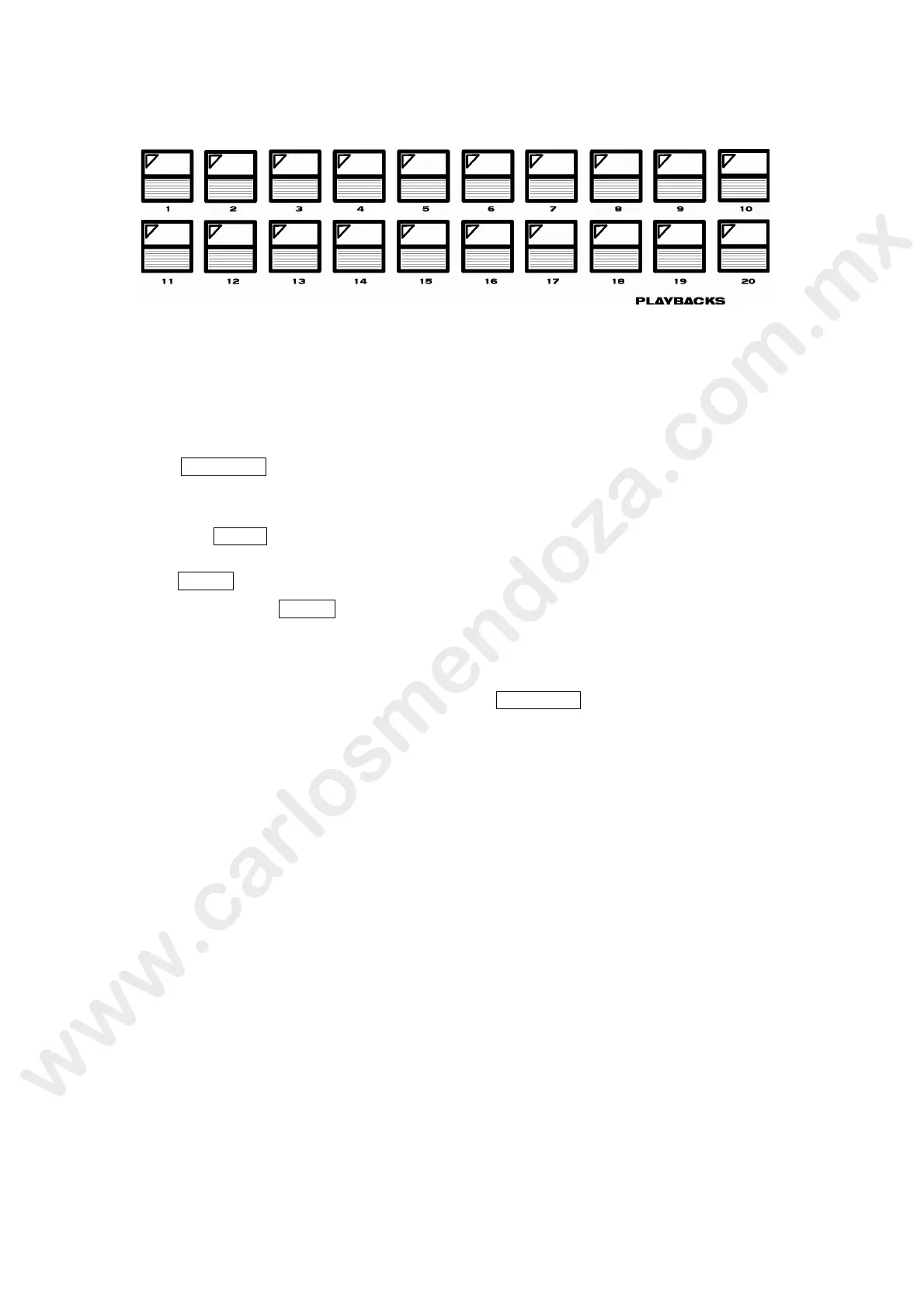
THE REGISTER PLAYBACKS KEYS
The Registers playback keys are used to activate the Cues included into the Cue-list f a given
Register.
A repeated push of a Playback key allows the sequential flow of the Cues included i to t e Cue-list
by following the Cues ID order.
Once reached the last Cue in the list, the Playback will re-start from the first Cu un il the action of
pushing the key will be stopped.
A Push of the RELEASE key followed by a Playback key, will switch off (black out!) the Cue related
to the running Cue-list of the active Register.
A new push of the same Playback key will re-start the Cue (and the r lat d Cue-list) of the Register.
By means of the PAGE key it is possible to change the Playback Register Page. There are two
different way to perform this page change:
1. Push the PAGE key and then the Playback key corresp nding to the desired page number.
2. A repeated push of the PAGE key will scroll the page They can be monitored by watching the
green Playback key LEDs turning on when a page s s lected.
Is important to keep in mind that in the case of changing page while a Register is active and the Cue
(or Cue-list) is running, this Cue will still keep a ti ated even into the new Page. It will be disabled
only when releasing the Cue by means of the c mmand RELEASE .
After releasing the Cue of the old page it will be possible to run the Cue available on the same
register of the current page.
The current page is always displa ed on the right-hand side of the LCD located on top of the
Controllers faders (see “LCD display).



 To Next Page