GB SGM Technology for lighting
User’s Manual 1.00 Pi
lot 3000
- 14 -
Parameters window.
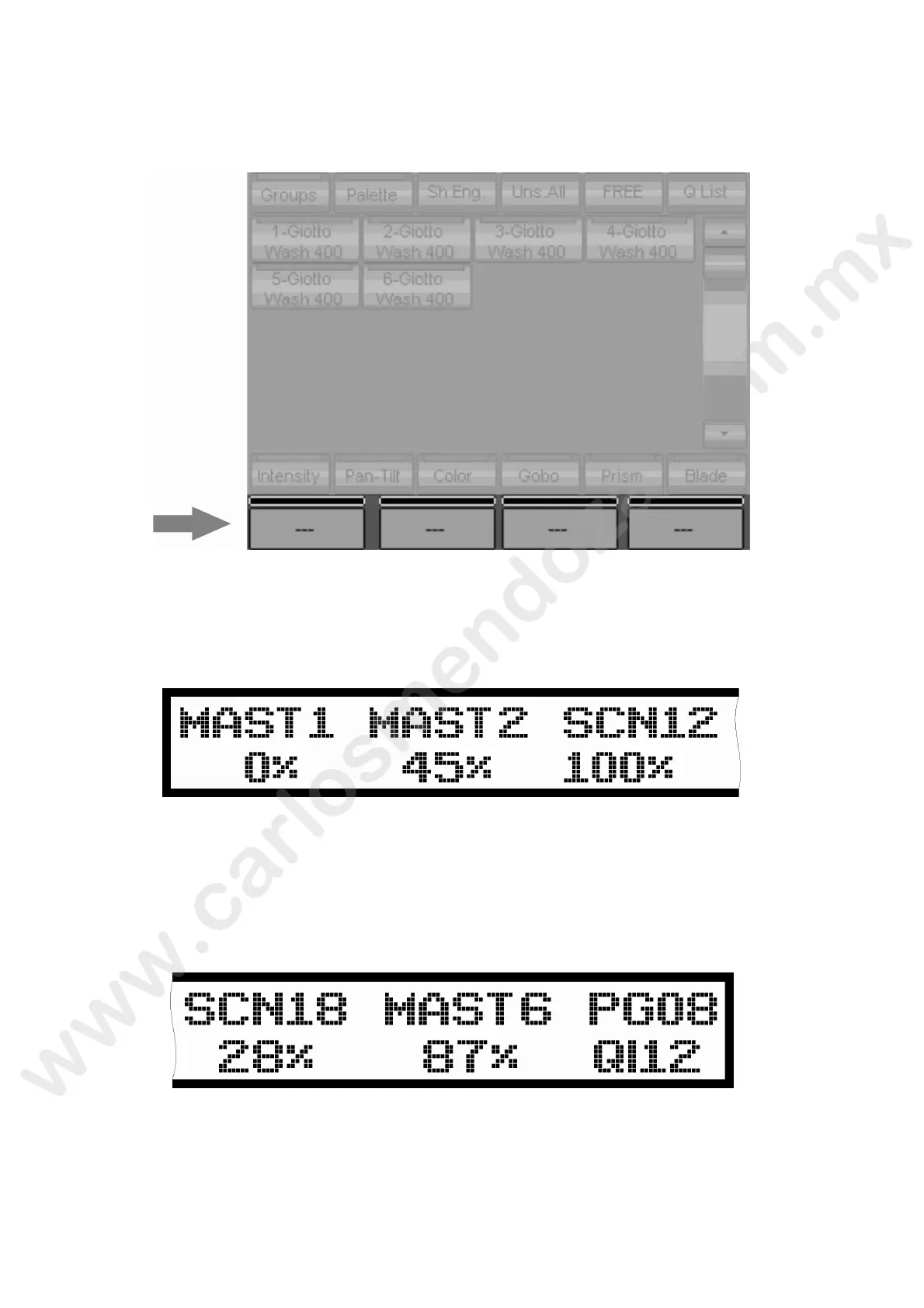
The lowest part of the Touch-Screen, is used to display the information regarding the Attributes
assigned to 4 Encoder Wheels. Those information might be related either to the programming or
times handling during the palyback mode.
LCD DISPLAY
Located on the left hand of the Pilot 3000 on top of the 6 faders, is used to display the status of
faders during the Show Playback mode.
The labels displayed might be of 2 different kinds:
MAST"X" indicates that he fader below is behaving as a Register Master (only for cue-list 1 –
6). The LCD will a so show the percentage for each single Master.
SCN"XX" indicates t e number of the Scene controlled by the Fader below and its own
percentage.
In addition, he r ght hand side of the LCD will show the current page and the selected Cue-list.
Editor Keyboard
The Editor Keyboard is that area of Pilot 3000 which contains all the keys used for programming.
S
election, modifications, storing and access to the menus are the main features available through
the use of this section.



 To Next Page