GB SGM Technology for lighting
User’s Manual 1.00 Pi
lot 3000
- 90 -
7.2 Creating Palettes
Pilot 3000 has by the default a set of pre-programmed Color, Gobo, Intensity and Prism Palettes for the
Fixtures patched.
These default set of Palettes can be modified or it can be added some new ones according to the needs.
All these changes to the Palettes will be exclusively related to the current show and won’t be permanently
stored into the memory for future shows. Starting a new show will then, delete all the Palettes edited with
the old show, and will load back the default set of Palettes.
CREATING PAN TILT PALETTES
Pan and Tilt Palettes are among the most useful and important “things to do” before to start editing n w
Cues in the event of touring shows where the dimensions of the stage may change.
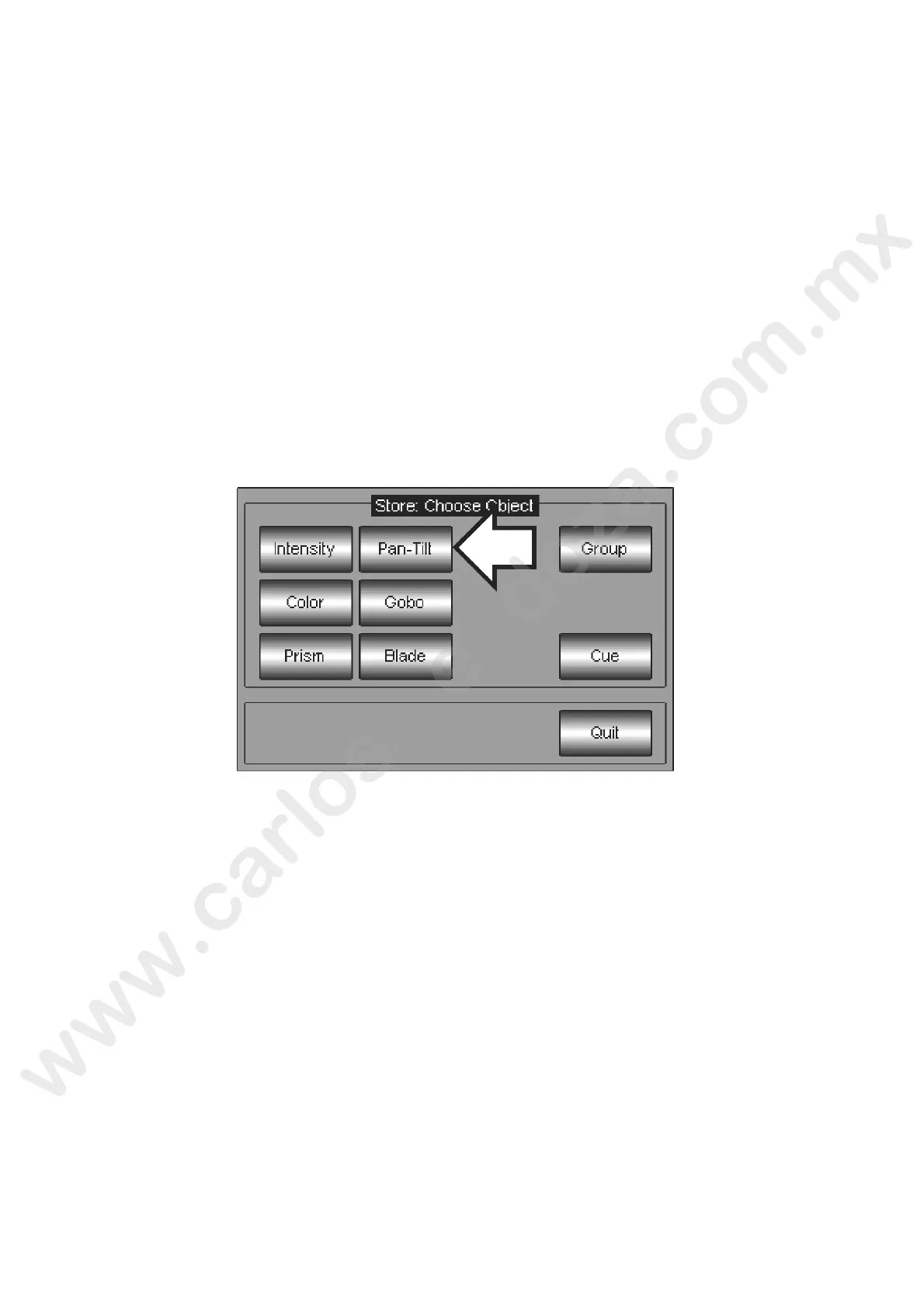
To create a Pan-Tilt Palette, proceed as follows:
Select the Fixtures which will be involved into the Pan Tilt Palette
Push the LOCATE key
Individually Set the position for each fixture
Push the STORE key



 To Next Page